

Locked character sheets · one look for the whole film · narration and music
AI Cartoon Video Maker: Cartoon Stories Where the Characters Stay the Same
The hard part of an AI cartoon is not the first scene. It is the fifth, when the fox in the blue scarf has become a different fox. FloStudio is built around that problem: each character gets a character sheet, you lock the one you like, and every shot they appear in is given that sheet and the same written description. The film’s look — 2D hand-drawn, 3D-animated, claymation — is written into every shot too. Add a narrator in Hindi, English or another Indian language and some music, and you have an episode.
FloStudio
Write the story, render every shot, cut and score it in the browser
 Meera portrait pinned
 Kabir portrait pinned
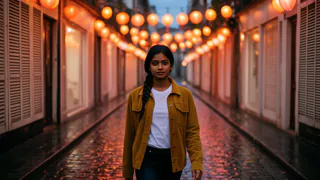
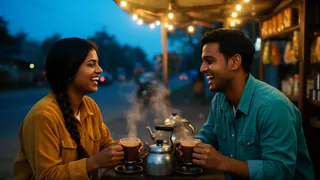
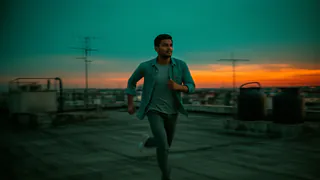
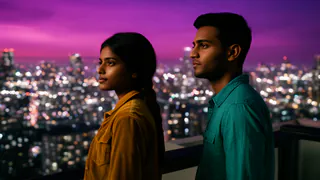
- Flash Video · Standard · 480p
- २ credits a second
- Flash Video · HD · 720p
- ३ credits a second
- Ultra Video · Standard · 480p
- ४ credits a second
- Ultra Video · HD · 720p
- ५ credits a second
- One shot
- up to 5 s
- Failed render
- 0 credits charged
- Credits
- never expire
How to make a cartoon video with AI
Five steps from a story to an episode.
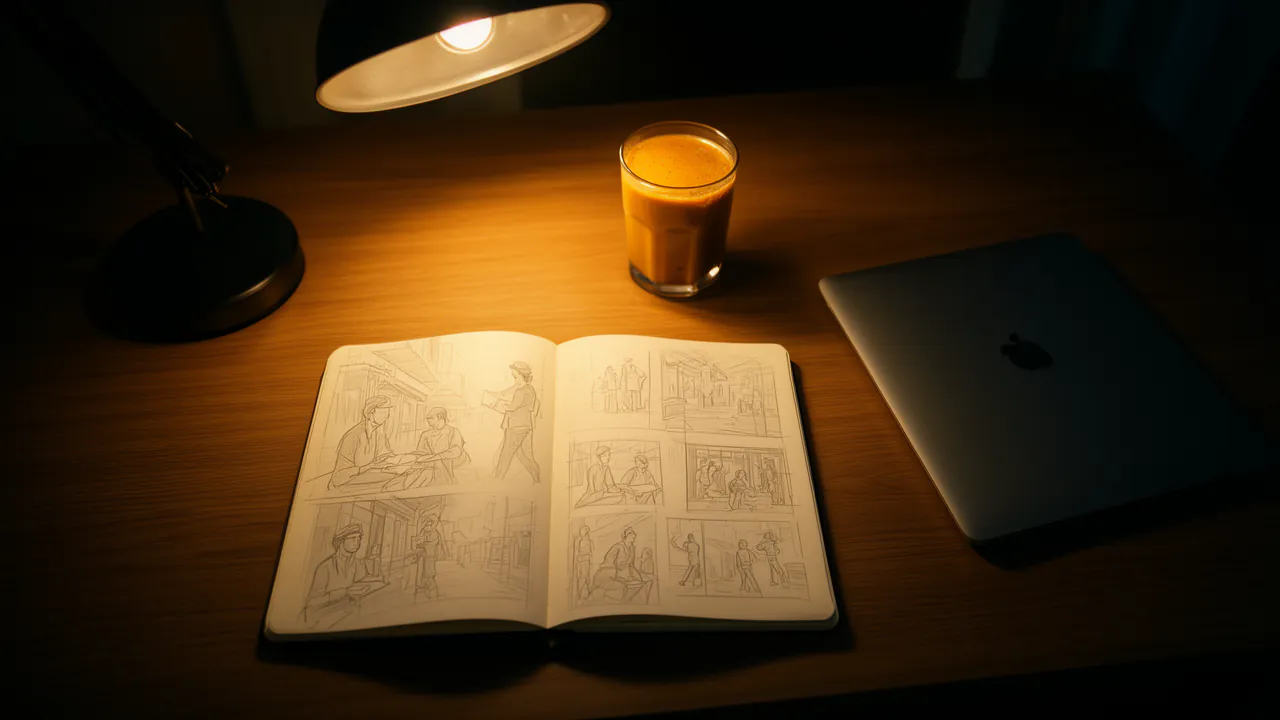
Write the story
A moral story, a fable, a bedtime tale: tell Flo what happens and it writes the shot list and the cast. Keep each shot to one simple action; that is what animates best.
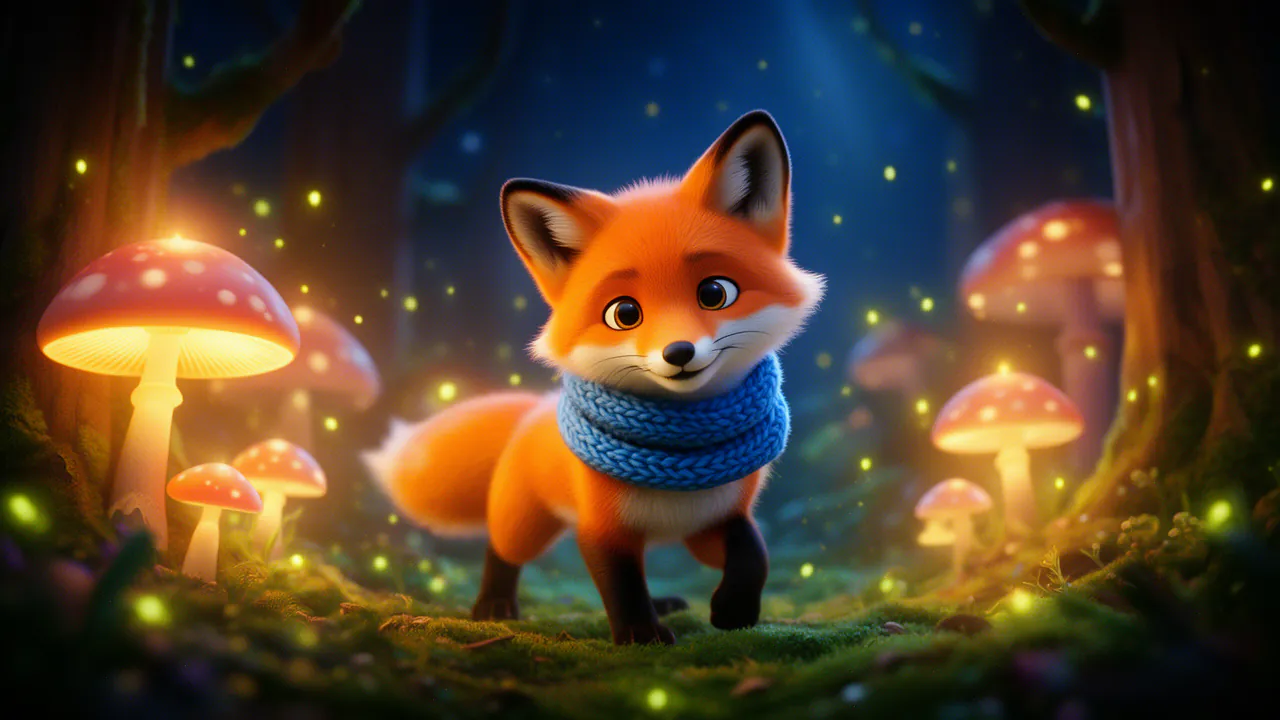
Choose the look
Set the film’s look once — the medium (2D hand-drawn, 3D-animated, claymation, anime-style, pixel art), the camera, the lighting, the palette — and FloStudio writes it into every shot.
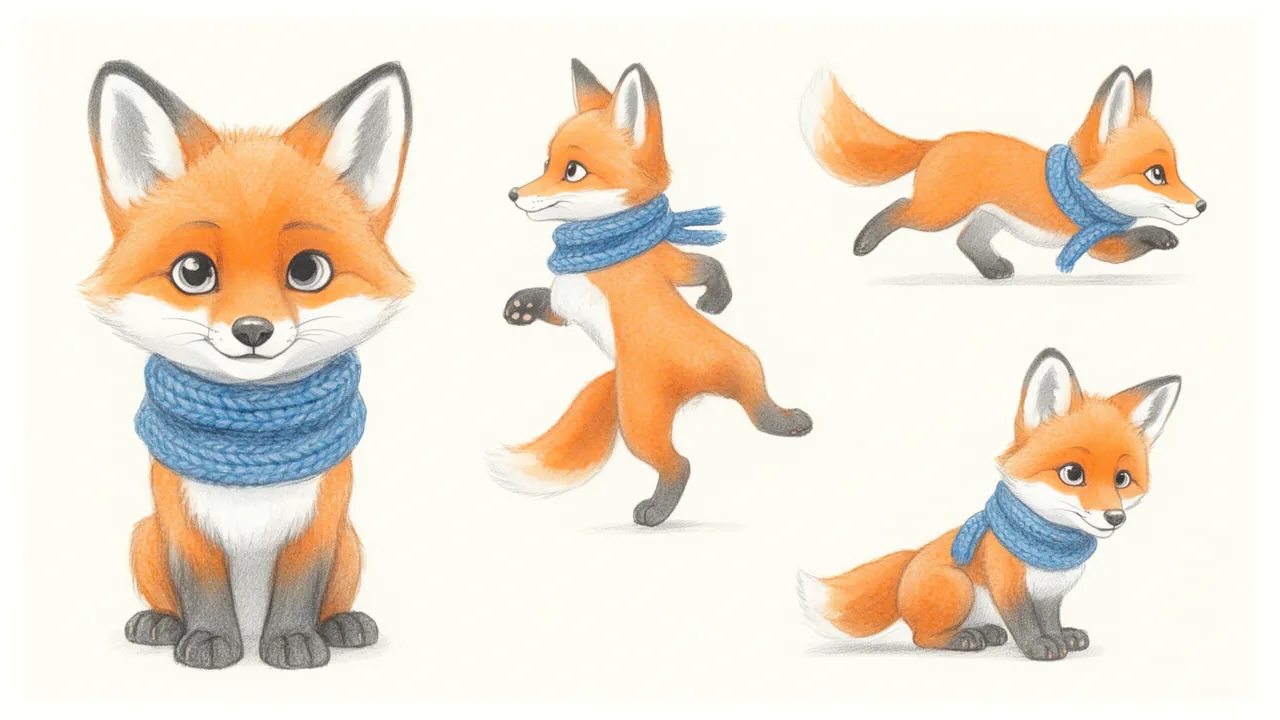
Make and lock the character sheets
Generate one to four sheets for a character — front and full-length on a plain background — at 1 credit each, and lock the right one. Or attach your own drawing in Ask Flo and have it locked as the character’s reference.
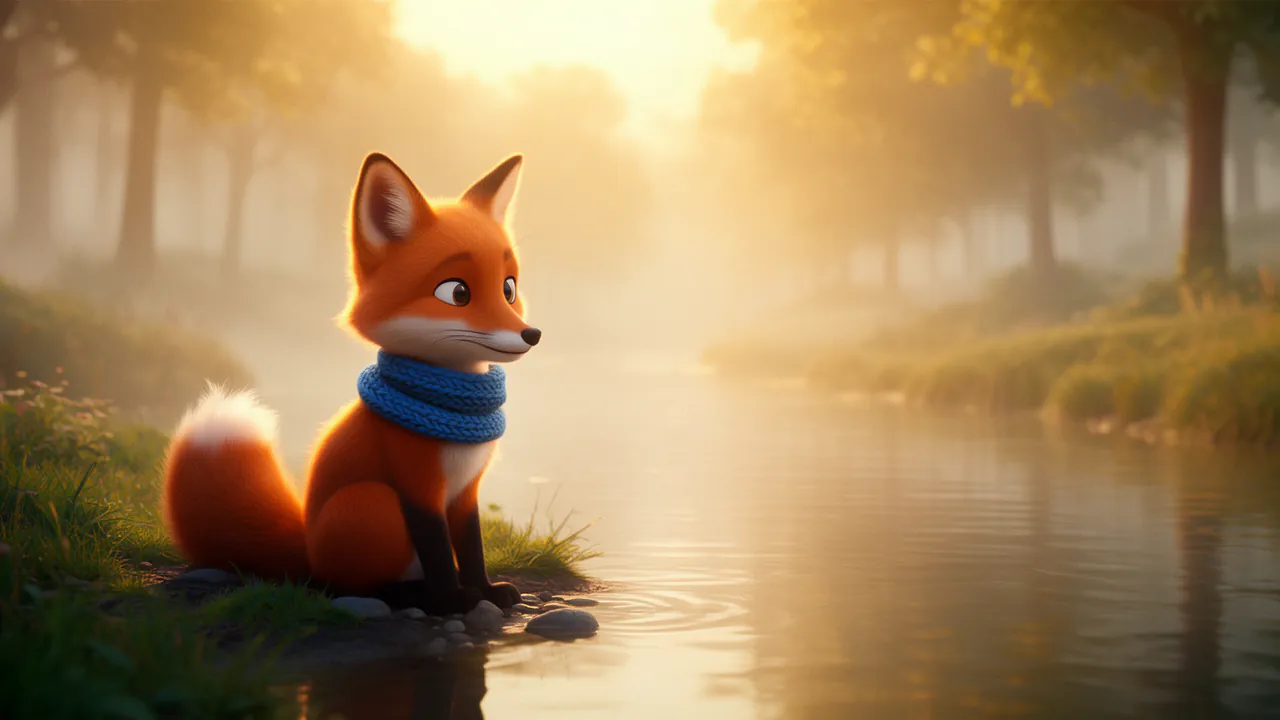
Render the scenes
Every shot a character is in is given their locked sheet. Standard is 2 credits a delivered second, and every take is kept.
Narrate, score and export
Add narration in an Indian-language voice or in English, an AI score or your own music and sound effects from the library, then export 9:16 for Shorts or 16:9 for YouTube.
Why your characters stop changing
Most cartoon generators remember a character only as long as the prompt does. FloStudio keeps the character in the project instead.
A locked sheet, not a reminder
Locking a sheet makes it the picture every shot of that character is given, and reads the appearance back from it, so the words and the picture agree.
Costume changes in one place
Change an outfit in the cast, not in one shot’s prompt, and every later shot follows.
One look for the whole film
The film’s look is written into every shot, keyframe and sheet, so a storybook film does not drift into 3D halfway through.
Earlier frames carry forward
Each shot can also be given up to 3 reference images from earlier shots.
Honest about the limits
Busy scenes and unusual angles can still drift. When a character slips, render a new take; the earlier takes stay in the project.
From one story to a series
A channel needs episode two to look like episode one. Make a free copy of a finished project, keep its cast and its look, and write the next story into it. Keep one narrator voice across episodes so the channel sounds the same too.
Make Shorts in 9:16 and full episodes in 16:9, or ask Flo to reframe one into the other. Create characters of your own rather than copying famous ones: copyrighted characters are not yours to use, and your own are what makes a channel worth following.
Narration in Hindi and other Indian languages
Cartoon stories for Indian children usually need an Indian voice. FloStudio’s Indian-language voices read Hindi, Bengali, Tamil, Telugu, Marathi, Gujarati, Kannada, Malayalam, Punjabi and Odia as well as Indian English: give the narrator one and the characters others. Paste the narration in the language you want — FloStudio keeps it word for word — or make the episode in English and dub it into up to 6 languages afterwards.
The characters do not lip-sync the narration. In animation that rarely matters, and a narrated style suits it.
What a cartoon episode costs
A two-minute episode made entirely of generated shots is 240 credits on Standard if every shot works first time, plus 24 credits for two minutes of narration in a charged voice (nothing in a free stock voice). Character sheets are 1 credit each, and the AI score is 1 credit a second.
That is about ₹261–₹880 or $3.4–$8.8 an episode before retakes, depending on the pack. The editor shows the estimate before anything renders.
Packs start at ₹200 or $2. There is no subscription, purchased credits never expire, and failed renders are refunded automatically.
Publishing cartoons for children
Platform rules worth knowing before the first upload.
Made for kids
If a video is made for children, YouTube asks you to mark it as made for kids when you upload; that changes comments and ads on it.
Say it is AI
Platforms ask you to label realistic AI-generated content. Cartoons usually fall outside that rule, but a line in the description keeps parents informed.
Resolution
AI shots render at 480p or 720p. There is no 1080p or 4K render.
What will your film cost?
Move the sliders. Prices follow the credit pack you buy: bigger packs make each credit cheaper.
Flash Video · Standard · 480p
२४०
credits
about $3.1–$8
about ₹238–₹800
- Planning with the assistant: charged by the tokens it uses, ५५ credits per million read and १६५ per million written
- Failed or cancelled renders: refunded automatically
- No subscription · credits never expire
An estimate. The editor shows the exact figure before every render.
See credit packsQuestions
Start with a story. FloStudio plans the shots.
Sign in to start. No subscription; you pay per delivered second.