

A brief in · a voiced, captioned ad out · 9:16, 1:1 or 16:9
AI Ad Maker: From “a 30-Second Ad for My Bakery” to a Finished Video Ad
Type the brief you would give an agency — “a 30-second ad for my bakery’s new Diwali boxes, warm and festive, ending on our address” — and FloStudio turns it into an ad: a shot list, generated scenes, a voice-over, music, captions, a hook in the first second and an end card with your call to action. It all sits on one timeline, so changing a line or a price does not mean starting again. You pay for what is rendered, not for a monthly plan.
FloStudio
Write the story, render every shot, cut and score it in the browser
 Meera portrait pinned
 Kabir portrait pinned
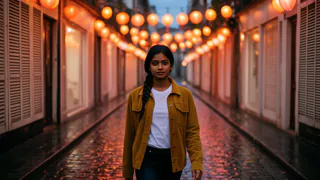

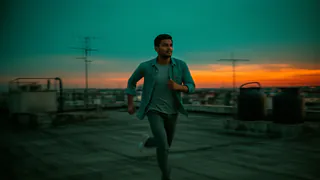
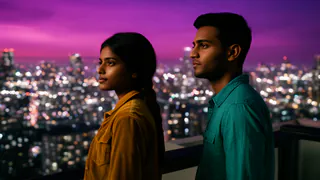
- Flash Video · Standard · 480p
- 2 credits a second
- Flash Video · HD · 720p
- 3 credits a second
- Ultra Video · Standard · 480p
- 4 credits a second
- Ultra Video · HD · 720p
- 5 credits a second
- One shot
- up to 5 s
- Failed render
- 0 credits charged
- Credits
- never expire
How to make a video ad with AI
Five steps from a brief to an MP4 you can upload to Ads Manager or YouTube.
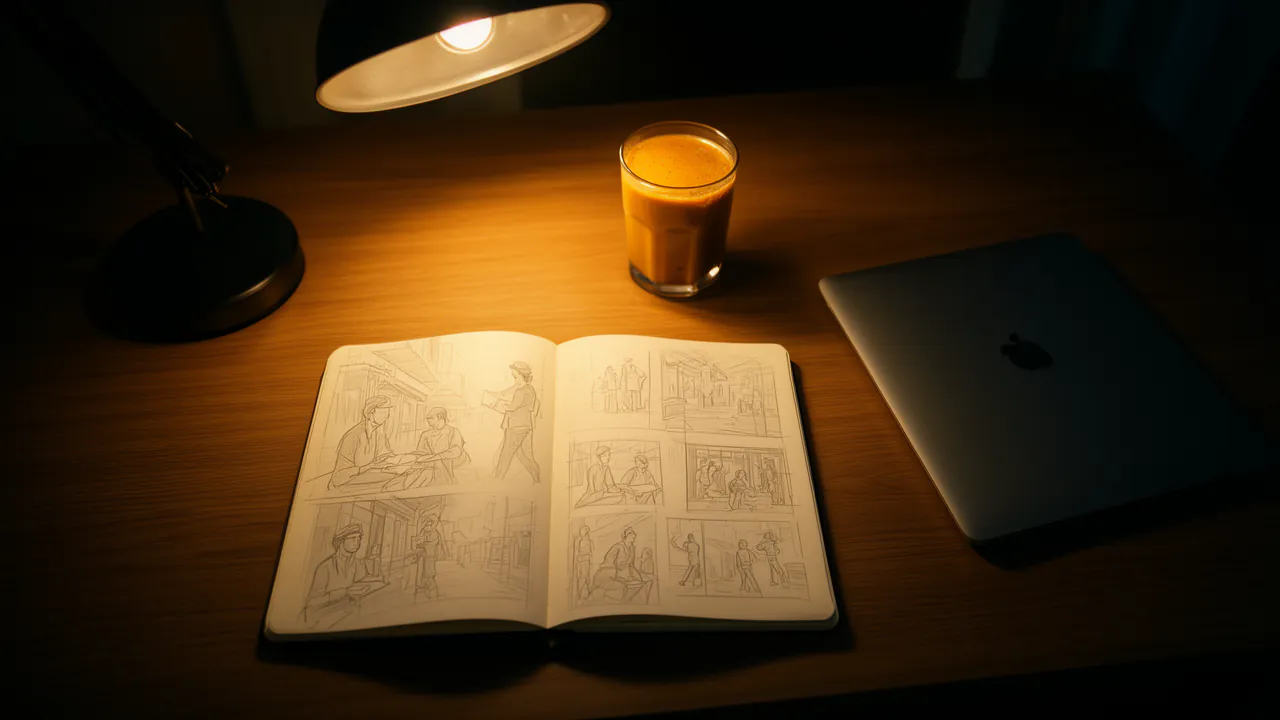
Write the brief
What you sell, who it is for, the offer, the tone and the length. Flo turns it into a shot list you can edit before anything renders.
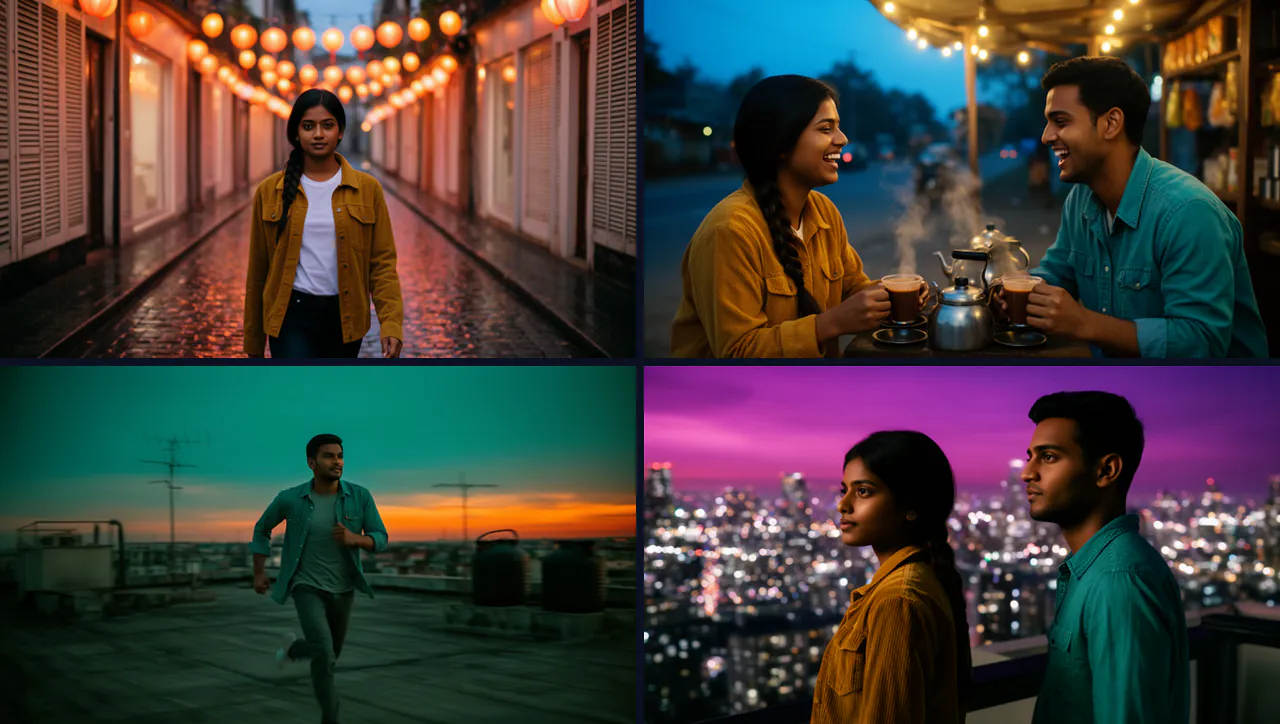
Set your brand
Add your logo, colours, font, caption look and call to action once. The hook, the captions and the end card pick them up.

Generate the scenes
Each shot renders with its own sound. Give a shot up to 3 reference pictures — your product, your shop, your mascot — so the scenes show what you sell.
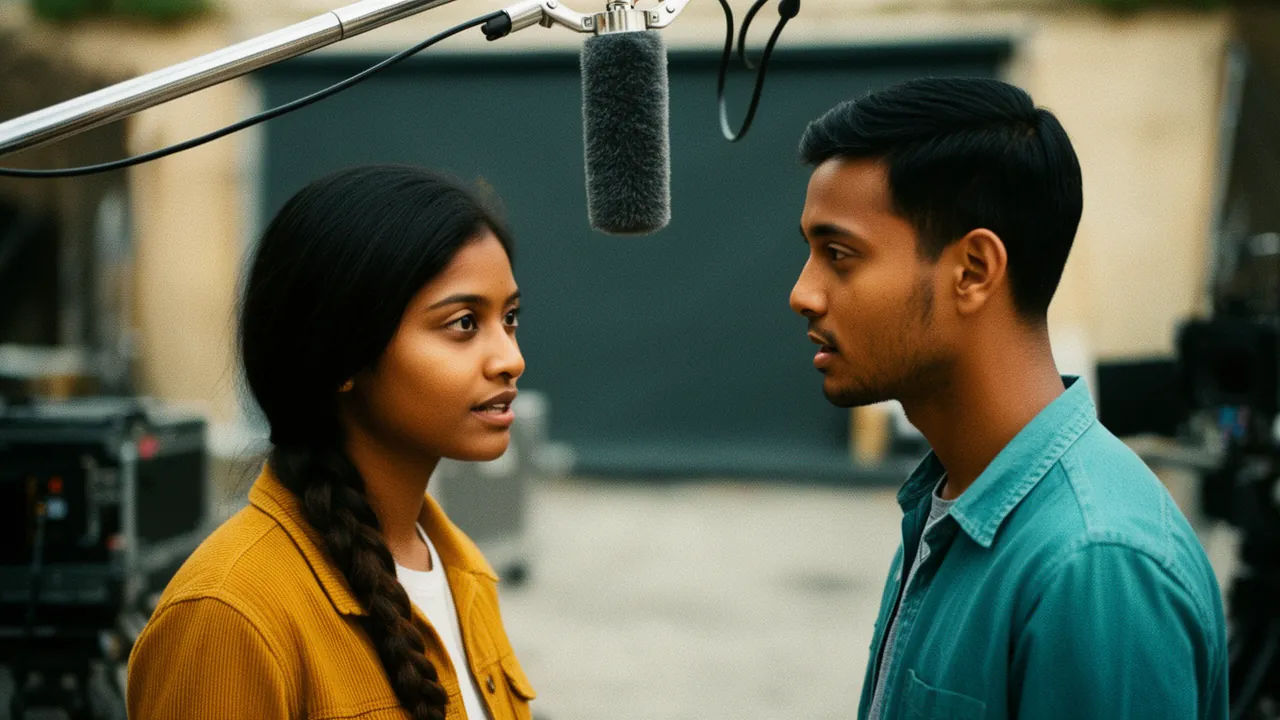
Voice, music and captions
Add a voice-over in English, Hindi or another Indian language, a music bed, and word-timed captions so the ad works with the sound off.
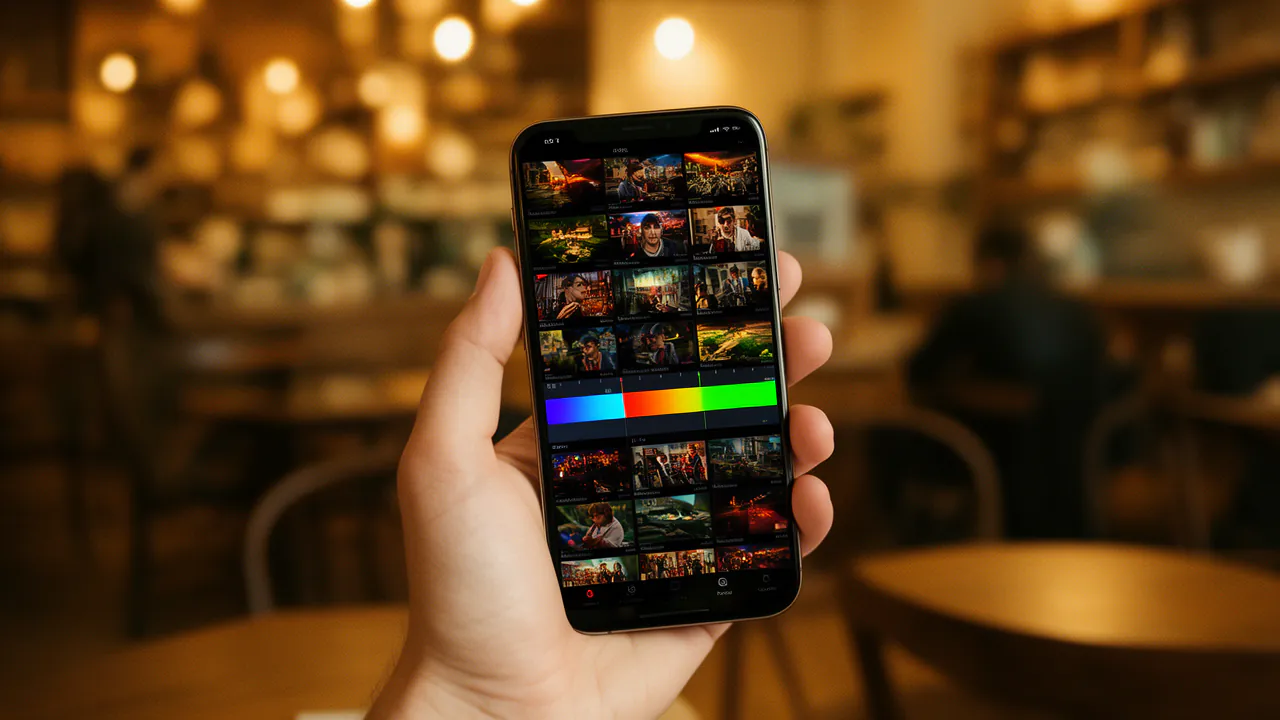
Package and export
Apply the Product promo recipe — vertical, captioned, cut on the beat, with a hook, a progress bar and an end card — check it, then export an MP4.
The parts of an ad, done for you
The details that make people stop scrolling are tools in the editor, not a template you fight with.
A hook in the first second
Three to eight words on screen at the start, in a bold, boxed or typed style.
Captions that move
13 word-timed caption looks — karaoke, punch, beast, pill, glow, neon and more. Captions are free.
An end card and a call to action
Your logo and your line — “Order on WhatsApp”, “Visit us in Sector 18” — held on screen at the end.
Sound on every cut
Sound effects from a built-in library of about 170 sounds on transitions, titles and punch-ins, at no cost.
Cut on the beat
FloStudio finds the music’s beats and can move the cuts onto them, so the ad feels edited, not assembled.
A progress bar and stickers
A thin progress bar that keeps people watching, and emoji stickers on the moments that matter.
One ad, every shape
Start in 9:16 for Reels, Shorts and Stories, 1:1 for the feed, or 16:9 for YouTube. Need another shape later? Ask Flo to make it vertical, square or wide: it reframes every shot and keeps faces in frame.
The Product promo recipe edits a whole cut in one step and is a single undo, so you can try it, look, and take it back.
Ads people make with it
Small businesses that would never book a shoot for a 30-second spot.
A bakery, café or restaurant
The new menu, a festival box, a weekend offer: food shots, a warm voice and the address on the end card.
A salon or a clinic
The services, the feeling of the place and a booking line, voiced in the language your customers speak.
A coaching class or course
Results, batch dates and a phone number, with a Hindi voice-over for local parents.
An app or an online shop
The Product promo recipe was made for this: Ken Burns on every shot, energetic transitions, cuts on the beat and popping captions.
A festival greeting from your brand
Diwali, Eid or Christmas wishes in your colours, with your logo at the end.
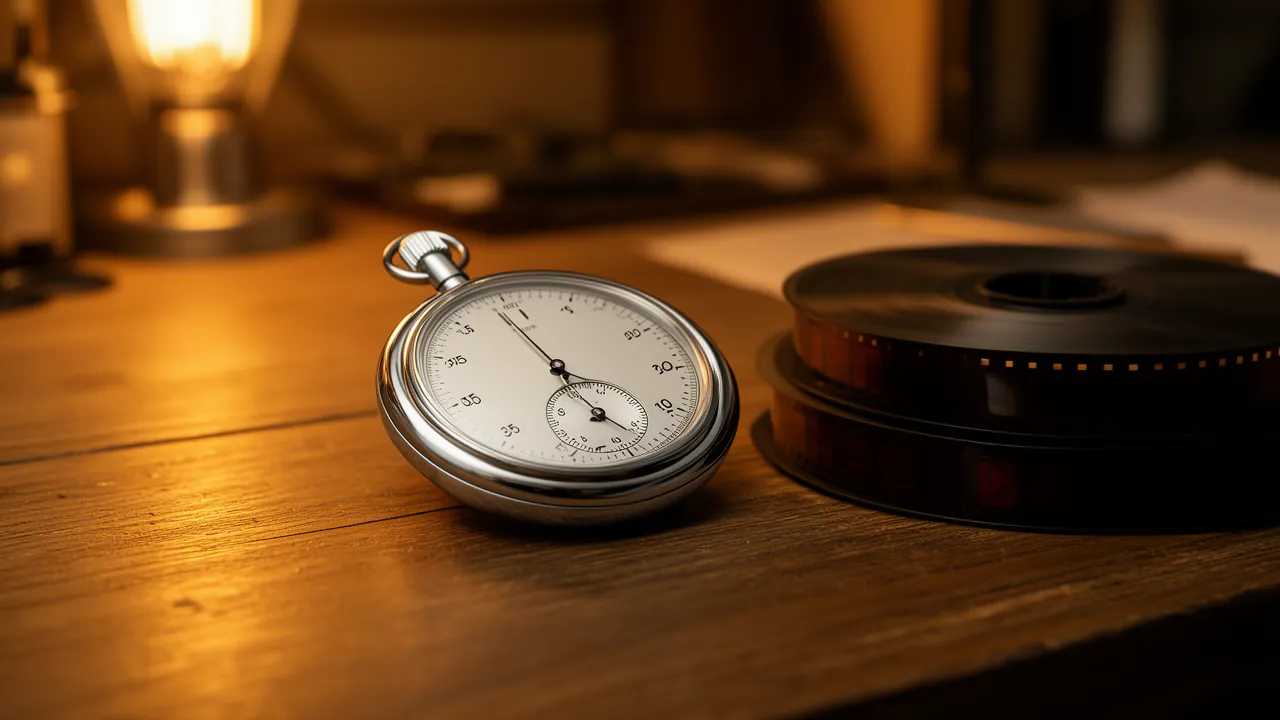
What one ad costs
A 30-second ad made entirely of generated shots is 60 credits on Standard if every shot works first time (2 credits a delivered second; 3 on HD). Thirty seconds of voice-over adds 6 credits in a charged voice, nothing in a free stock voice. Captions, the hook, the end card, library sound effects, the recipe and export cost nothing.
That is about ₹65.3–₹220 or $0.858–$2.2 an ad, depending on the pack; plan for a retake or two. Your own product photos and clips cost nothing to add.
No subscription and no seats. Packs start at ₹200 or $2, purchased credits never expire, and failed renders are refunded automatically.
Before you run it
A few things FloStudio leaves to you.
You publish it
FloStudio exports an MP4. It does not post to Instagram, Facebook or YouTube, and it does not run or target your campaign.
Check every product shot
A generated product can differ from yours in small details, so keep a real photo on the timeline for close-ups and prices.
Resolution
AI shots render at 480p or 720p, which suits phone feeds. There is no 1080p or 4K render.
Rights and labels
Only use faces, logos, music and photos you have the rights or permission to use, and read the Voxmin Terms before running a paid ad.
What will your film cost?
Move the sliders. Prices follow the credit pack you buy: bigger packs make each credit cheaper.
Flash Video · Standard · 480p
240
credits
about $3.1–$8
about ₹238–₹800
- Planning with the assistant: charged by the tokens it uses, 55 credits per million read and 165 per million written
- Failed or cancelled renders: refunded automatically
- No subscription · credits never expire
An estimate. The editor shows the exact figure before every render.
See credit packsQuestions
Start with a story. FloStudio plans the shots.
Sign in to start. No subscription; you pay for what is rendered.