

Cast portraits, carried frames and a continuity brief
Consistent Character AI Video: The Same Face and Outfit in Every Shot
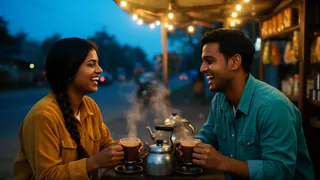
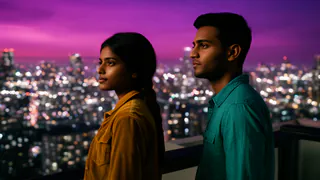
The hardest part of an AI story is not the first shot. It is the fifth one, where the hero has a different jaw, a new jacket and somebody else’s hair. FloStudio treats your characters as a cast: it remembers what they look like and hands that to every shot they appear in, so a story reads as one film instead of a string of strangers.
FloStudio
Write the story, render every shot, cut and score it in the browser
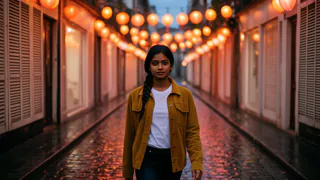
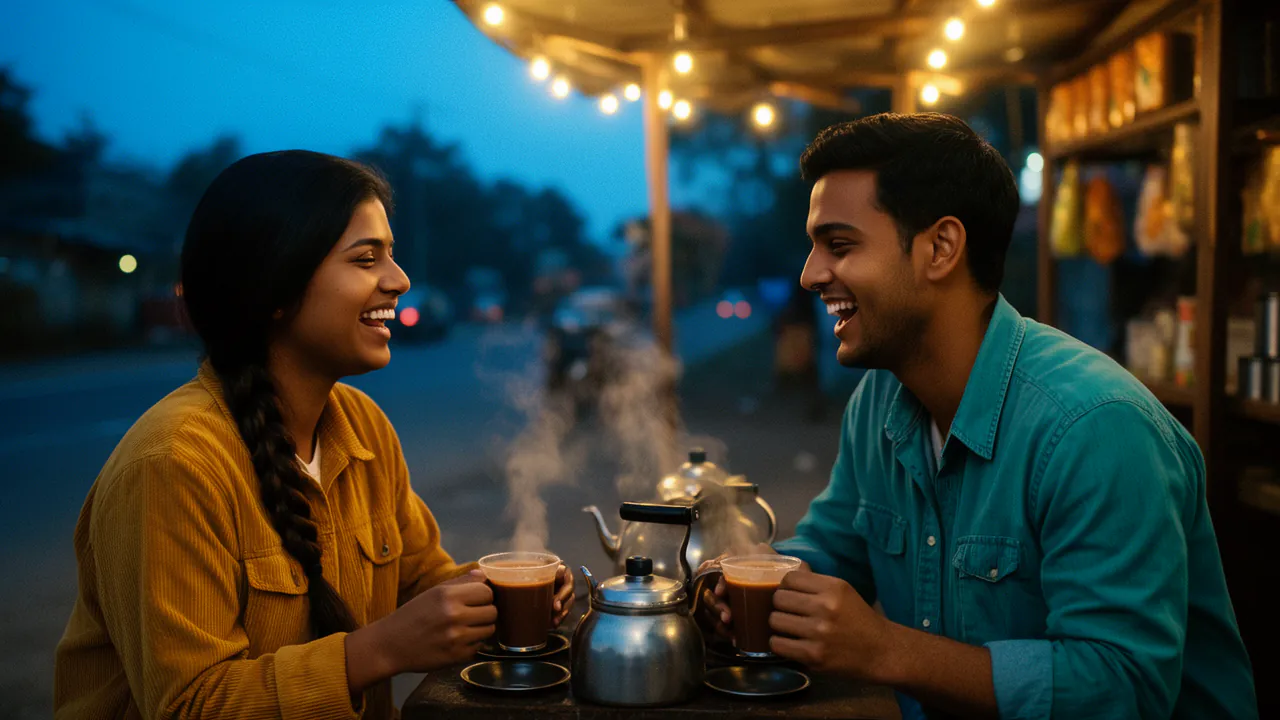
 Meera portrait pinned
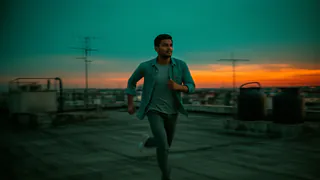
 Kabir portrait pinned
- Flash Video · Standard · 480p
- ۲ credits a second
- Flash Video · HD · 720p
- ۳ credits a second
- Ultra Video · Standard · 480p
- ۴ credits a second
- Ultra Video · HD · 720p
- ۵ credits a second
- One shot
- up to 5 s
- Failed render
- 0 credits charged
- Credits
- never expire
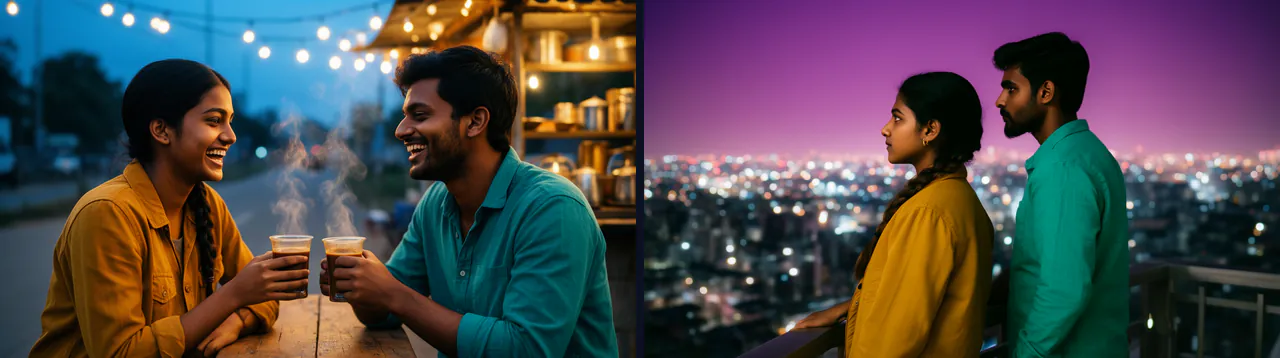
Why characters change between AI shots
A video model generates each clip from what it is given. If all it gets is a sentence like “a woman in a red scarf”, it invents a new woman in a new red scarf every time. Writing longer descriptions helps a little; it does not fix it, because words cannot pin down a face.
What does fix most of it is giving the model pictures: the character’s portrait, and frames from shots that already exist. That is what FloStudio does for every shot, automatically.
How FloStudio keeps a character consistent
Four mechanisms work together, and you can see each of them in the editor.
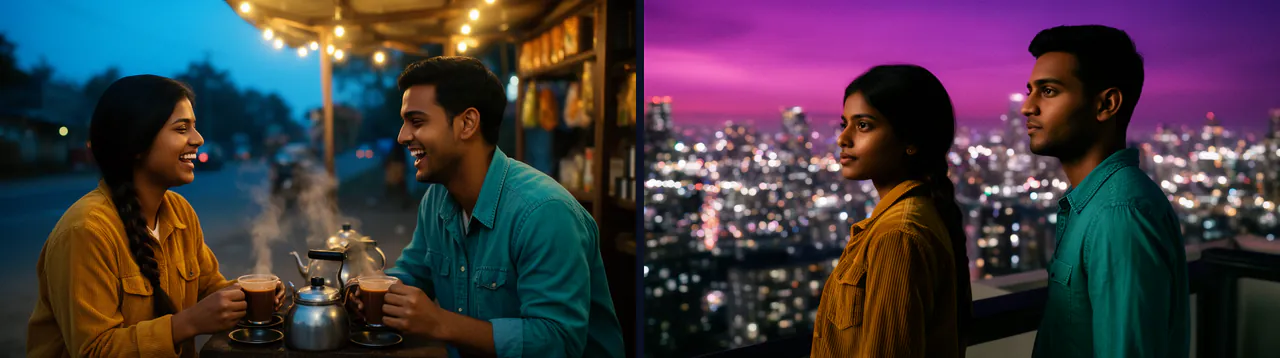
A cast with portraits
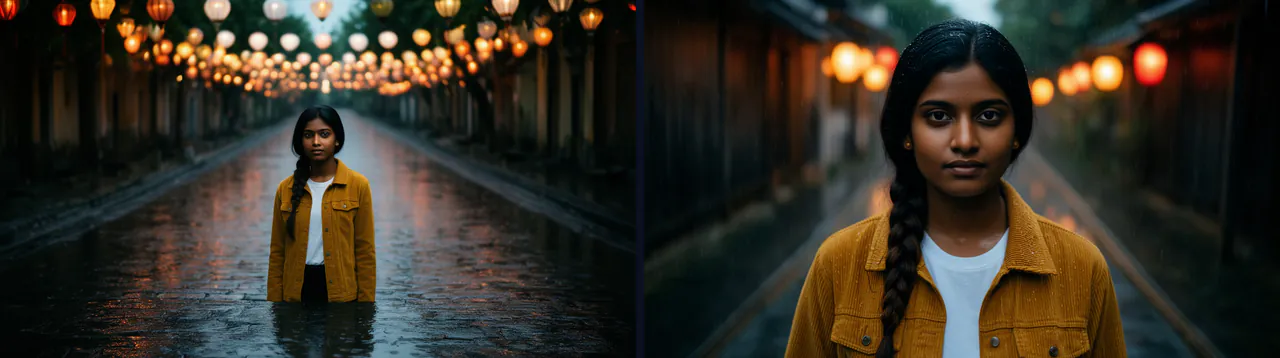
Each character has a name, a description and a portrait. Every shot that names them is given that portrait, labelled as theirs, so the model preserves them as a subject rather than reinventing them.
Frames carried forward
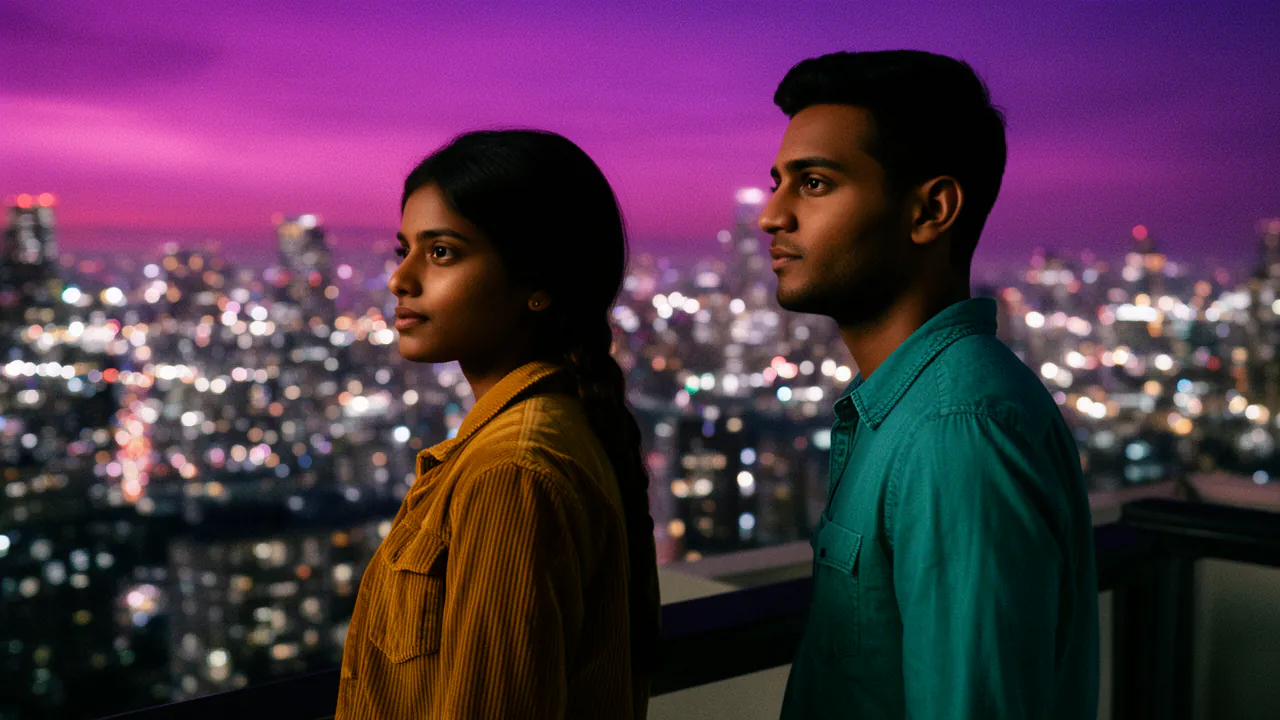
Each shot has up to 3 reference images. FloStudio fills them with anything you pinned, the frame the shot continues from, the cast’s portraits, then frames from earlier shots that show the same people and places.
A continuity brief
Every prompt carries what earlier shots established, such as wardrobe, props and the layout of the room, and what each reference image shows.
You can see what each shot was given
The Inherits panel lists every image a shot received and why. If the wrong frame was used, pick a better one from “From the film”, which finds earlier frames showing the cast and names anyone missing.
How to make a consistent character video, step by step
This is the order that gives the most stable results.
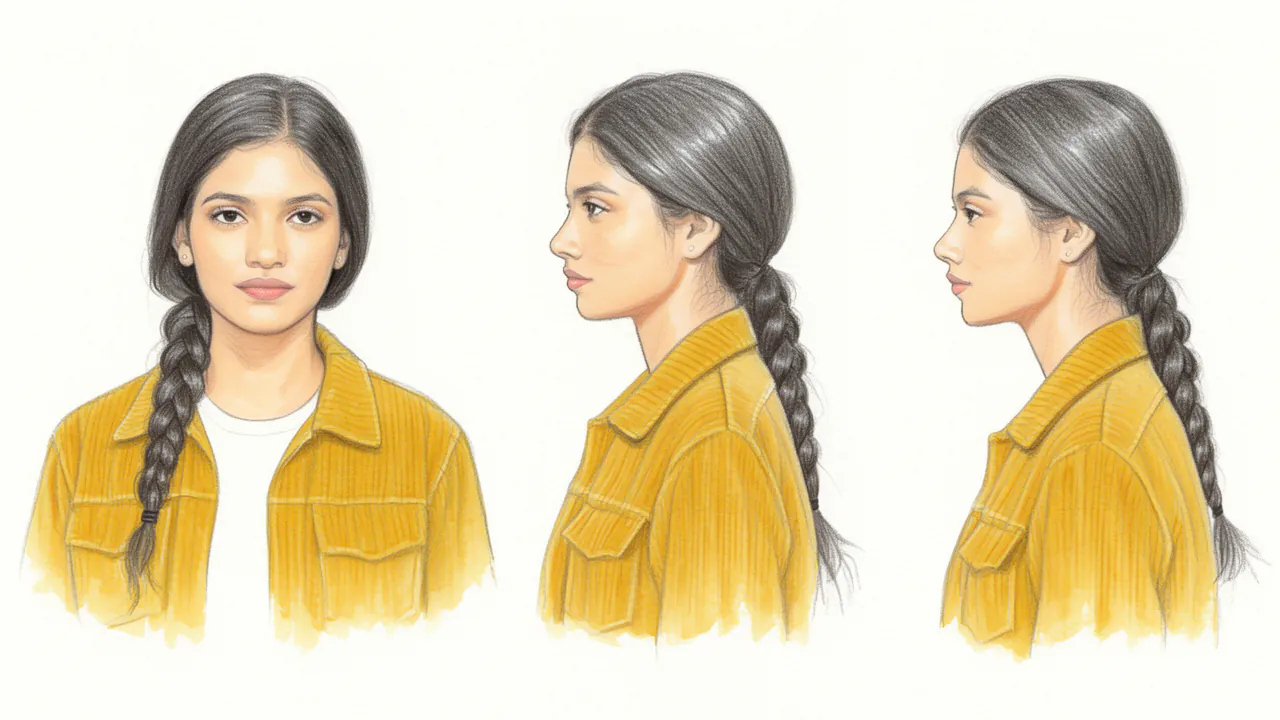
Describe your characters
Tell the assistant who is in the story: name, age, face, hair, clothes. Specific details, like a scar or a yellow raincoat, give the model something to hold on to.
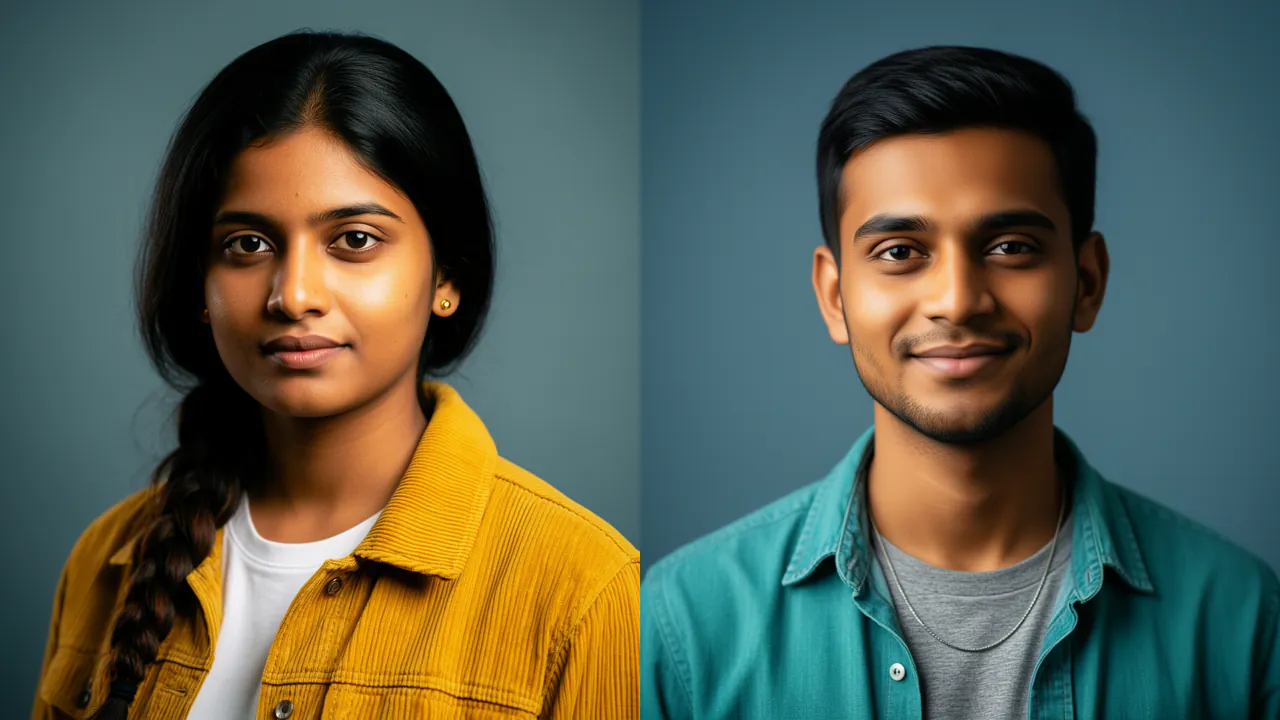
Make and approve their portraits
Generate a portrait for each character at 1 credit a still, and regenerate until it is the person you imagined. You can also add your own image to a shot’s reference slots.
Write shots that name the cast
The shot list says who is in each shot. That is what tells FloStudio which portraits to hand over.
Render, then fix the one that slipped
If a face drifts in one shot, choose a different reference frame and render a new take. The earlier takes stay in the project, so you can always go back.
Choosing how each shot continues
Every shot has a continuity mode. Auto is right most of the time; the others are there for the shots where you know better.
Auto
Continues from the previous frame when it already shows the whole cast, and otherwise works from portraits and reference frames.
Continue frame
Starts exactly where the previous shot ended, for an unbroken action across a cut.
Match subjects
Keeps the same people and places without starting from the previous frame, for a new angle on the same scene.
Text only
Ignores references, for a deliberate change such as a dream, a flashback or a new location.
What still goes wrong
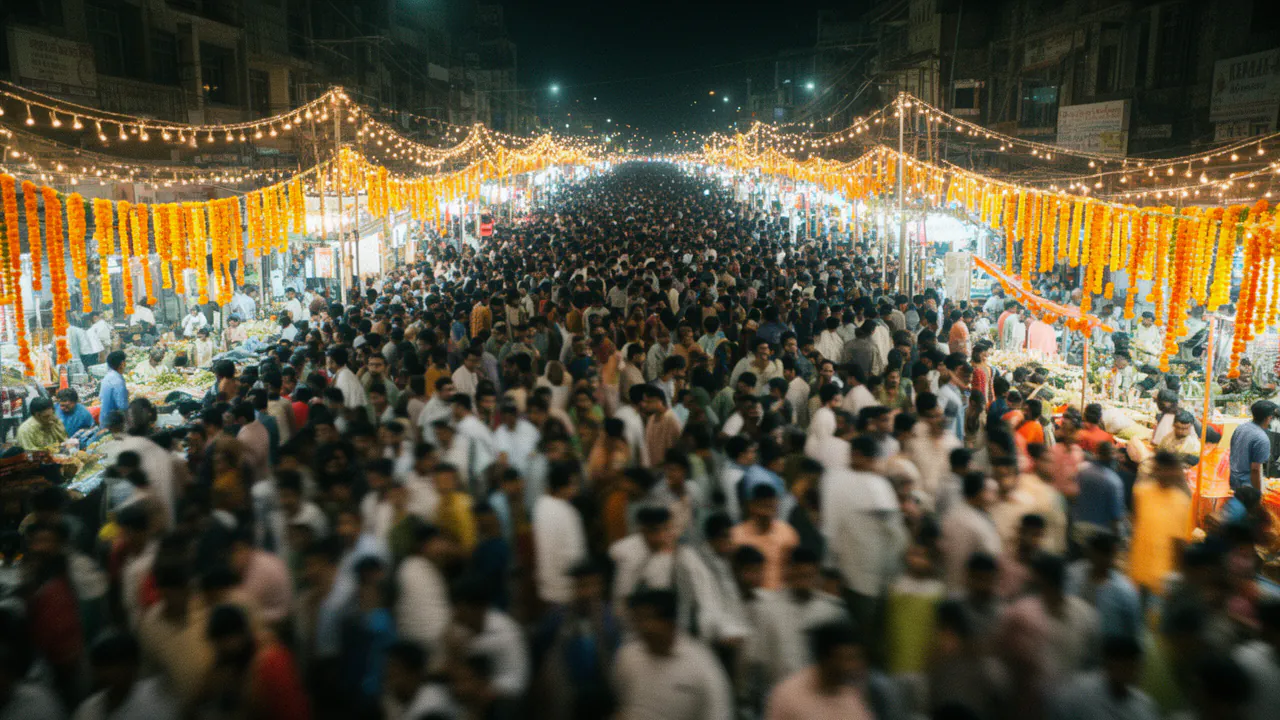
Consistency is much better with references, not perfect. Crowded shots with many faces, extreme angles, fast motion and characters seen from far away are where drift shows most. Keep the main characters large in frame for the shots that matter, give each important shot no more than two or three people, and pin the reference you trust most.
The sound follows the same idea: the end of each shot’s audio is passed to the next to help ambience and tone carry across the cut. That is continuity, not voice cloning; FloStudio does not copy a real person’s voice.
Questions
Start with a story. FloStudio plans the shots.
Sign in to start. Portraits cost one credit each; failed renders cost nothing.