

The song is the timeline
AI Music Video Maker: Shots Cut to Your Song, the Same Artist in Every Scene
A music video is a song with pictures that seem to belong to it. In FloStudio the track goes on the timeline first and everything else is cut to it: the performance shots, the story underneath, the cutaways. Bring your own track or make the song in Voxmin first, then keep the artist looking like the same person from the first chorus to the last.
FloStudio
Write the story, render every shot, cut and score it in the browser
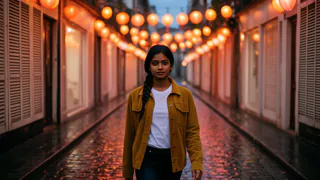
 Meera portrait pinned
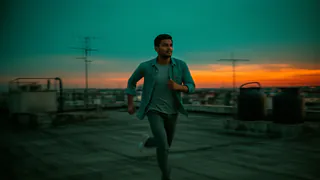
 Kabir portrait pinned

- Flash Video · Standard · 480p
- 2 credits a second
- Flash Video · HD · 720p
- 3 credits a second
- Ultra Video · Standard · 480p
- 4 credits a second
- Ultra Video · HD · 720p
- 5 credits a second
- One shot
- up to 5 s
- Failed render
- 0 credits charged
- Credits
- never expire
Start with the song
Add your track as the music bed. No track yet? Make one in Voxmin — an original song, or a cover in a voice you trained — and add it the same way.
The waveform sits under the picture, so you cut on the beat instead of guessing, and markers keep the chorus, the drop and the bridge where you can see them.
What goes into the video, and how FloStudio makes it
A music video is usually three kinds of shot, cut together.
Performance
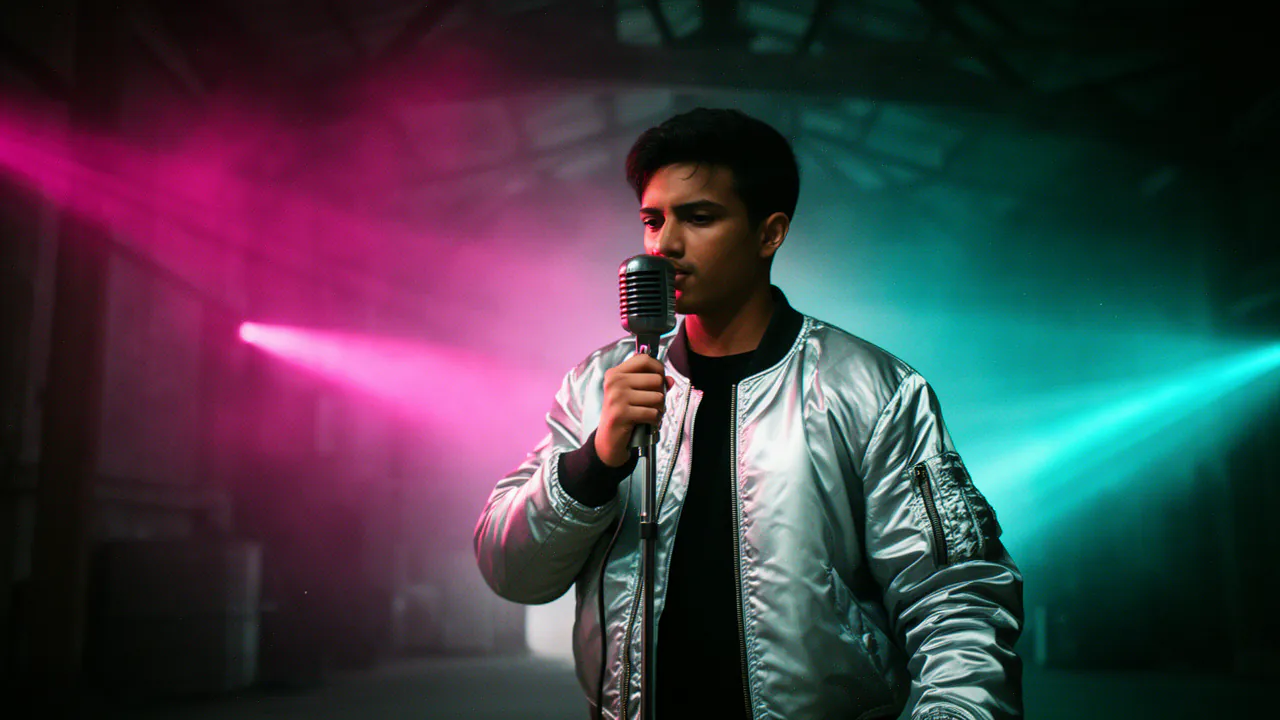
The artist singing, playing or dancing in the places you describe, generated shot by shot.
A story underneath
A simple narrative — a meeting, a chase, a memory — written into a shot list by Flo and kept to the song’s length.
The same artist throughout
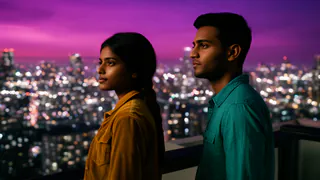
Give the artist a portrait once; every shot they are in is given it, so the face and outfit hold across the video.
Cut to the beat
Markers on the beats, snapping, speed changes and more than 40 transitions.
A look for the song
Grade the whole video with a look, your own LUT or a reference photo, so it feels like one release.
How to make a music video with AI
From track to export in four steps.
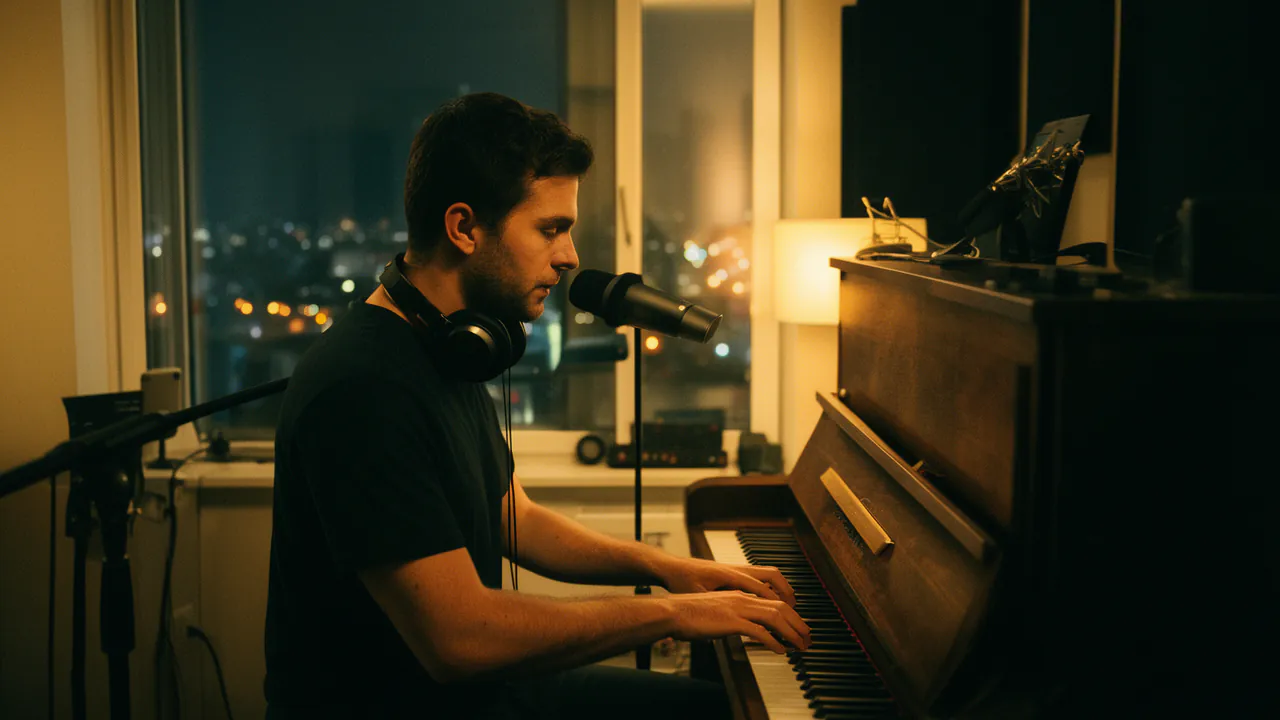
Add the song
Put the track on the timeline and mark the sections you want different shots for.
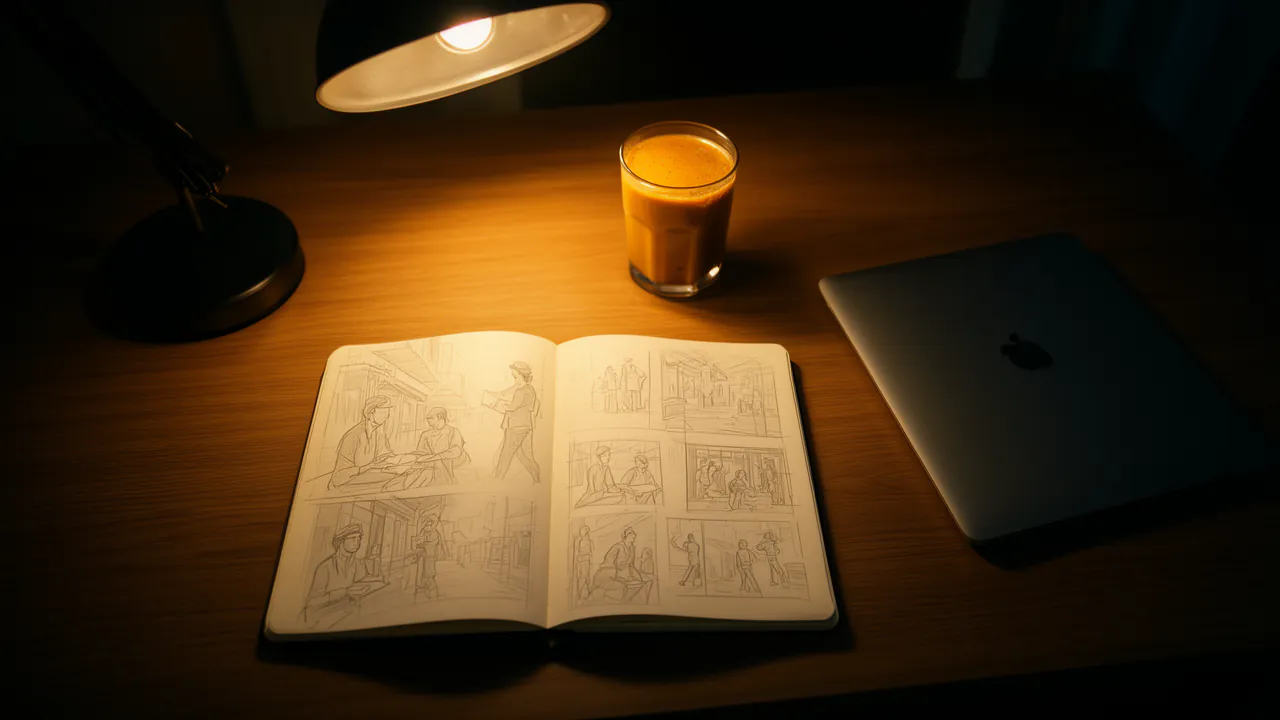
Plan the shots with Flo
Tell Flo the mood, the artist and the places. It writes a shot list that fits the song’s length.
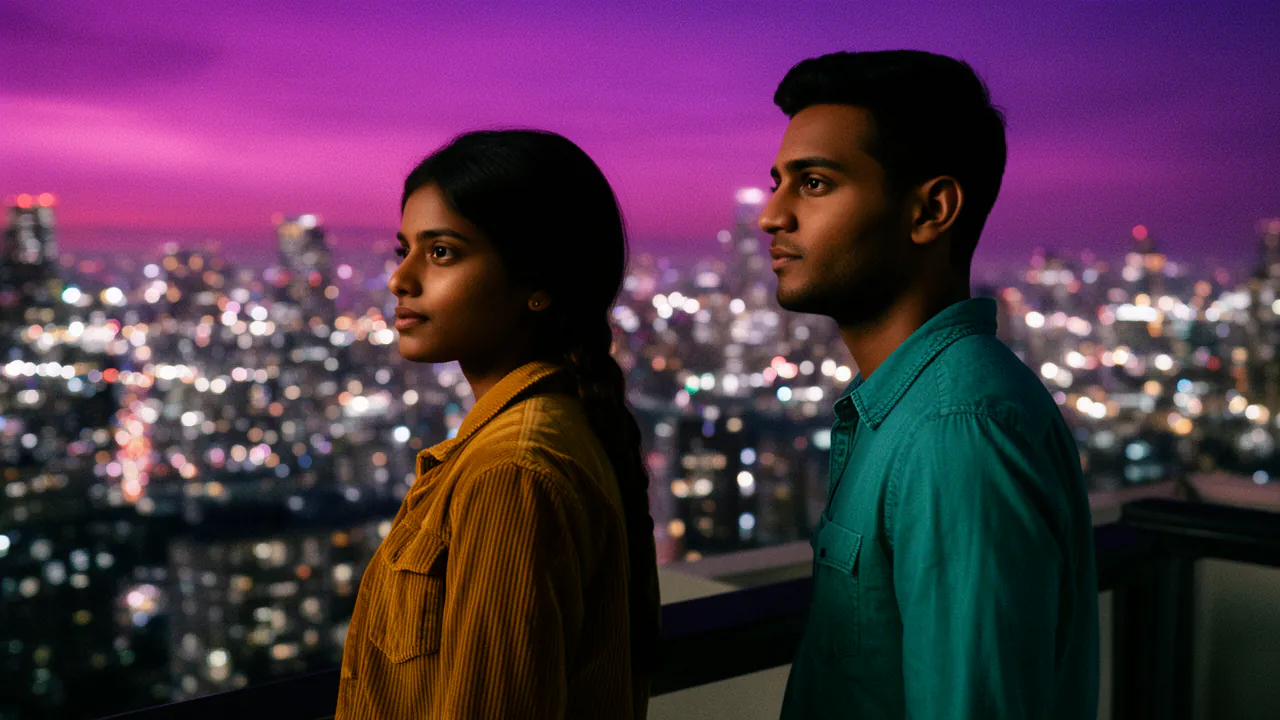
Generate and keep the best takes
Render each shot, regenerate the ones you do not love, and keep every take in the project.

Cut on the beat and export
Snap cuts to the markers, add a look, and export in 480p or 720p, 16:9 or 9:16.
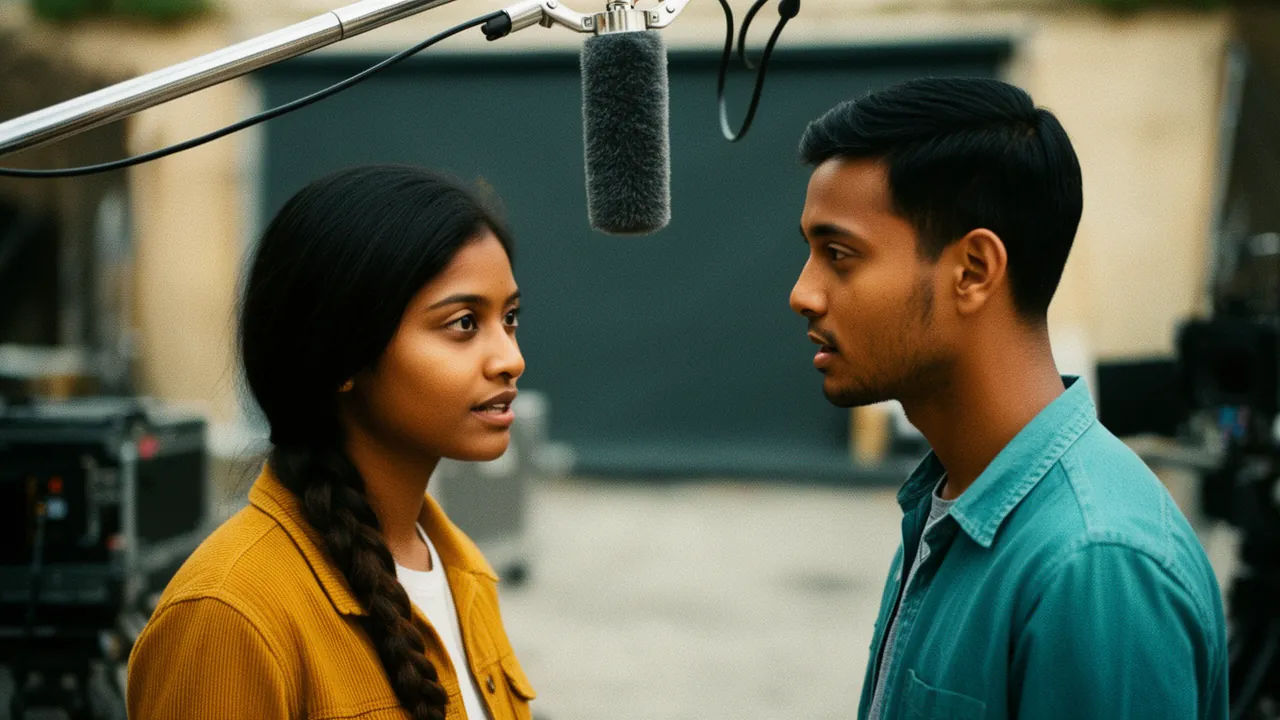
Lip sync, and what to expect
Generated performance shots do not follow your exact vocal line, so the strongest AI music videos lean on wide shots, movement and cutaways, and keep tight singing close-ups short.
When a close-up has to match the words, Face Studio’s Lip sync mode makes a clip of a face follow the audio you give it.
What it costs
Generated shots are 2 credits a delivered second on Standard and 3 on HD; one minute of generated footage on Standard is 120 credits. Your track, your own clips and anything you import cost nothing.
No subscription. Purchased credits never expire, and failed renders are refunded automatically.
Questions
More on AI video
Start with a story. FloStudio plans the shots.
Sign in to start. Your track and your own clips cost nothing to add.