

Your recording in · calm devotional visuals · cut to the rhythm
Bhajan Video Maker: Visuals for Your Bhajan, Aarti or Kirtan
You already have the bhajan: your own voice, your mandali’s, or the temple’s evening aarti. What you do not have is the video. In Voxmin FloStudio the recording goes on the timeline first, and the visuals are made for it: lamps being lit, a temple courtyard at dawn, flowers on the water, a quiet ghat, slow camera moves that suit a devotional song. Add your own photos of the temple or the murti, cut on the rhythm, and export for YouTube, WhatsApp or Shorts. You pay for the shots you generate, not a monthly plan.
FloStudio
Write the story, render every shot, cut and score it in the browser
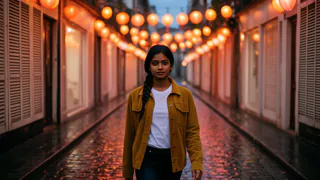
 Meera portrait pinned
 Kabir portrait pinned
- Flash Video · Standard · 480p
- 2 credits a second
- Flash Video · HD · 720p
- 3 credits a second
- Ultra Video · Standard · 480p
- 4 credits a second
- Ultra Video · HD · 720p
- 5 credits a second
- One shot
- up to 5 s
- Failed render
- 0 credits charged
- Credits
- never expire
How to make a bhajan video
Five steps from a recording to a video you can share.
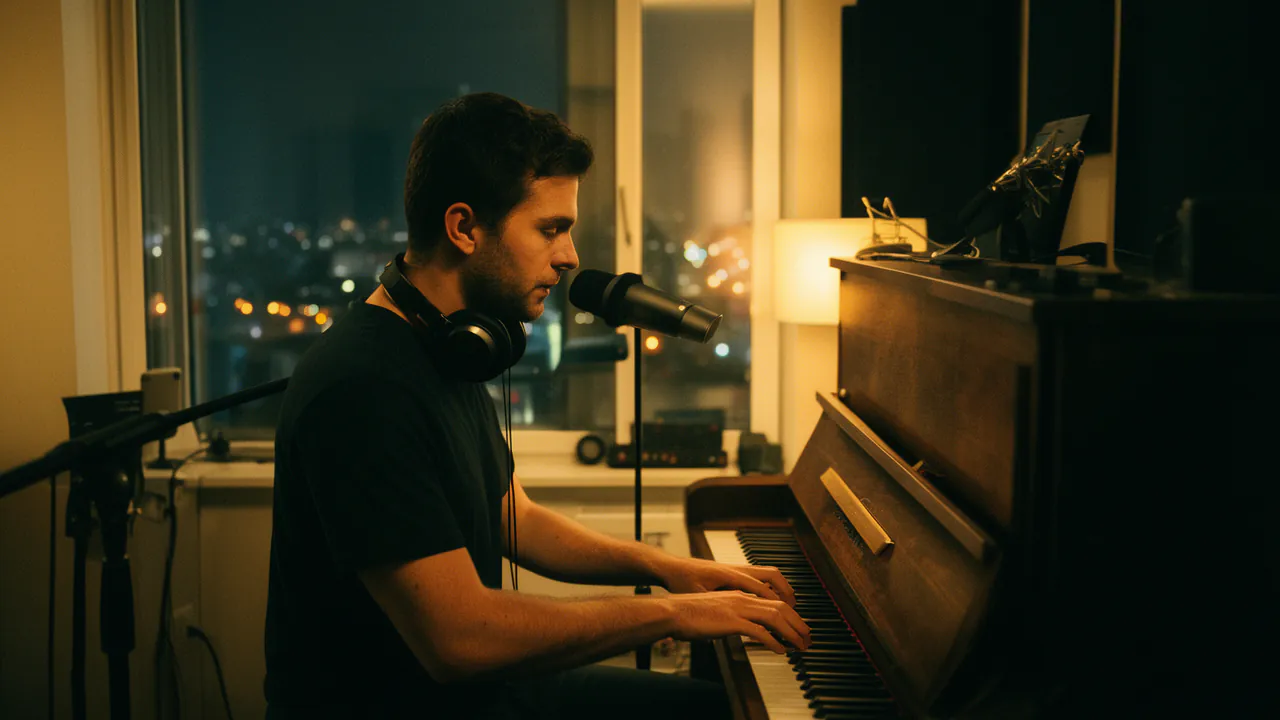
Add the recording
Upload the bhajan, aarti or kirtan as the film’s music. It can be a phone recording, a studio track or a cover made in Voxmin.
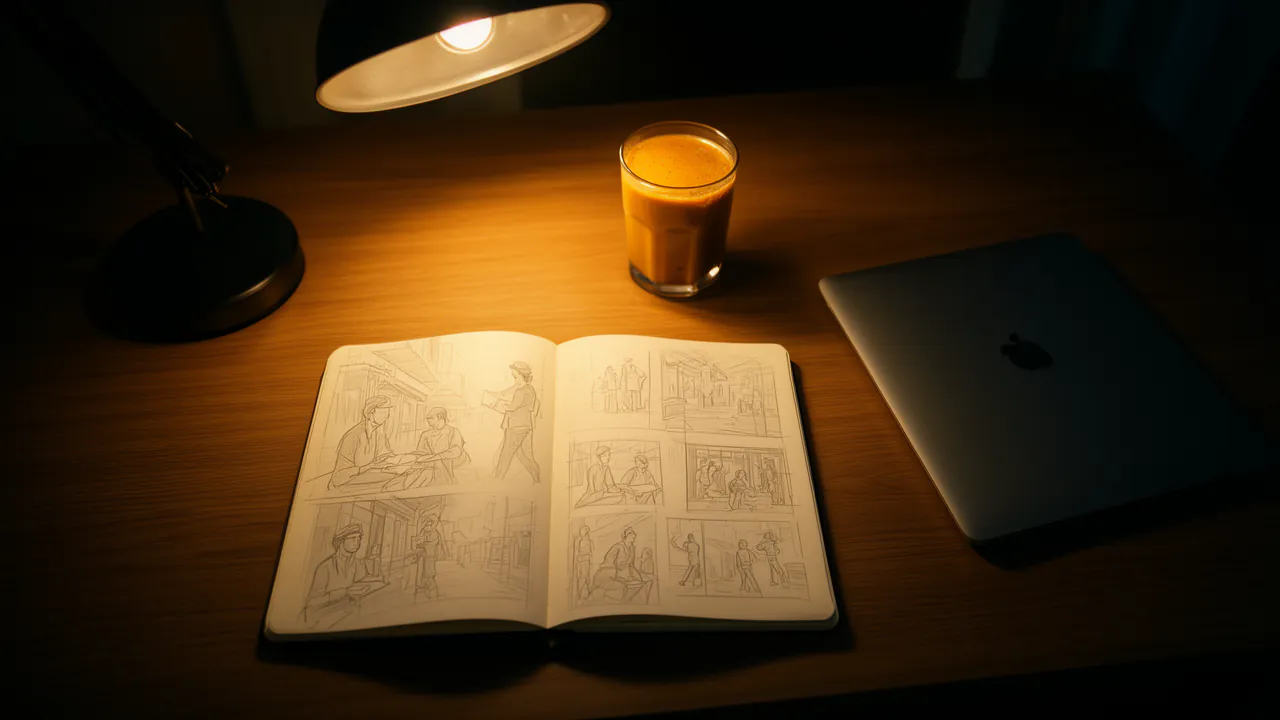
Describe the mood
Tell Flo what the bhajan is about and how it should feel: “Krishna bhajan, evening, soft lamplight, the Yamuna”. It writes a short list of calm shots.
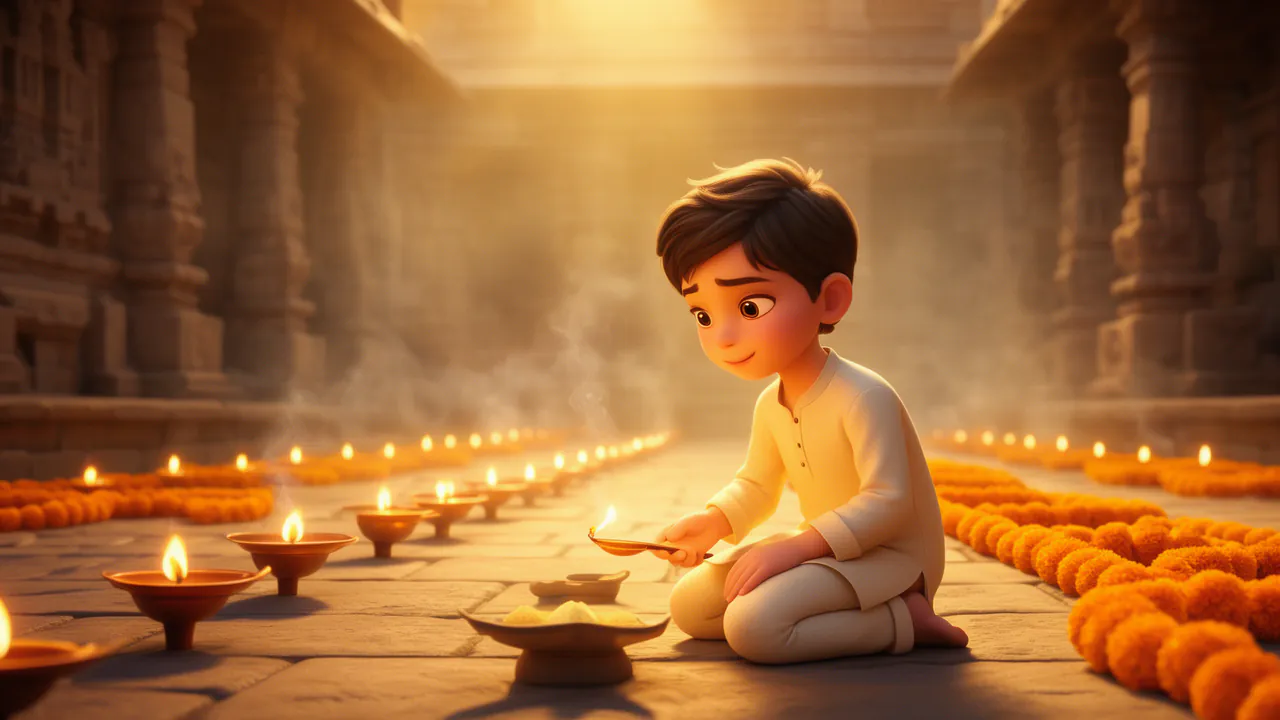
Generate a few shots, add your photos
A handful of generated shots goes a long way. Add your own photos of the temple, the murti or the gathering; slow zooms bring still photos to life at no cost.
Cut on the rhythm
FloStudio finds the beat of the recording and moves the cuts onto it, on the bar for a slow bhajan. Crossfades keep it gentle.
Export
Export 16:9 for YouTube, 9:16 for Shorts and WhatsApp status, or both from the same project.
Visuals that suit a devotional song
Calm, warm and unhurried, the way a bhajan is sung.
Lamps, flowers and water
Diyas being lit, marigolds on a thali, petals floating on a river, incense in morning light.
Temples and ghats
A courtyard at dawn, bells, steps down to the water, an evening aarti seen from a distance.
Stories from the bhajan
A child Krishna stealing butter, a pilgrim on a mountain path: shots that follow the words, with the same characters in every scene.
Your own temple
Photos and clips of your temple, your mandali or your home shrine sit on the same timeline as the generated shots.
Made with respect
Depict deities and saints from your own imagination, not copied from a film, a serial or a particular artist’s painting. Keep shots gentle: devotional videos are watched slowly.
Label the video as made with AI where the platform asks, and only use recordings you made, or have permission to use. A famous singer’s bhajan from a cassette or a film soundtrack is not yours to publish.
What a bhajan video costs
A bhajan does not need every second generated. Ten 5-second shots on Standard are 100 credits (2 a delivered second), about ₹99–₹333, and with slow zooms, your own photos and repeats across the verses they carry a four-minute song.
Your recording, your photos, cutting on the rhythm, crossfades and export cost nothing. Packs start at ₹200 or $2, with no subscription, and purchased credits never expire.
Good to know
What FloStudio does not do yet.
Lyrics in Devanagari
Devanagari letters do not render correctly on screen yet, so on-screen lyrics in Hindi script are not offered. Lines in Roman script (Hinglish) work.
It does not sing
FloStudio makes the visuals and can make instrumental music, but not a sung bhajan. Bring the recording, or make a cover in your own trained voice in Voxmin first.
Generated singers’ lips
A generated singer’s lips do not follow your recording exactly, so lean on wide shots, lamps and scenery rather than close-ups of a singer.
Questions
Start with a story. FloStudio plans the shots.
Sign up to start. Your recording and photos cost nothing to add.