

Up to 600 seconds a swap · up to 8 people · parts from a link
Face Swap Video: Preview One Frame, Then Swap the Whole Clip
Swapping a face in a video is harder than in a photo: heads turn, light changes, people walk in and out of frame. Face Studio handles the parts that make or break it — a face built from several photos, the person you pick rather than the biggest face on screen, and a test frame you can look at before you swap the clip.
- Finding people is free
- Up to 8 people, you pick who
- AI-edited label on every result
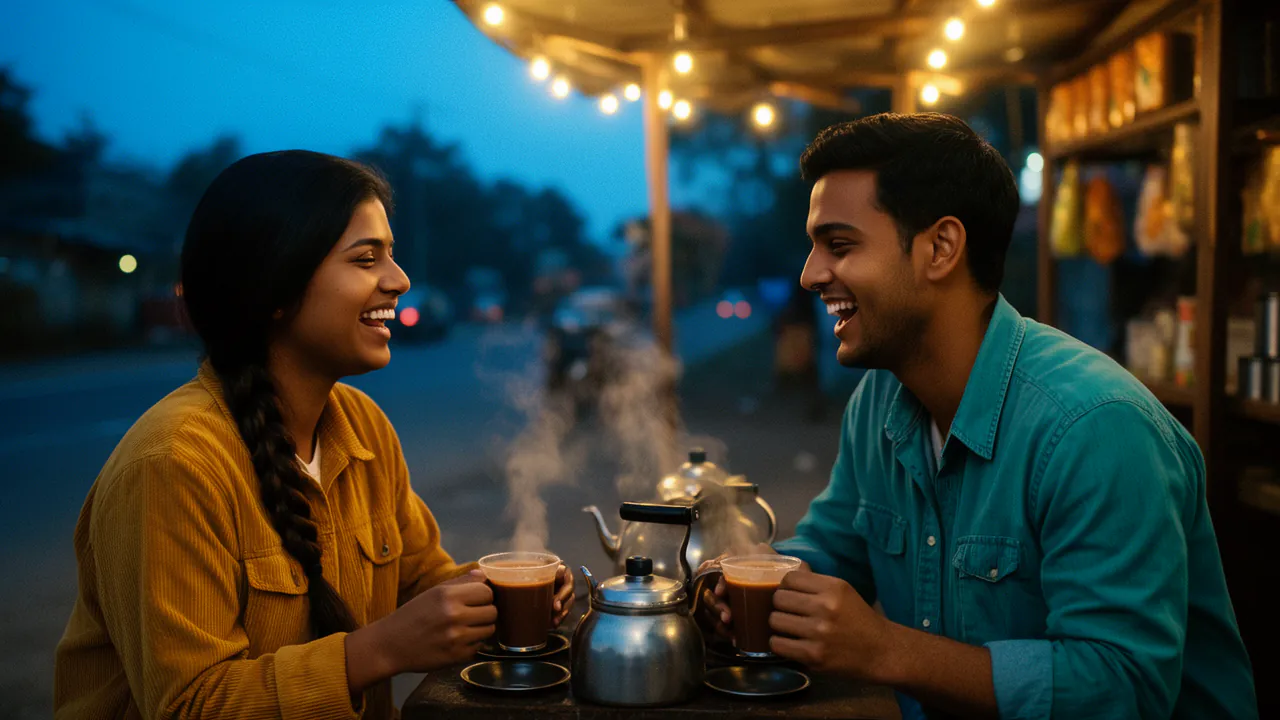
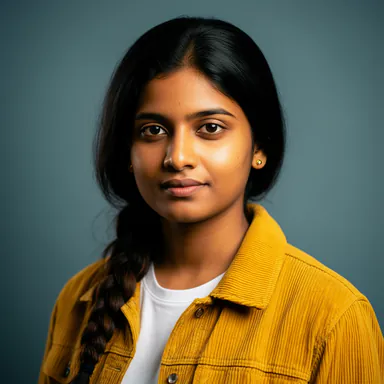 Meera
 Kabir
- Swap
- Enhance
- Age
- Expression
- Lip sync
Meera → Person 2 · Kabir → Person 1
- SwapYour face onto the person you pick
- EnhanceSharpen a soft or low-light face
- AgeYounger or older, one slider
- Expression9 sliders: smile, brows, eyes
- Lip syncA video says the audio you give it
Why video swaps go wrong, and what Face Studio does about it
Four problems cause most bad video swaps.
One selfie cannot cover a turning head
Save the face from up to 10 photos, or have Face Studio pick the clearest faces out of a video of the person.
The wrong person gets the face
Face Studio marks up to 8 people in the clip and you choose which ones change, and into whom.
You only find out at the end
Swap a single preview frame first. If it is wrong, change the face set or the pairing before the clip is rendered.
The face in the clip is too small
A face only a few pixels wide cannot carry a new one. Targets under 256 pixels on the short side are refused up front, with the size stated.
How to swap a face in a video
The order that saves the most re-dos.
Add the clip
Upload a video, or paste a link to one you made or may use.
Choose the person
Pick who changes and which saved face they get — one person or several.
Check a frame
Swap one frame and look closely at the eyes, the hairline and the edges.
Swap the clip
Swap up to 600 seconds, then watch it with the before-and-after slider.
Long videos from a link, in parts
Paste a link from YouTube, TikTok, Instagram, Facebook, Vimeo, X, Twitch or Dailymotion and split the video into 30-second or 1-minute parts. Pick the part you want, swap it, move on to the next — each swap covers up to 600 seconds.
Free to import. Sources up to 20 minutes, up to Full HD.
Nothing goes up twice. Each part is already uploaded, so picking it only finds the people in it.
Only what you may use. Import videos you made or have permission to use.
- YouTube
- TikTok
- Vimeo
- X
- Twitch
- Dailymotion
Limits worth knowing
Each swap covers up to 600 seconds of video; a longer video is offered in parts of up to 600 seconds, and you swap them one at a time. Faces must be at least 256 pixels on the short side.
Every result carries an invisible watermark and a C2PA content credential saying it was edited with AI. Faces that appear to be under 20 are always refused.
Questions
More from Face Studio and FloStudio
Pick the face. Pick the person. Check it before you commit.
Sign in to start. Finding people and importing from a link are free.