

Picture and sound from the same render
AI Video Generator with Sound: Dialogue, Effects and Ambience in One Pass
A silent AI clip is half a shot. Adding the dialogue, the footsteps, the rain and the music afterwards is slow, and it rarely lines up. FloStudio generates each shot with its sound already in it, then gives you one continuous score, narration and subtitles for the finished film.
FloStudio
Write the story, render every shot, cut and score it in the browser
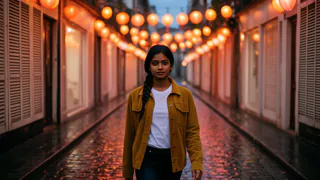
 Meera portrait pinned
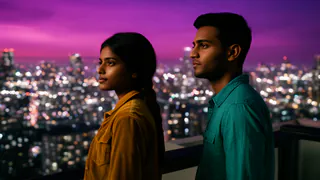
 Kabir portrait pinned


- Flash Video · Standard · 480p
- 2 credits a second
- Flash Video · HD · 720p
- 3 credits a second
- Ultra Video · Standard · 480p
- 4 credits a second
- Ultra Video · HD · 720p
- 5 credits a second
- One shot
- up to 5 s
- Failed render
- 0 credits charged
- Credits
- never expire
What sound comes with each shot
Voxmin Video, the model FloStudio renders with, generates picture and audio together, so the sound belongs to what is on screen.

Dialogue
Short lines spoken by the characters in the shot. Keep it to a line or two per shot, one speaker at a time, for the clearest result.
Sound effects
Footsteps, doors, engines, glass: the things you see on screen make the sounds you would expect.
Ambience
Rain, traffic, a busy café, wind. The space of the scene is audible.
Continuity across cuts
The end of one shot’s audio is passed to the next, which helps room tone and atmosphere carry across the cut instead of resetting.
Sound for the whole film
On top of each shot’s own audio, the timeline has tracks for the film as a whole.
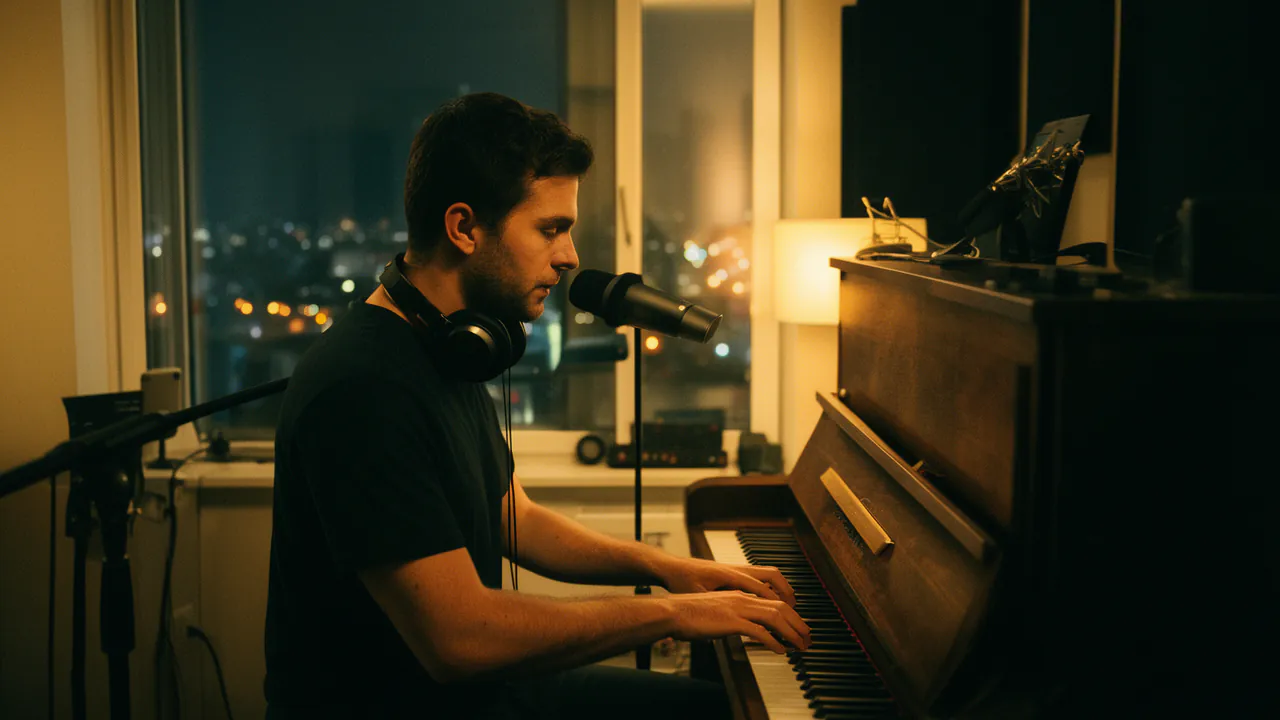
One continuous AI score
Compose with AI writes a single track for the full length of the film, with its passages crossfaded, so the music does not restart at every cut. It costs 1 credit per second.
Your own music
Upload a music bed instead, if you have one you are allowed to use.
Narration and subtitles
Turn on narration and subtitles when you export, and choose whether each clip’s own sound is mixed in.
A mixer, not a guess
Separate tracks for clip sound, score and extra audio, with volume and fades on each.
What it cannot do
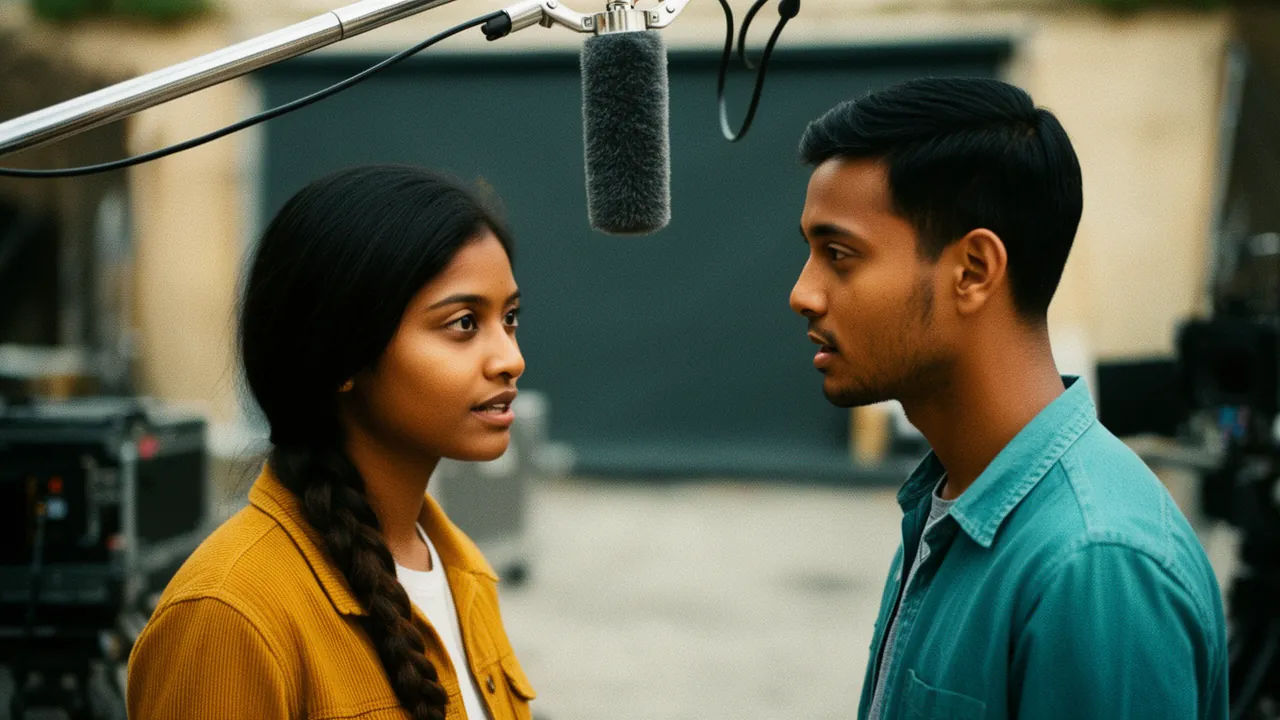
There is no lip-sync step and no voice cloning: characters speak in voices the model generates, and FloStudio does not copy a real person’s voice. Long speeches do not fit in one shot; split them across shots or use narration.
The model’s supported dialogue languages include English, Spanish, German, French, Italian, Portuguese, Russian, Arabic, Chinese, Japanese and Korean. Hindi is not on that list yet, so a Hindi film is best made with narration or music rather than spoken dialogue.
Side by side
| Sound in an AI video | FloStudio | Silent generator + audio tools |
|---|---|---|
| Dialogue | Generated with the shot | Recorded or synthesized separately, then synced |
| Sound effects and ambience | Generated with the shot | Found in a library and placed by hand |
| Music | One continuous AI score, or your own | A separate music tool |
| Narration and subtitles | Export options | Another tool |
| Where it comes together | One timeline in the browser | A desktop editor |
Questions
Start with a story. FloStudio plans the shots.
Sign in to start. Sound is included in the per-second price.