

Face sets · up to 8 people · a label on every result
AI Face Swap for Photos and Videos: You Choose Who Is Who
Most face swap apps grab the biggest face in the picture and hope. Face Studio finds everyone — up to 8 people in a photo or clip — and lets you decide who gets which face. Save a face once from several photos so it holds up from every angle, check one frame of a video before you swap the whole clip, and get a result that is marked as AI-edited, because that is what it is.
- Finding people is free
- Up to 8 people, you pick who
- AI-edited label on every result

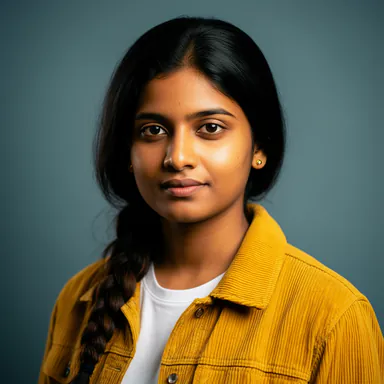 Meera
 Kabir
- Swap
- Enhance
- Age
- Expression
- Lip sync
Meera → Person 2 · Kabir → Person 1
- SwapYour face onto the person you pick
- EnhanceSharpen a soft or low-light face
- AgeYounger or older, one slider
- Expression9 sliders: smile, brows, eyes
- Lip syncA video says the audio you give it
What makes a swap look right
A good swap is mostly decided before you press the button: by the photos of the face, and by who it lands on.
A face set, not one selfie
Save a face from up to 10 photos, or let Face Studio pick the clearest frames out of a video. Blurry, side-on and dark photos are filtered out, and the good ones all go with every swap, so the face holds up when the head turns.
Everyone in the picture, found
Finding people is free. Face Studio marks up to 8 faces in a photo or clip, and you pair each with a saved face — up to 8 pairings in one swap.
A test frame before the clip
On a video, swap a single frame first and look at it. Commit to the whole clip only when it is right.
Before and after, in place
Every result opens with a before-and-after slider. Watch or view it on the page, and save it without leaving.
How to swap faces in Face Studio
Four steps, the same for a photo or a video.
Save the face
Add 1 to 10 photos of the face, or a short video. Say whose face it is: yours (and you are 18 or over), someone 18 or over who gave you permission, or a face that is not a real person.
Add the photo or video
Upload it, or paste a link from YouTube, TikTok, Instagram, Facebook, Vimeo, X, Twitch or Dailymotion.
Pair faces to people
Face Studio marks everyone it finds. Pick a person, then the face that goes there.
Check, then swap
On a video, look at a preview frame first. Then swap the photo or the whole clip.
What people use Face Studio for
Some of the jobs it does well, all with faces you are allowed to use.
Put yourself in the scene
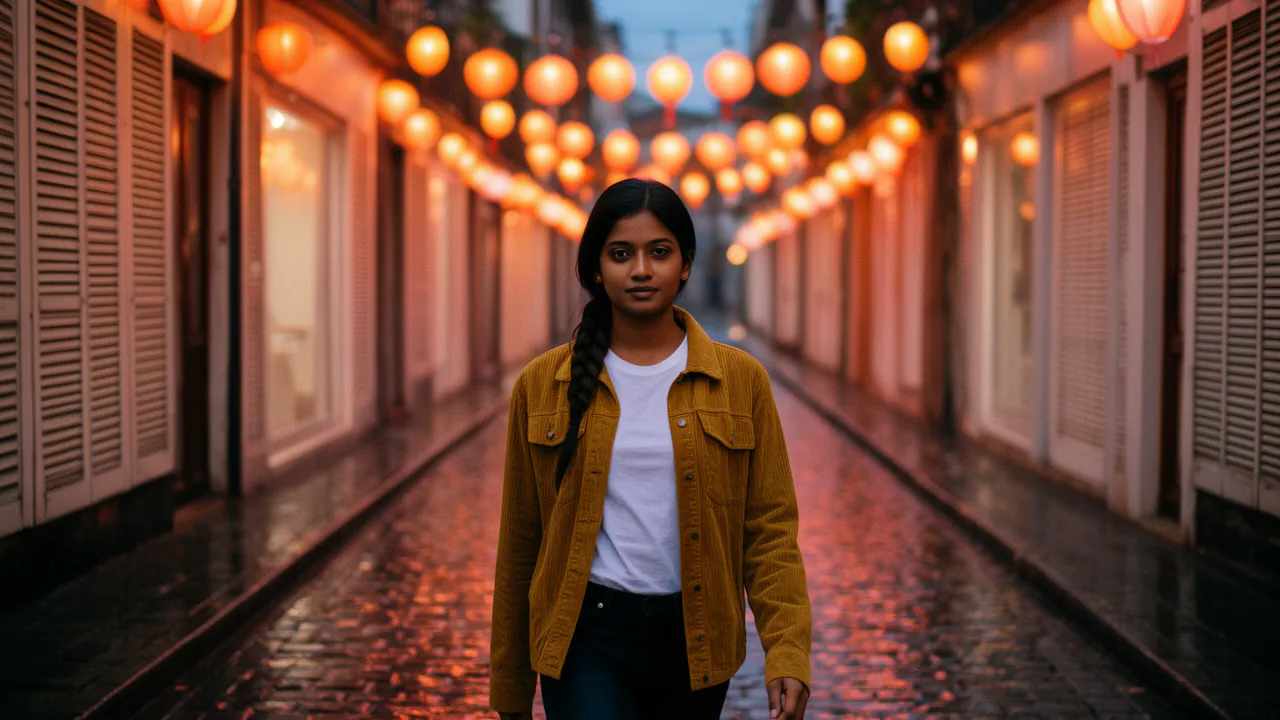
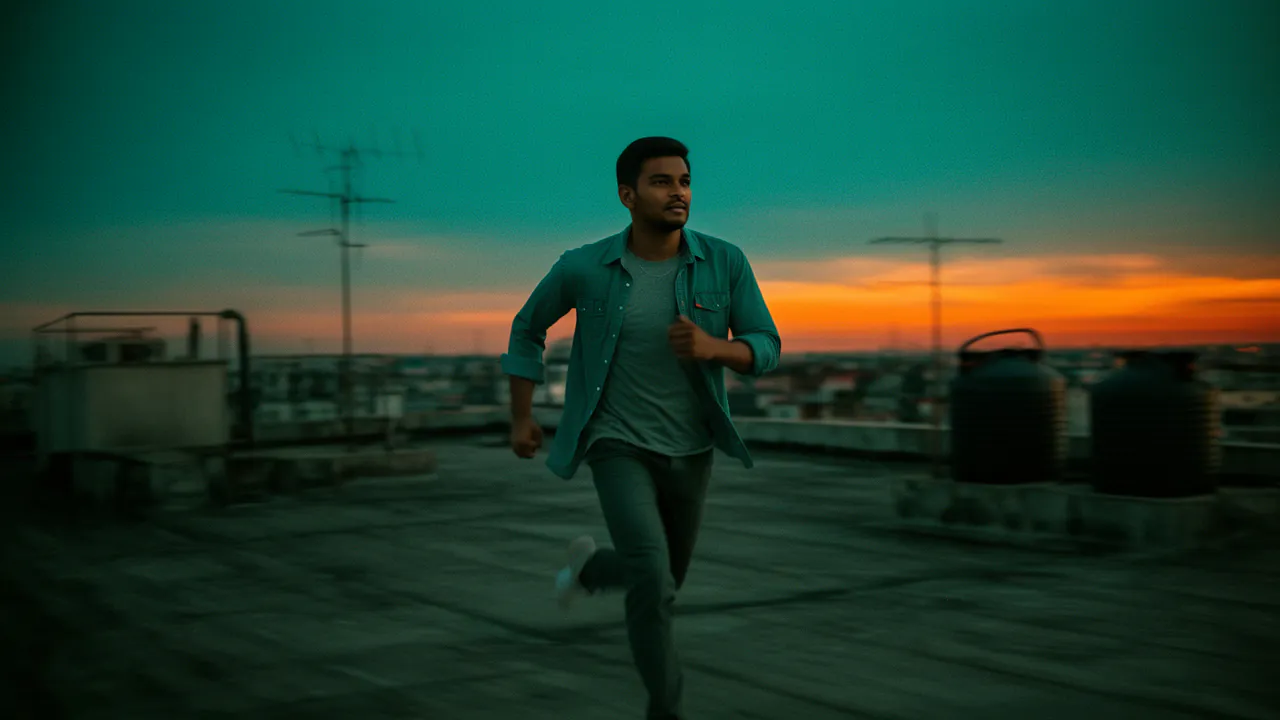
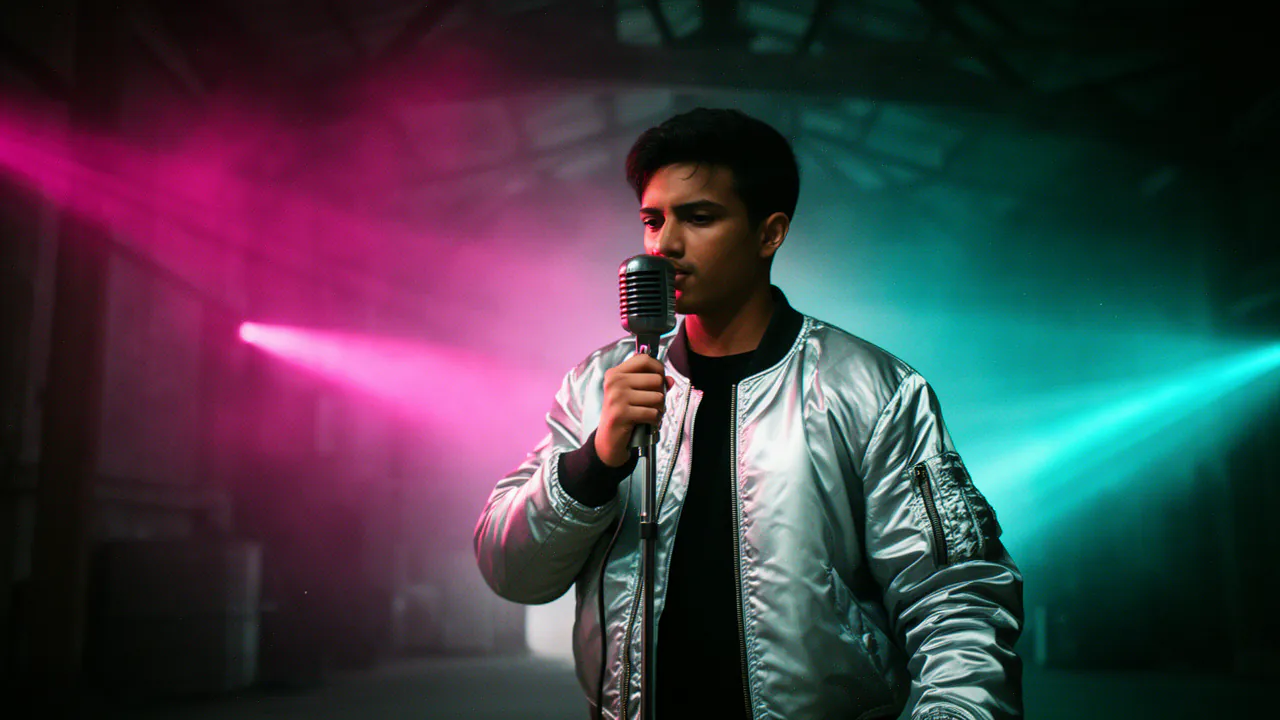
Your face on the hero of a short film, a music video or a sketch you are making.
Rescue a group photo
The one shot where everyone looks good except the person who blinked: swap in their face from another photo of the same moment.
One face for a character
Give a fictional presenter or character the same face across a whole series of Shorts.
Pitch a scene before the shoot
Put the actor you are casting, with their permission, into a stand-in’s footage to show a director what it could look like.
Try a look
See a face younger, older, sharper or smiling — the Enhance, Age and Expression modes work on any face you may edit.
Fix a line
With Lip sync, a video of you says a corrected line of audio, without reshooting.
Swap faces in a video from a link
Paste a link from YouTube, TikTok, Instagram, Facebook, Vimeo, X, Twitch or Dailymotion. Face Studio brings the video in, splits a long one into parts, and you swap them one at a time — each swap covers up to 600 seconds.
Free to import. Sources up to 20 minutes, up to Full HD, 10 imports a day.
Your last import comes back. Leave and return, and the parts of the video you imported before are still there.
Only what you may use. Import videos you made or have permission to use.
- YouTube
- TikTok
- Vimeo
- X
- Twitch
- Dailymotion
Consent and labelling are part of the product
Face swapping is only worth doing if people can trust what they see. These rules are built in, not bolted on.
A consent statement for every face
Saving a face means stating whose it is: your own as an adult, an adult who gave permission, or a face that is not a real person.
Every result labelled as AI-edited
Results carry an invisible watermark and a C2PA content credential saying they were edited with AI.
Young faces are refused
Faces that appear to be under 20 are refused, always. The terms also forbid sexual content and impersonation.
Reports are acted on
Anyone can report a result, and reported results can be taken down.
Short retention
Uploads and found faces are deleted after 24 hours. Saved faces stay until you delete them, and then their pictures are really deleted.
Questions
More from Face Studio and FloStudio
Pick the face. Pick the person. Check it before you commit.
Sign in to start. Finding people and importing from a link are free.