

Shots, bridges and one timeline
How to Make an AI Video Longer Than 8 Seconds, Without Losing the Story
No AI video model makes a one-minute film in one go. Google’s Veo stops at eight seconds, most others at ten or fifteen. The way around it is the way films have always been made: many shots, joined well. FloStudio is built for exactly that, with a shot list, keyframes you control, generated transitions and a timeline that holds the whole thing together.
FloStudio
Write the story, render every shot, cut and score it in the browser
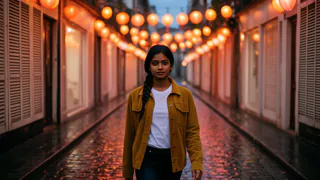
 Meera portrait pinned
 Kabir portrait pinned
- Flash Video · Standard · 480p
- ২ credits a second
- Flash Video · HD · 720p
- ৩ credits a second
- Ultra Video · Standard · 480p
- ৪ credits a second
- Ultra Video · HD · 720p
- ৫ credits a second
- One shot
- up to 5 s
- Failed render
- 0 credits charged
- Credits
- never expire
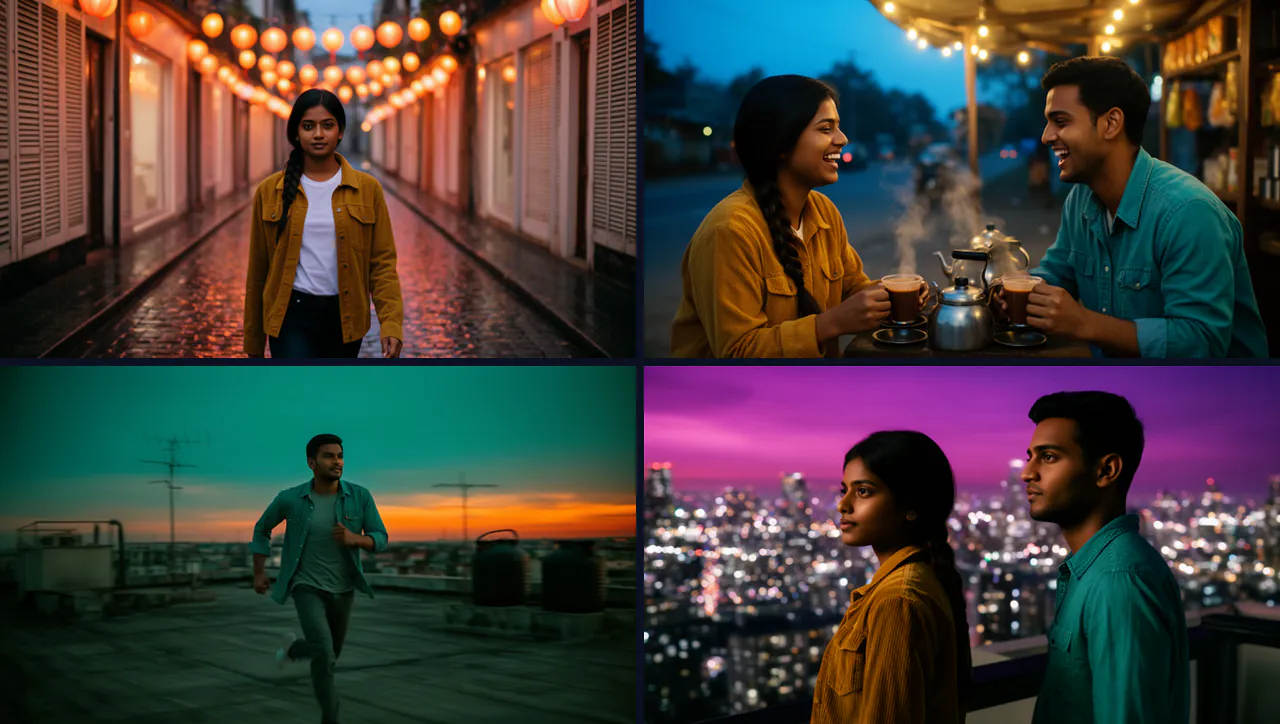
Why AI videos are so short
Generating video is expensive, and it gets harder the longer a single clip runs: motion drifts, faces change and the scene loses its shape. So every model caps the clip length, and extending a clip over and over tends to wander.
FloStudio Standard renders shots of up to about 5 seconds. That is shorter than some tools, and it does not matter much, because a long video is built from shots rather than from one very long clip.
How to make a long AI video, step by step
Plan it like a film and let the tool do the joining.
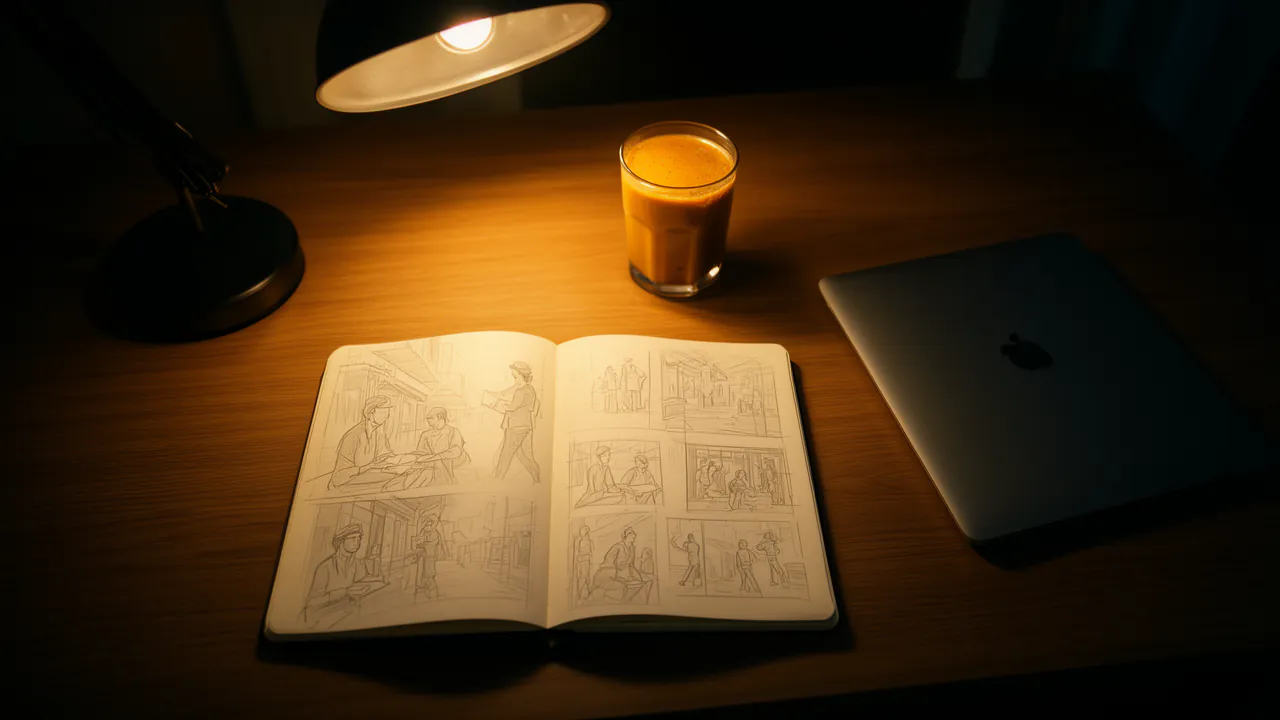
Write the shot list first
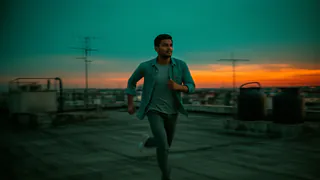
Describe the story and let the assistant break it into shots. At about five seconds a shot, a minute of film is twelve shots or more. Change the list before you render anything.
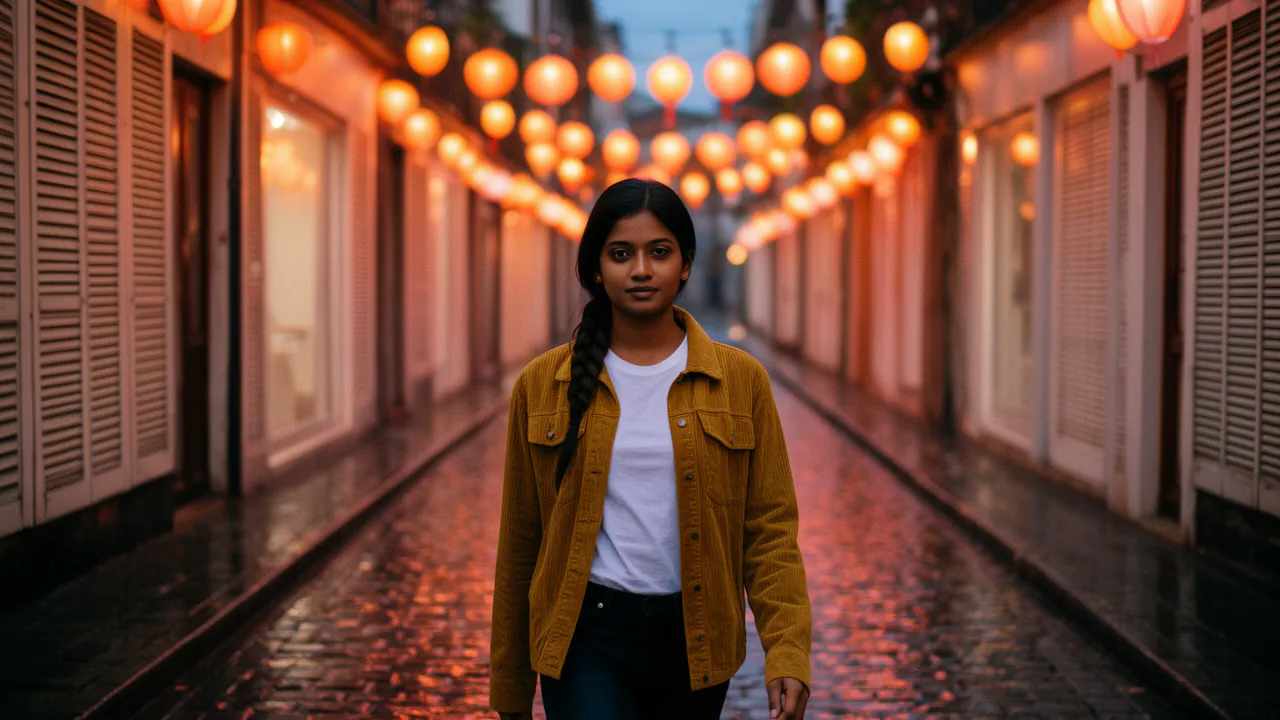
Lock the look with keyframes
Generate each shot’s opening and closing frame as a still, at 1 credit each, so you can see the film before paying for video.
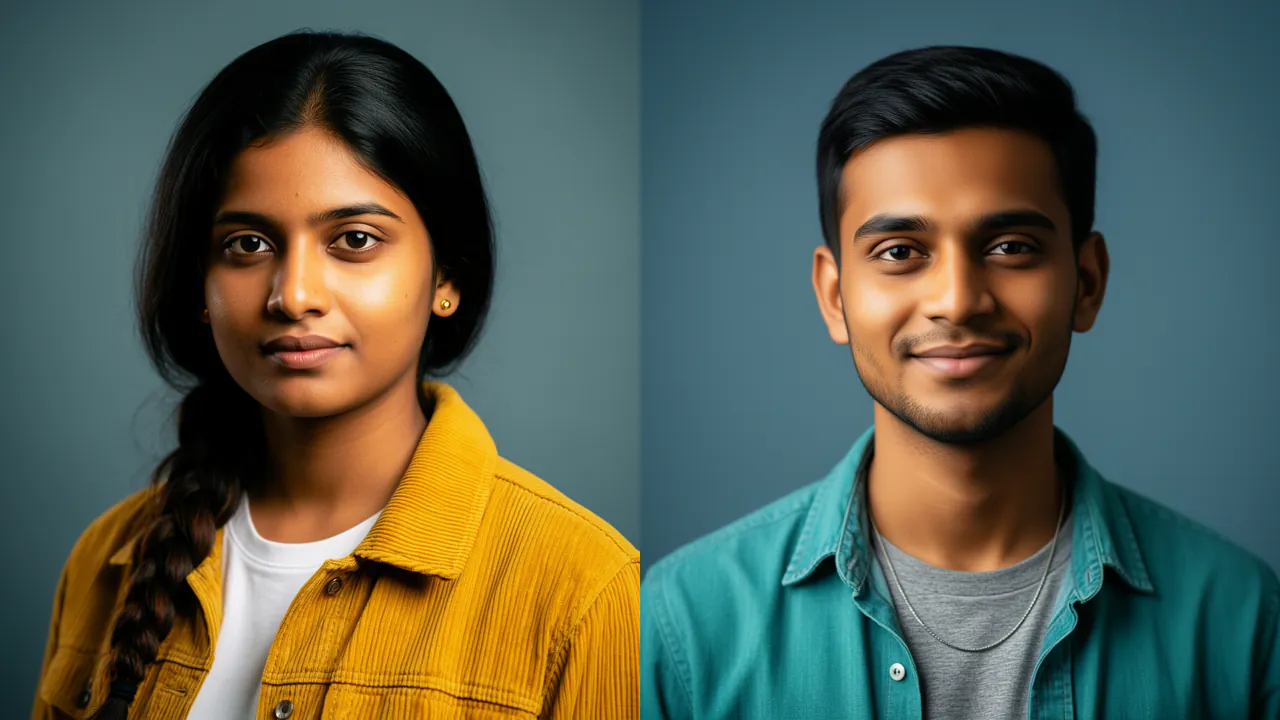
Carry the cast through
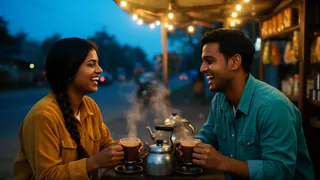
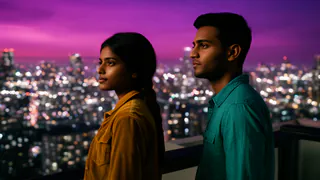
Name the characters in each shot so their portraits and earlier frames are handed over, and they look the same from the first shot to the last.
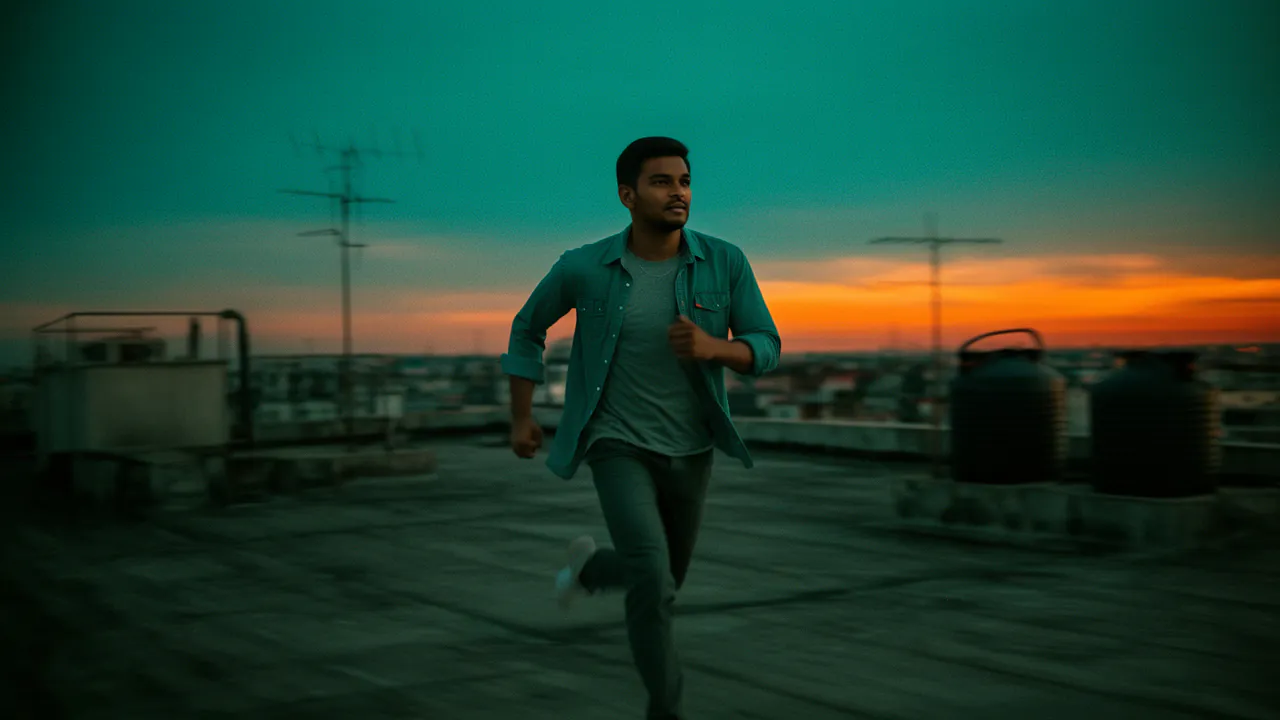
Join shots with bridges
Where a hard cut feels wrong, generate a bridge: a short clip pinned to the last frame of one shot and the first frame of the next.
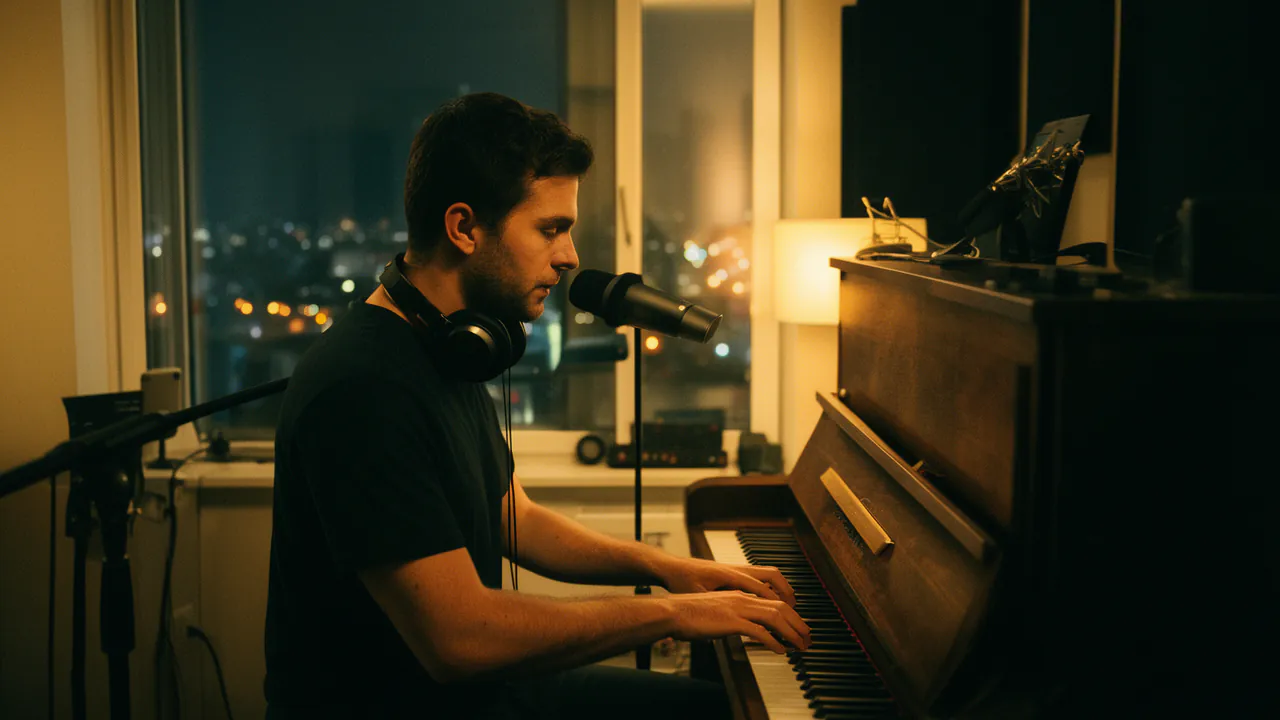
Score it as one film
Lay one continuous AI score under the whole timeline, or your own music, so the soundtrack does not restart at every cut.
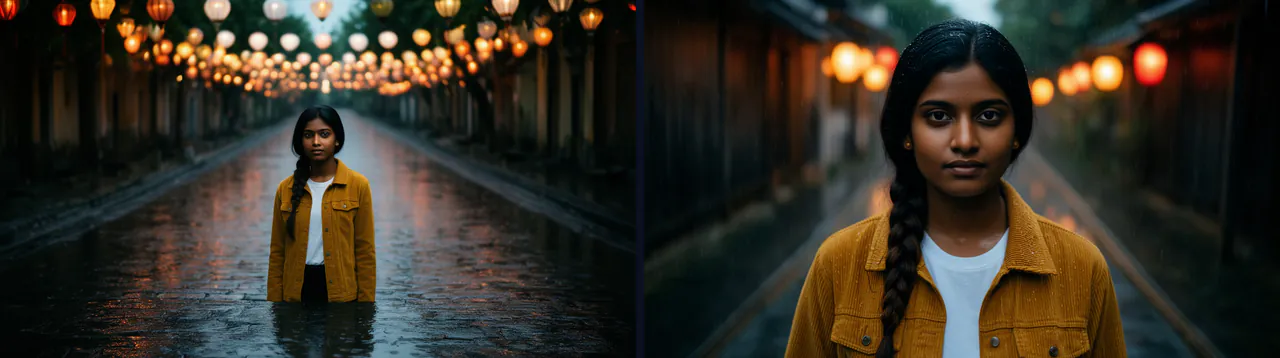
First and last frame control
First-and-last-frame generation means giving the model the image a shot must start on and the image it must end on, and letting it invent the motion in between. It is the most reliable way to make two shots join seamlessly, and to make a shot land exactly where the next one begins.
In FloStudio you can set a shot’s opening frame, its end frame, or both, from a generated still, a frame from an earlier shot or an image you upload.
What a one-minute AI film costs
At 2 credits per delivered second on Standard, sixty seconds of finished film is 120 credits if every shot works first time, or ₹119–₹400 ($1.6–$4) depending on the pack. Budget for about twice that, because some shots need a second take.
Keyframe stills cost one credit each, which makes them the cheapest place to find a mistake. The editor shows the estimate before every render, and a render that fails is refunded automatically.
What will your film cost?
Move the sliders. Prices follow the credit pack you buy: bigger packs make each credit cheaper.
Flash Video · Standard · 480p
২৪০
credits
about $3.1–$8
about ₹238–₹800
- Planning with the assistant: charged by the tokens it uses, ৫৫ credits per million read and ১৬৫ per million written
- Failed or cancelled renders: refunded automatically
- No subscription · credits never expire
An estimate. The editor shows the exact figure before every render.
See credit packsQuestions
Start with a story. FloStudio plans the shots.
Sign in to start. The estimate is shown before every render.