

Up to 6 languages a dub · every line editable · the original kept
AI Video Dubbing: Hear Your Video in Hindi, Tamil, Telugu and More
Dubbing used to mean a studio, a translator and a voice artist for every language. In FloStudio it is a tab: pick the languages, read the plan and its price, and press Start. Each line is found, translated, spoken in a new voice and laid beside the original, timed to where the original line was. You check the translation line by line, change any word, and put each language on the timeline or take it off again. What it does not do is move anyone’s lips — more on that below.
FloStudio
Write the story, render every shot, cut and score it in the browser
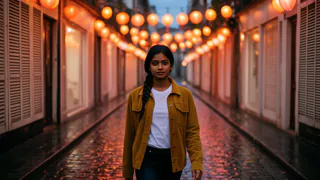
 Meera portrait pinned
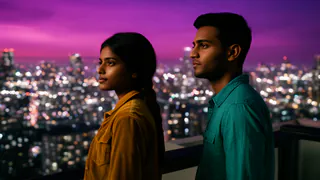
 Kabir portrait pinned


- Flash Video · Standard · 480p
- 2 credits a second
- Flash Video · HD · 720p
- 3 credits a second
- Ultra Video · Standard · 480p
- 4 credits a second
- Ultra Video · HD · 720p
- 5 credits a second
- One shot
- up to 5 s
- Failed render
- 0 credits charged
- Credits
- never expire
How to dub a video with AI
Five steps, and the first two are free.
Bring the video in
Open a film you made in FloStudio, or upload a video you made yourself. If it has no script, FloStudio listens to it first to find the lines and who says them.
Pick the languages
Choose up to 6 languages for one dub. The plan is free: it lists the lines, the speakers, the voice for each and the credits per language.
Check the voices
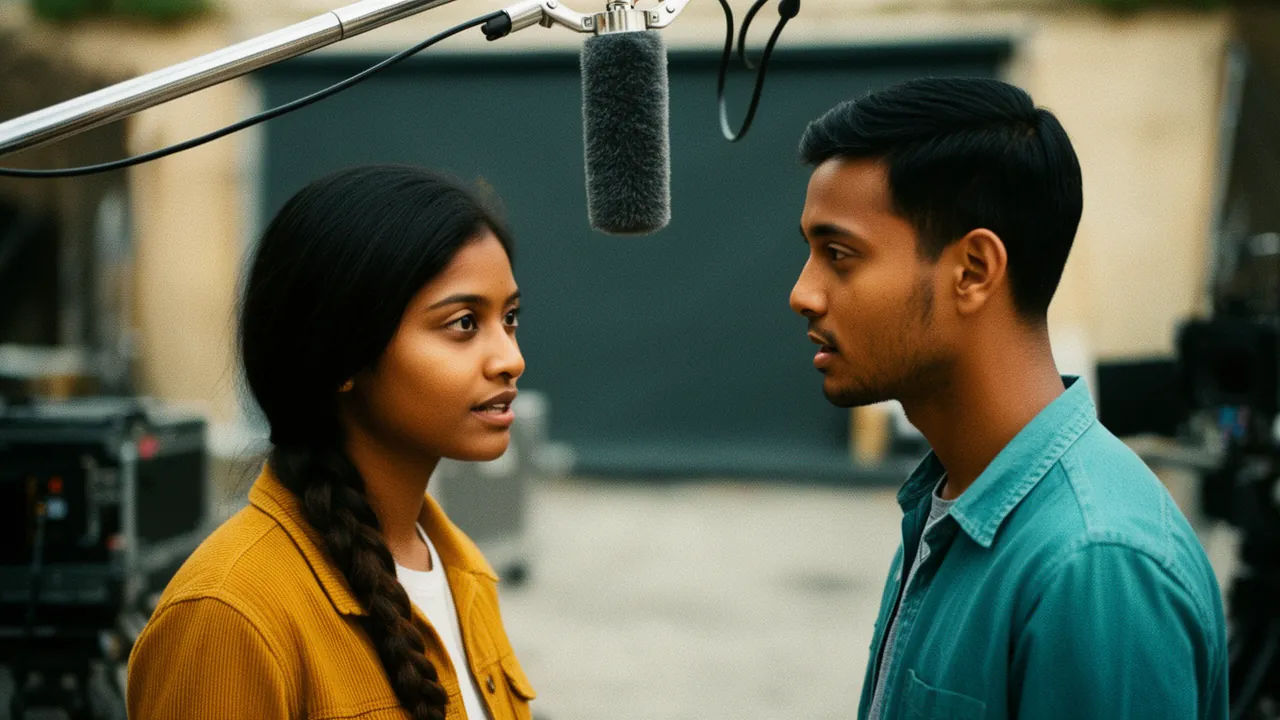
The plan shows which voice will speak for each speaker. For Indian languages, let FloStudio match an Indian-language voice to each speaker by gender and age, or pick one per speaker yourself.
Check every line
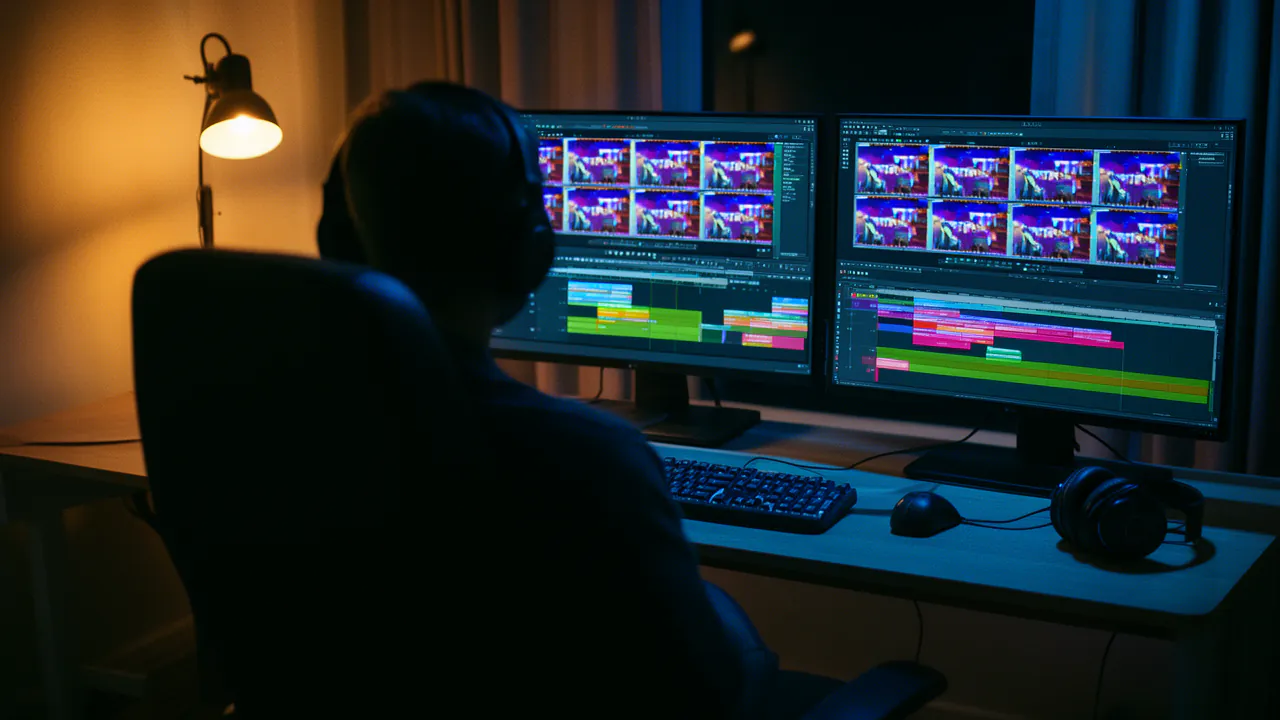
Each line shows the original beside the translation. Edit the words or choose another voice, and only that line is spoken again.
Apply and export
Put a language on the timeline — the original speech is muted, its music and effects kept — and export that version. Then take it off and put the next one on.
28 languages, 6 at a time
A dub can be in any of 28 languages, up to 6 in one go.
Indian languages
Hindi, Bengali, Tamil, Telugu, Marathi, Gujarati, Kannada, Malayalam, Punjabi, Urdu, Odia and English.
World languages
Spanish, French, German, Italian, Portuguese, Japanese, Korean, Chinese, Arabic, Russian, Turkish, Indonesian, Thai, Vietnamese, Dutch and Polish.
The routes people use most
English to Hindi for a creator going local; Hindi to Tamil, Telugu or Bengali to reach other states; Hindi to English for a wider audience.
What stays and what changes
A dub is a new language track beside your video, never an edit of it.
The original is untouched
The film’s script, prompts and sound are never edited. Each language is a separate track you can apply, take off or delete.
Music and effects stay
By default the background — music, ambience, effects — keeps playing under the new voice, and the original speech is muted when you apply a dub.
Names stay names
People’s and places’ names are kept as they are, not translated.
Timed to the original
A translated line is written to fit the time the original line took, so the dub keeps pace with the picture.
Fix a line, not the dub
Edit one line and only that line is spoken again; if some lines fail, retry just those.
Dubbing is not lip-sync
FloStudio’s dub replaces the voice, not the mouth. Each new line starts where the original did and is written to a similar length, but the speaker’s lips still move to the original words. On narration, voice-overs, explainers, animation and wide shots, nobody notices; on a tight close-up of someone talking, they will.
So dub the kinds of video where that works — narrated stories, cartoons, tutorials, product videos — and keep close-ups of a speaker short. Matching lips to new words is a different job, and the dub does not do it.
What a dub costs
The plan is free. Speech is charged per second, per language: 0.2 credits a second in a voice that is charged, such as the Indian-language voices, while a line in a free stock voice costs nothing. A one-minute video dubbed into three languages in charged voices is about 36 credits.
Nothing is charged for a language that fails. A daily limit on speech applies, and the tab shows what is left before you start.
Packs start at ₹200 or $2. There is no subscription, and purchased credits never expire.
Side by side
| Dubbing one video | FloStudio Dub | Voice artists per language |
|---|---|---|
| Translation | Automatic, every line editable | A translator per language |
| Languages at once | Up to 6 | One session each |
| Changing a line later | Edit it and only that line is re-spoken | Book the session again |
| Lips matched to the new words | No | No, unless the picture is re-edited |
| Cost | Per second of speech; stock voices free | Per language, per session |
Questions
Start with a story. FloStudio plans the shots.
Sign in to start. The plan and its price are free to see.