

FloStudio · in your browser, on a phone or a desktop
AI Movie Maker: Short Films with Sound and the Same Characters in Every Shot
Describe your story and FloStudio plans it as a film: a shot list, a cast, the lines each character says. It renders every shot with its own sound, keeps each character’s face and clothes from shot to shot, and puts the result on a real editing timeline where you cut, score and export it. You pay for the seconds that are delivered, from 2 credits a second, and a render that fails costs nothing.
FloStudio
Write the story, render every shot, cut and score it in the browser
 Meera portrait pinned
 Kabir portrait pinned
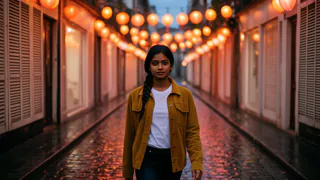

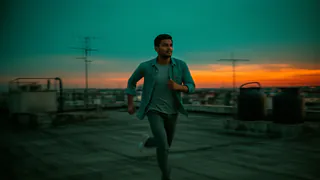
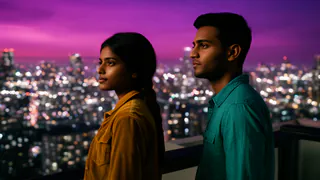
- Flash Video · Standard · 480p
- 2 credits a second
- Flash Video · HD · 720p
- 3 credits a second
- Ultra Video · Standard · 480p
- 4 credits a second
- Ultra Video · HD · 720p
- 5 credits a second
- One shot
- up to 5 s
- Failed render
- 0 credits charged
- Credits
- never expire
How to make a movie with AI in FloStudio
Five steps, all in one browser tab. You can stop after any of them, and nothing is charged until a shot is actually delivered.
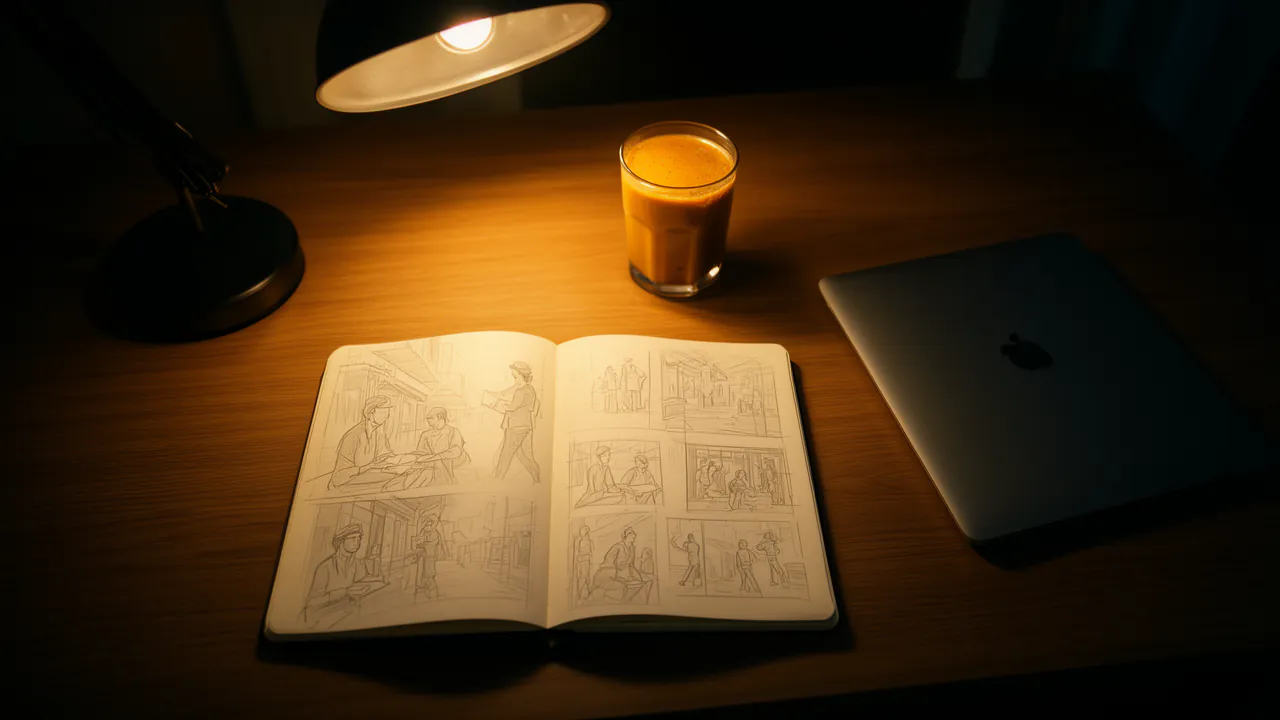
Describe the story
Tell the assistant what happens. It writes the shot list: what each shot shows, the dialogue and sound, any narration, and who is in it. Planning with the assistant is charged by the tokens it uses, as in AI Studio, and each reply shows what it cost.
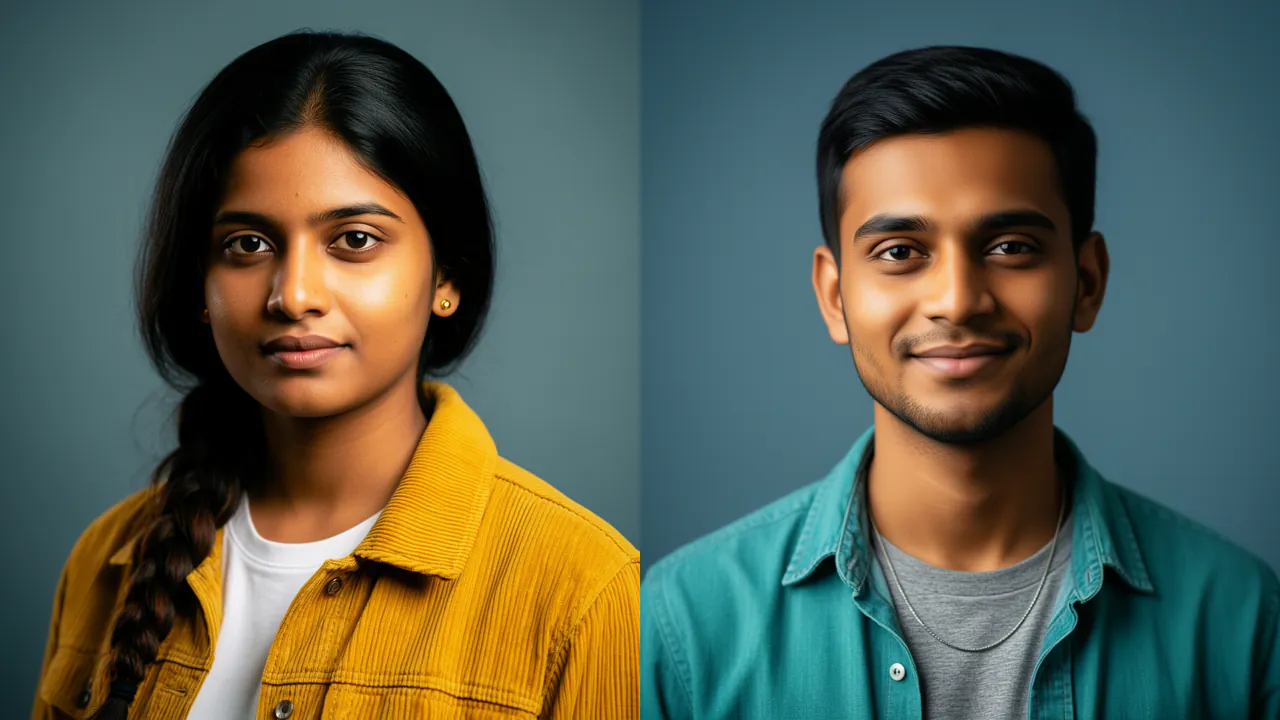
Set the cast
Give each character a name, a look and a portrait. FloStudio hands that portrait to every shot the character appears in, so the face and clothes carry through the film.
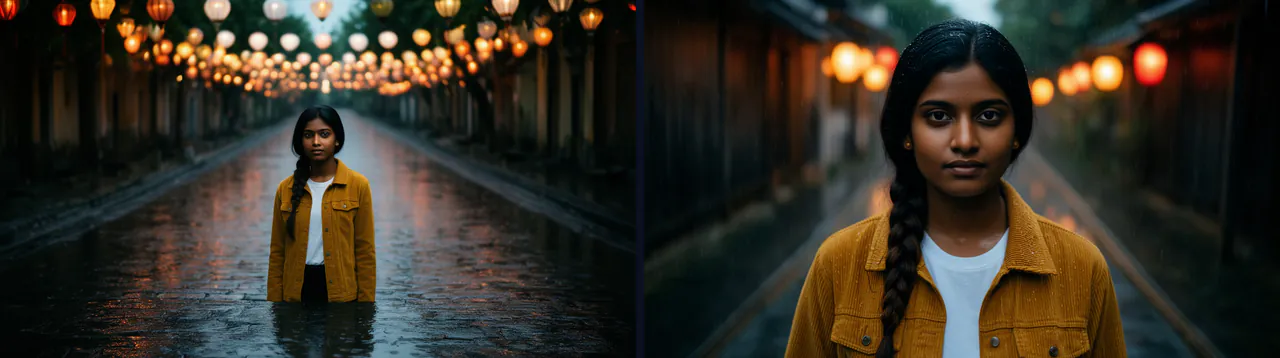
Preview the frames
Generate a shot’s opening and closing frames as stills first, at 1 credit each, and change them until the look is right, before paying for any video.

Render shot by shot
Each shot arrives with its own dialogue, ambience and sound effects. Every take is kept, so regenerating a shot never throws away the one you liked.
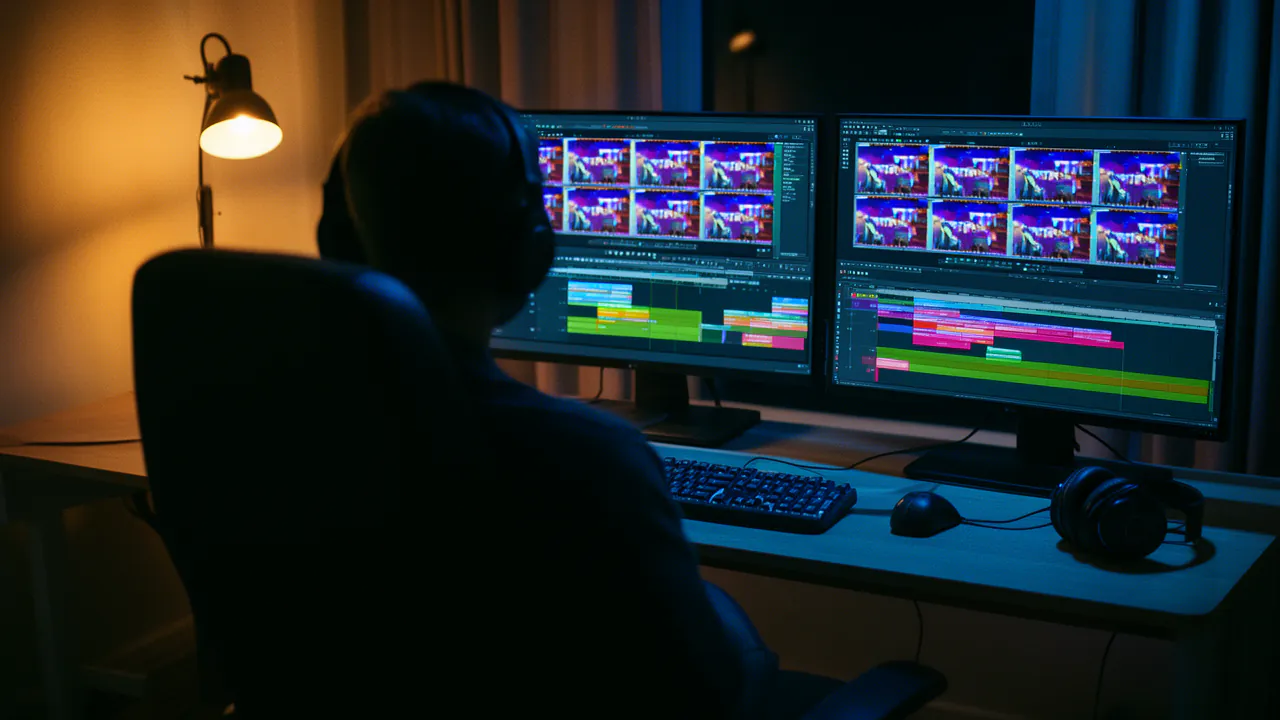
Cut, score and export
Trim and reorder on the timeline, add text, images and transitions, lay one continuous AI score or your own music under the whole film, then export an MP4.
What FloStudio does that a video generator alone does not
Most AI video tools give you a clip. Making a film out of clips is where the time goes: the character changes between shots, the sound has to be added separately, and the pieces end up in a different editor. FloStudio keeps all of that in one project.
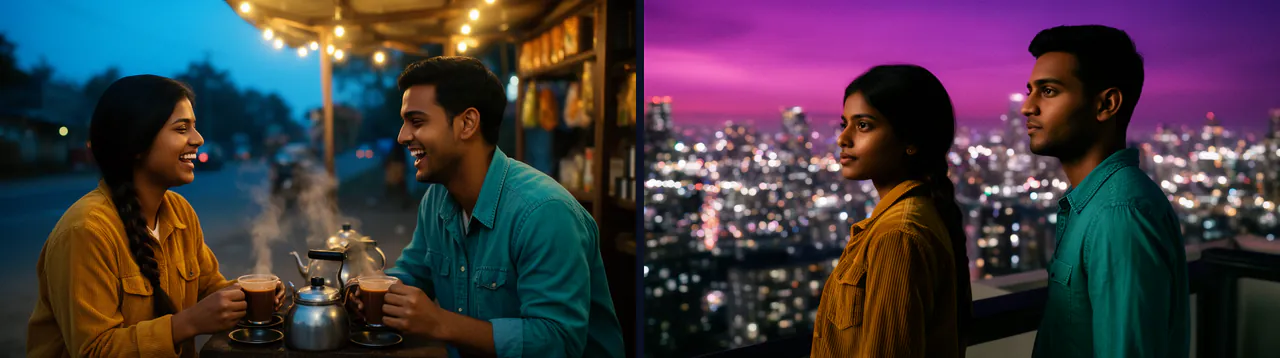
The same characters in every shot
Each shot is given your cast’s portraits and up to 3 reference images from earlier shots, plus a written brief of what has already been established: clothes, props, the room.
Sound in the same pass
Dialogue, ambience and sound effects are generated with the picture, not added afterwards. The end of one shot’s sound is passed to the next, which helps the atmosphere carry across the cut.
A real timeline
Separate tracks for picture, clip sound, score and extra audio. Trim, split, reorder, fade, dissolve, add text and image overlays, even key out a green screen.
Transitions it generates for you
A bridge between two shots is a short generated clip pinned to the last frame of one and the first frame of the next, so a cut can become a camera move.
Pay per delivered second
No subscription and no monthly allowance to use up. Credits are held while a shot renders and charged only when it is delivered. Unused credits never expire.
Works on your phone
The editor has phone, tablet and desktop layouts with touch controls, so you can plan on a phone and finish on a laptop.
What an AI short film costs
Standard renders cost 2 credits per second of delivered video at 480p; HD costs 3 credits per second at 720p. A still for a keyframe or a character portrait is 1 credit, and the AI score is 1 credit per second.
So a one-minute film on Standard is 120 credits if every shot works first time, which is ₹119–₹400 or $1.6–$4 depending on the pack you buy. In practice most shots need a second take, so plan for about twice that. The editor shows the estimate before you render, and refuses a render your balance cannot cover instead of starting it.
Packs start at ₹200 or $2, there is no subscription, and credits do not expire. Failed or cancelled renders are refunded to your balance automatically.
What it will not do (yet)
It is better to know these before you start than halfway through a project.
Short shots
A single shot on Standard is up to about 5 seconds. Longer scenes are several shots joined on the timeline, which is how films are cut anyway.
Modest resolution
Exports are 480p on Standard and 720p on HD, at 24 frames per second. There is no 1080p or 4K and no upscaling.
Short lines, no lip-sync
Dialogue works best as a short line or two per shot, one speaker at a time. There is no separate lip-sync step and no voice cloning.
English editor
The editor’s interface is in English for now.
Side by side
| Making a short film | FloStudio | A video generator plus other tools |
|---|---|---|
| Shot list from your story | Written by the assistant, free to use | You write each prompt |
| Same character across shots | Cast portraits given to every shot | Re-describe or re-upload every time |
| Dialogue and sound effects | Generated with each shot | Often a separate voice or audio tool |
| Music | One continuous AI score, or your own | A separate music tool |
| Editing | Multi-track timeline in the same project | Download and re-import into an editor |
| Billing | Per delivered second, no subscription | Usually a monthly plan per tool |
What will your film cost?
Move the sliders. Prices follow the credit pack you buy: bigger packs make each credit cheaper.
Flash Video · Standard · 480p
240
credits
about $3.1–$8
about ₹238–₹800
- Planning with the assistant: charged by the tokens it uses, 55 credits per million read and 165 per million written
- Failed or cancelled renders: refunded automatically
- No subscription · credits never expire
An estimate. The editor shows the exact figure before every render.
See credit packsQuestions
Start with a story. FloStudio plans the shots.
Sign in to start. Planning with the assistant is free; you pay only for delivered seconds.