

Your clip in · the person found in every frame · the words behind their head and shoulders
Text Behind a Person in a Video, Without Masking a Single Frame
The look is simple to describe and slow to make by hand: the caption sits in the frame, and the speaker’s head passes in front of it. In FloStudio you upload the clip, caption it, and switch on “Behind speaker”. FloStudio finds the person in every frame of the cut, and the export draws the words behind them, on every shot, through zooms and reframes. Captions, finding the person and export cost no credits.
FloStudio
Write the story, render every shot, cut and score it in the browser
 Meera portrait pinned
 Kabir portrait pinned




- Flash Video · Standard · 480p
- ২ credits a second
- Flash Video · HD · 720p
- ৩ credits a second
- Ultra Video · Standard · 480p
- ৪ credits a second
- Ultra Video · HD · 720p
- ৫ credits a second
- One shot
- up to 5 s
- Failed render
- 0 credits charged
- Credits
- never expire
How to put text behind a person in a video
Five steps, all in the browser. Nothing here is rendered by AI, so nothing here is charged.

Bring your clip
Upload a video from your phone or computer, or paste a link to import it. A talking head, a podcast clip or a vlog all work.
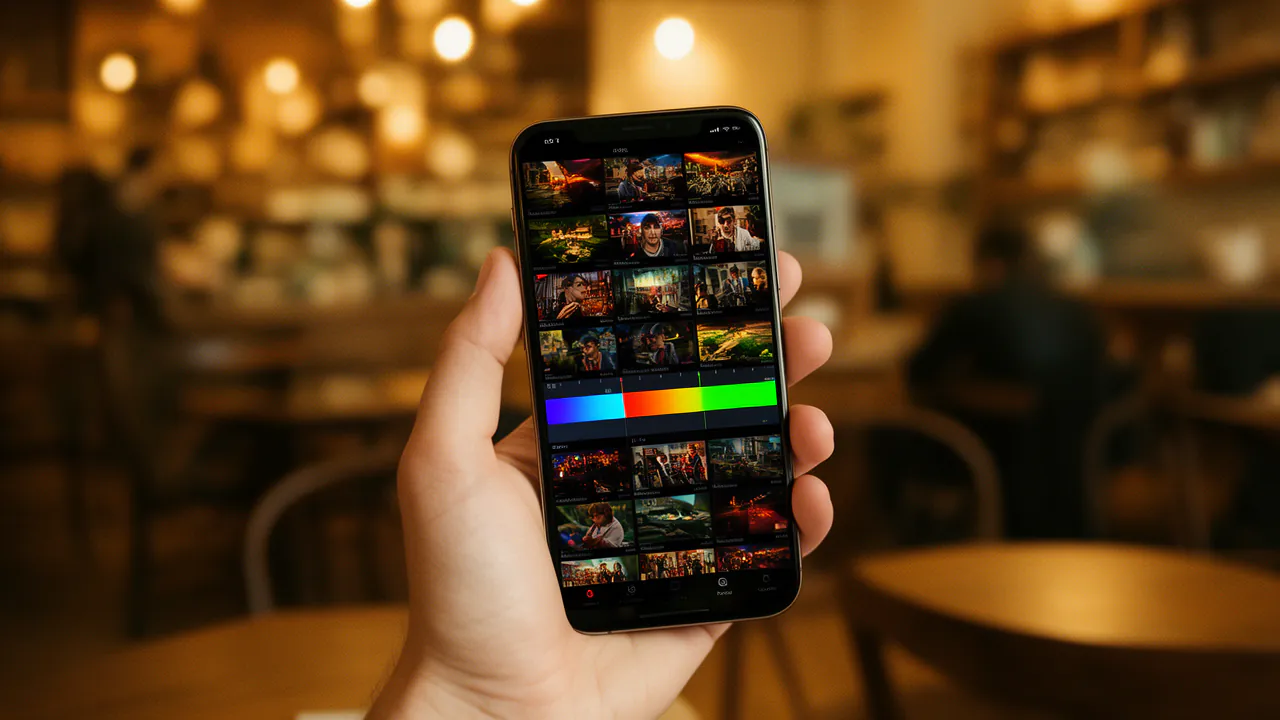
Caption it
FloStudio listens to the speech and times every word. Pick one of 13 looks: punch, beast, karaoke, keyword, pill, glow, neon and more.
Switch on “Behind speaker”
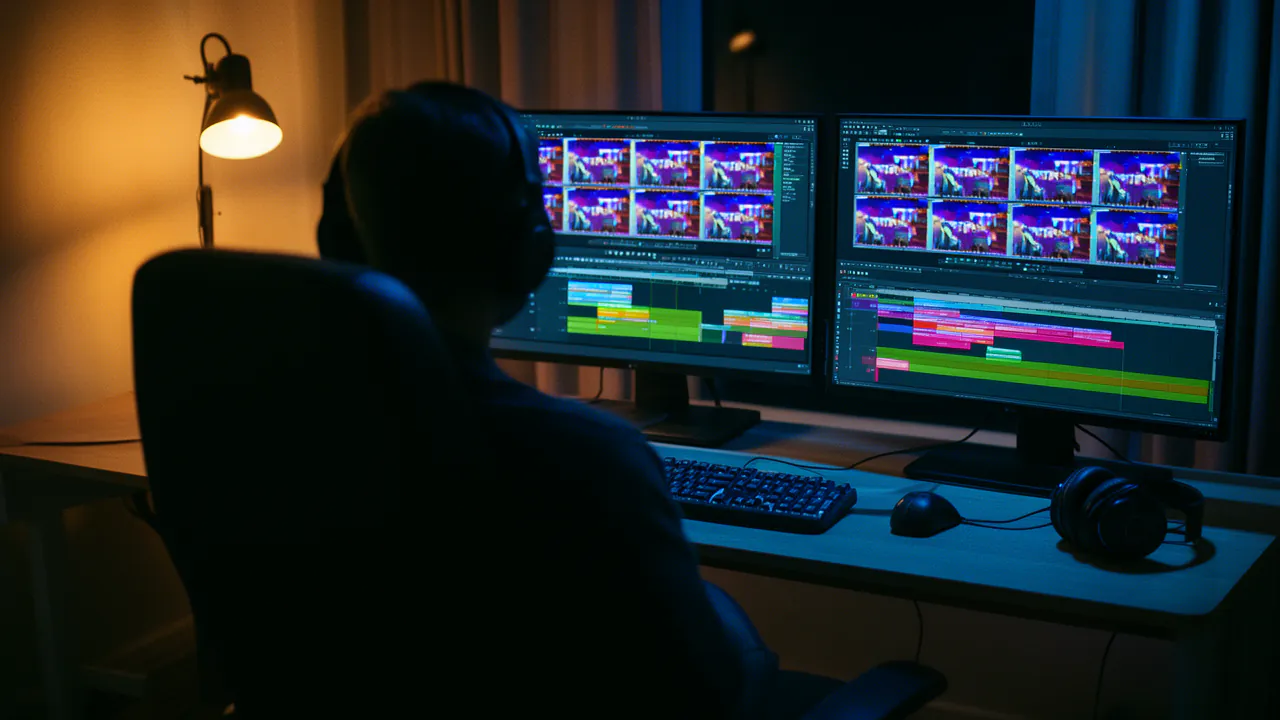
In the Captions tab, or in Style for a plain title. FloStudio finds the person in every frame of the cut, which takes a few seconds for each second of film.
Check it in the monitor
Play it back: the words sit behind the head and shoulders. Change the cut and FloStudio offers to find the person again.
Export
Export an MP4 for Reels, Shorts or TikTok. The export finds the person itself, so the words are always behind them in the file.
Behind the speaker, or out of their way
Two ways to keep captions and a face from fighting for the same space.
Behind the speaker
The words pass behind the head and shoulders, the depth effect that makes a caption look part of the shot.
Placed clear of them
Smart placement moves each caption to where it covers the person least, line by line, when you would rather keep the words in front.
Titles too
A hook or a big title word can go behind the speaker as well, not only the captions.
Through zooms and reframes
The person is found in the finished picture, so punch-ins, Ken Burns moves, a vertical reframe and transitions are all accounted for.
Where the effect earns its place
A talking-head Reel, a podcast clip, a product explainer or the first second of a Short: anywhere one person fills the frame and the words are the point. A single bold word behind the head makes a hook that reads like a thumbnail.
It works best with one person clearly in frame and a background that is not the same colour as their hair or clothes.

What it costs
Captions, finding the person, placing the words, the behind-the-speaker effect and export cost no credits. So do your own uploaded clips and the clips you import from a link.
Credits pay for what AI makes: a generated shot (2 credits a delivered second on Standard), a charged voice or AI music. Packs start at ₹200 or $2, with no subscription, and purchased credits never expire.
Good to know
What the effect does not do yet.
Hindi in Devanagari
Devanagari letters do not render correctly on screen yet, so Hindi captions in Devanagari are not offered on this effect.
Very fast movement
The person is found ten times a second; a fast turn of the head can leave an edge of a word showing for a moment. Check the moment and move the caption if it matters.
Before the person is found
Until FloStudio has found the person for the current cut, the editor shows the words in front. The export always draws them behind.
Questions
More on AI video
Start with a story. FloStudio plans the shots.
Sign up to start. Captions and the behind-the-speaker effect cost no credits.