

Ask Flo · a real timeline · video from a link
AI Video Editor: Tell It the Edit, Then Fine-Tune It on a Timeline
Most AI video tools make a clip and leave you to fix it somewhere else. FloStudio is an editor first: a timeline with picture, sound, titles and overlays, and Flo, an assistant that makes the edit you describe — “tighten the middle”, “dissolve between the café shots”, “make it warmer” — and shows each step so you can undo it. Start from your own footage, a video you already posted, or shots it generates for you.
FloStudio
Geschichte schreiben, jede Einstellung rendern, im Browser schneiden und vertonen
 Meera Porträt angeheftet
 Kabir Porträt angeheftet
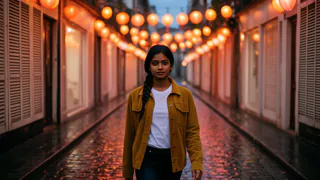

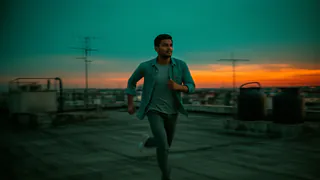
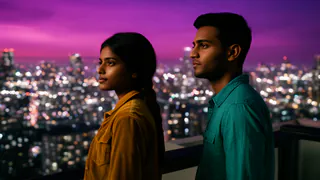
- Flash Video · Standard · 480p
- 2 Credits pro Sekunde
- Flash Video · HD · 720p
- 3 Credits pro Sekunde
- Ultra Video · Standard · 480p
- 4 Credits pro Sekunde
- Ultra Video · HD · 720p
- 5 Credits pro Sekunde
- Eine Einstellung
- bis 5 s
- Fehlgeschlagenes Rendering
- 0 Credits berechnet
- Credits
- verfallen nie
Edit by asking, and see every step
Flo is not a filter with a text box. It reads your project, plans the change, makes it on the timeline and tells you what it did.
Ask in plain words
Type the edit you want. Flo plans it, makes the cuts, moves and changes on your timeline, and lists them. It keeps working if you switch tabs, and Stop is always there.
Undo a whole request
“Undo Flo’s changes” takes back everything one request did, in one step, on top of the editor’s ordinary undo and redo.
Show it what you mean
Attach a photo or a clip to a message to point at the look, the person or the moment you are talking about.
You keep the last word
Everything Flo does is ordinary editing: a cut you can drag, a transition you can swap, a grade you can turn down.
A real timeline under the AI
The editing you would do by hand is all there, on the web and in the Voxmin app.
Trim, split, reorder
Cut on the frame, split at the playhead, drag shots into a new order, duplicate a take. ⌘C, ⌘X, ⌘V and ⌘D do what you expect.
Speed, volume, fades
Speed from 0.1× to 8×, volume from silence to 400%, and fades in and out on picture and sound.
Transitions and AI bridges
More than 40 transitions, plus AI bridges: a generated moment that carries one shot into the next when a plain cut will not do. “Smooth all cuts” does every join at once.
Looks and colour
More than 30 looks, filters and adjustments, your own .cube LUTs, or “Match a photo” to grade the film like a reference picture.
Overlays, titles, markers
Picture-in-picture, titles, chroma key, markers on the beats and snapping that lands cuts where you meant.
Sound on its own lanes
A music bed, an AI score at 1 credit a second, sound effects, room tone, narration and subtitles, each on its own lane.
Start from a link: your own videos, already online
Paste the address of a video you posted on YouTube, TikTok, Instagram, Facebook, Vimeo, X, Twitch or Dailymotion, and FloStudio brings it in as clips on your timeline. Take it whole, or split it into 30-second, 1, 2 or 5-minute parts — the quick way to cut a long stream, vlog or talk into pieces you can rework.
Free to import. Bringing a video in costs nothing: sources up to 20 minutes, up to Full HD, 10 imports a day.
One undo step. Every part lands together after the shot under the playhead, so a single undo takes it all back.
Only what you may use. Import videos you made or have permission to use.
- YouTube
- TikTok
- Vimeo
- X
- Twitch
- Dailymotion

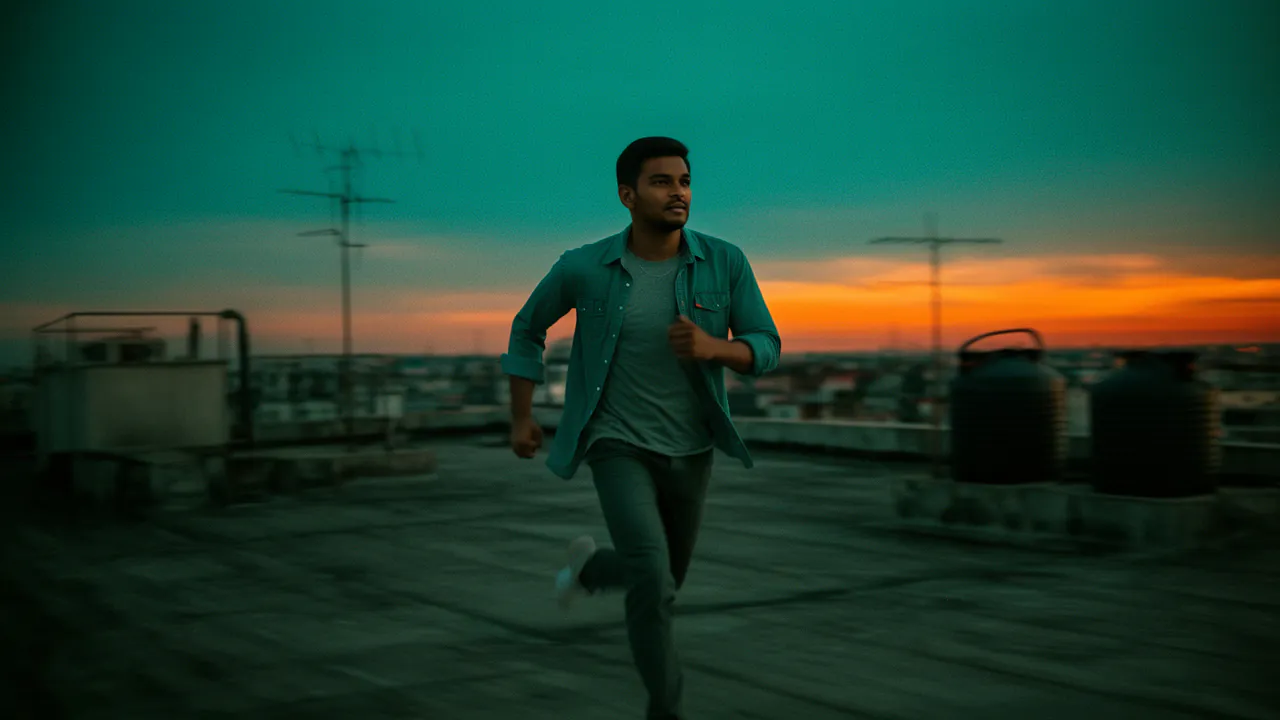
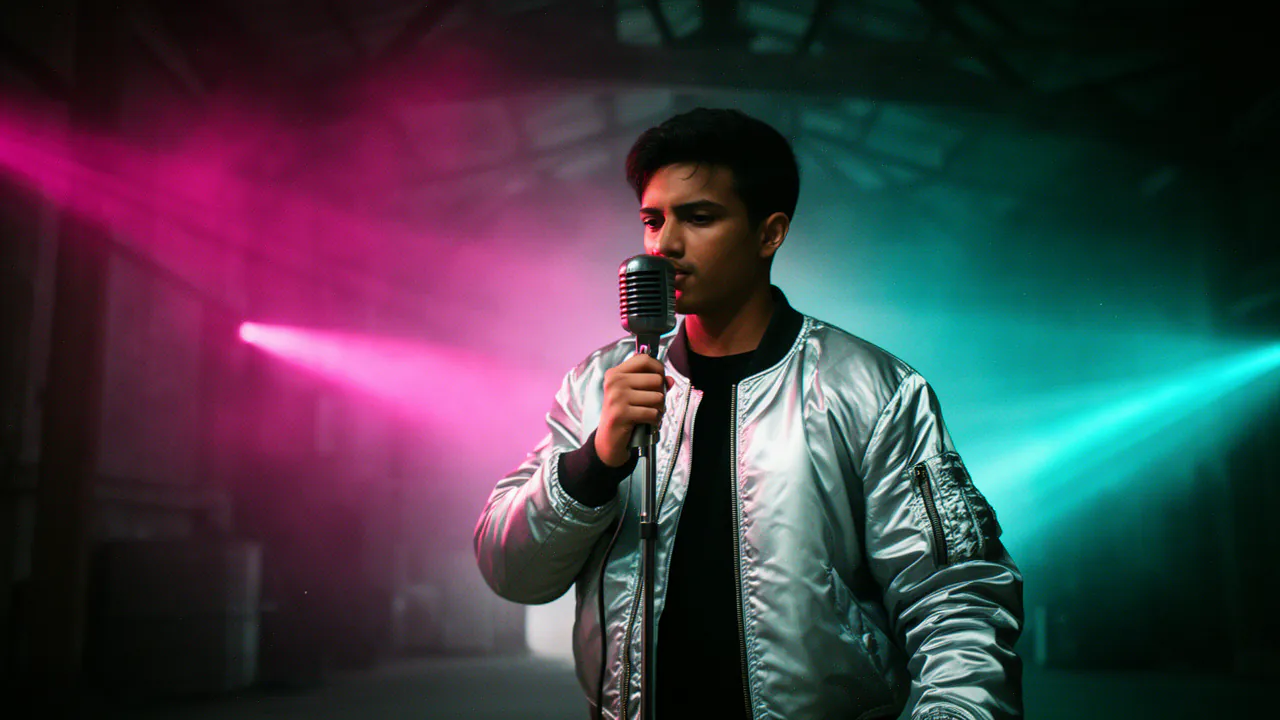
How to edit a video with AI in FloStudio
Four steps from raw clips to an export.
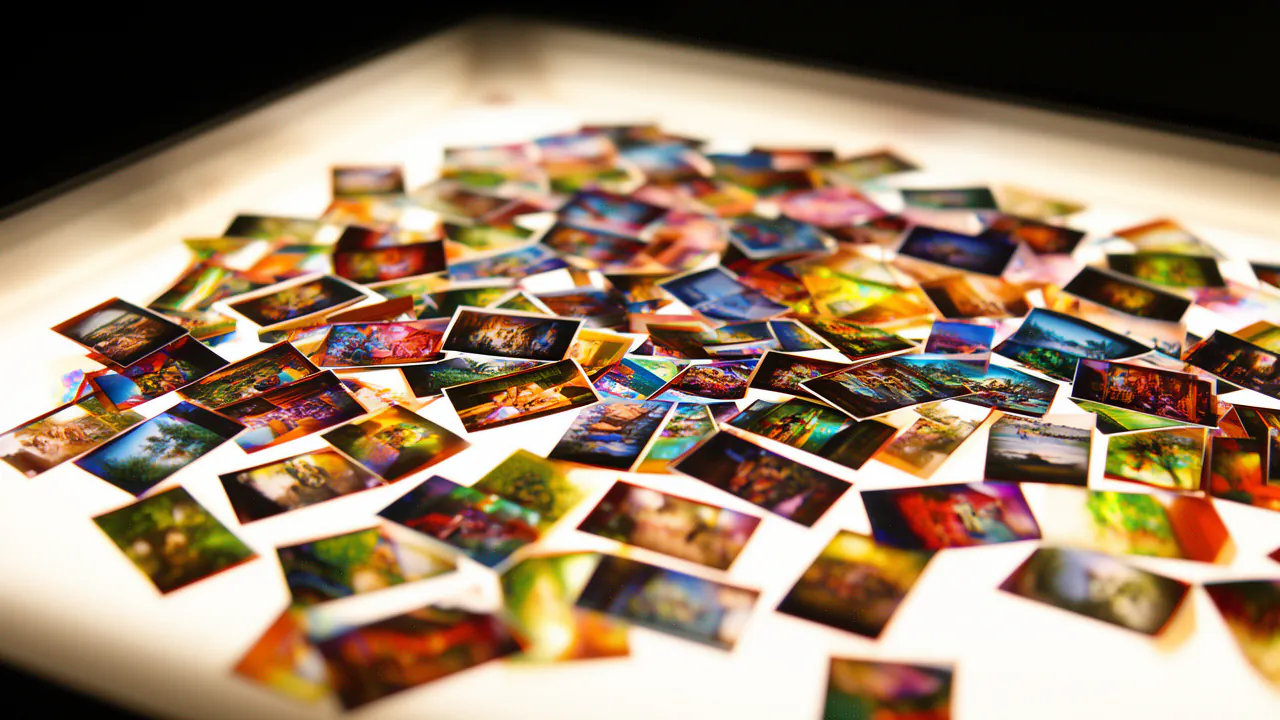
Bring in your footage
Upload clips and photos, paste a link to a video you posted, or ask Flo to generate the shots you are missing.
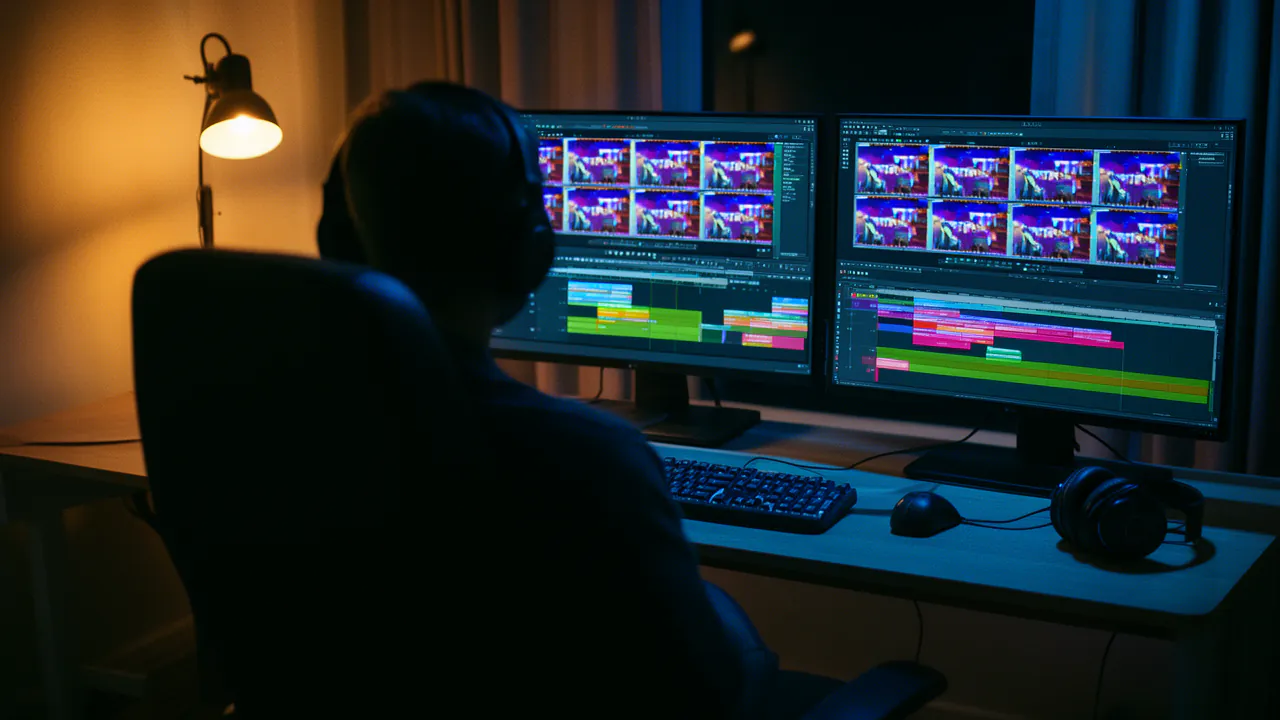
Ask for the edit
“Cut this to 30 seconds and keep the laughs” is a fine first instruction. Flo makes the cuts and lists them.

Fine-tune by hand
Drag a cut, change a transition, nudge the colour, re-time the music. Nothing Flo did is locked.
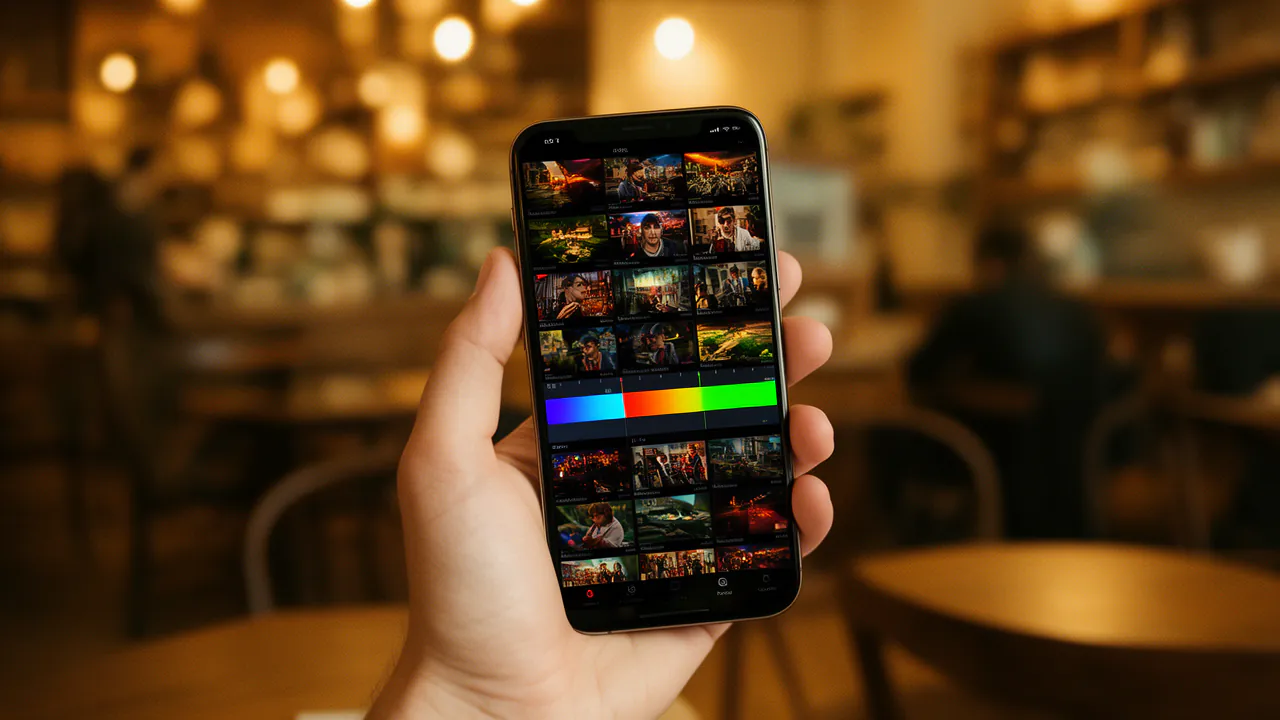
Export
Render in 480p or 720p, portrait 9:16 or landscape 16:9.
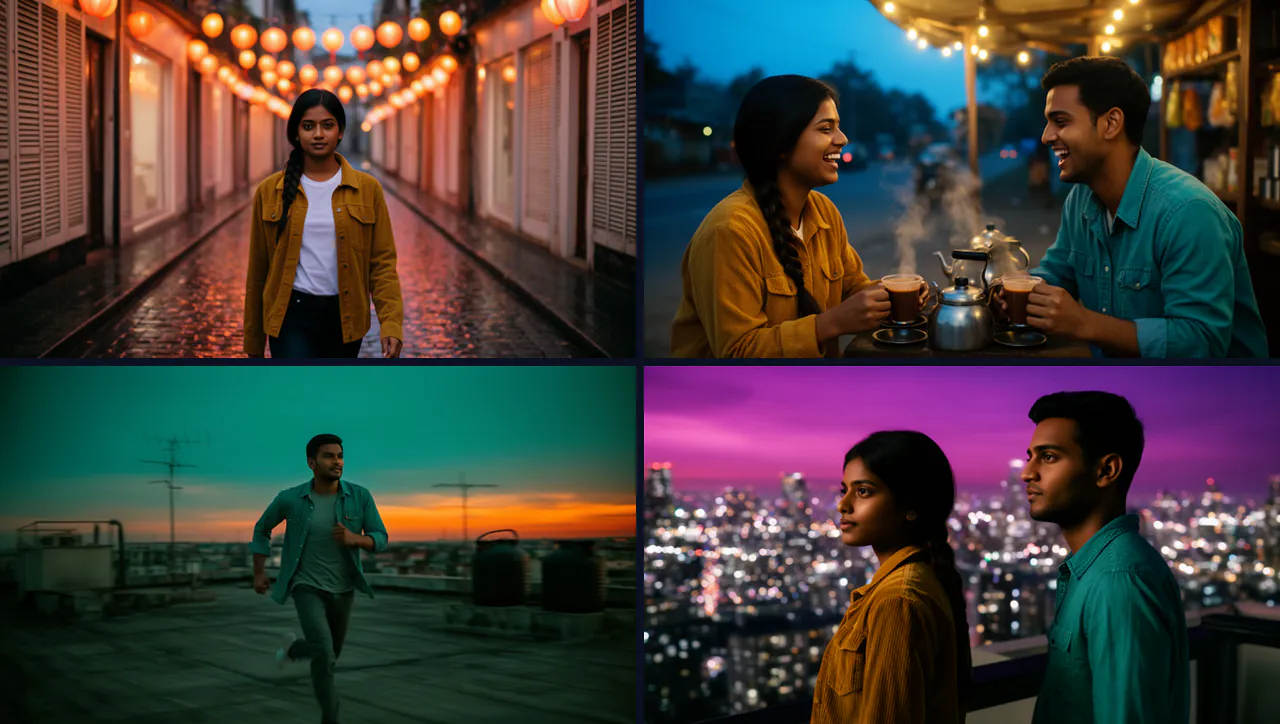
What you pay for, and what you do not
Your own clips, photos and links cost nothing to bring in or to edit. Credits are spent only on what FloStudio makes for you: generated shots at 2 credits a delivered second on Standard (3 on HD), stills at 1 credit each, an AI score, AI bridges, and the work Flo does when you ask.
There is no subscription. Buy a credit pack when you need one; purchased credits never expire, and a render that fails costs nothing.
Häufige Fragen
Fang mit einer Geschichte an. FloStudio plant die Einstellungen.
Sign in to start. Importing your own clips and links is free; you pay only for what FloStudio generates.