

Indian-language voice-overs · dubbing into up to 6 languages at once
Hindi AI Video Generator: A Finished Film, Heard in Hindi
Most “Hindi AI video” tools lay a text-to-speech track over stock clips. FloStudio makes the film itself — the shots, the cast, the music and the cut — and gives it a voice your audience hears in Hindi, or in Tamil, Telugu, Bengali, Marathi and the other Indian languages its voices speak. Paste your lines in Hindi and they are spoken exactly as you wrote them; or make the film in English and dub it into Hindi in one step. You pay per delivered second, with no subscription.
FloStudio
Geschichte schreiben, jede Einstellung rendern, im Browser schneiden und vertonen
 Meera Porträt angeheftet
 Kabir Porträt angeheftet
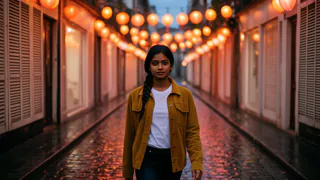


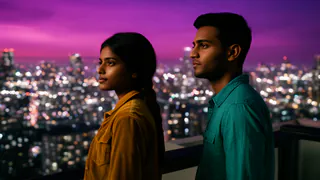
- Flash Video · Standard · 480p
- 2 Credits pro Sekunde
- Flash Video · HD · 720p
- 3 Credits pro Sekunde
- Ultra Video · Standard · 480p
- 4 Credits pro Sekunde
- Ultra Video · HD · 720p
- 5 Credits pro Sekunde
- Eine Einstellung
- bis 5 s
- Fehlgeschlagenes Rendering
- 0 Credits berechnet
- Credits
- verfallen nie
How to make an AI video in Hindi, step by step
Five steps in one browser tab. Nothing is charged until a shot or a line of speech is actually delivered.
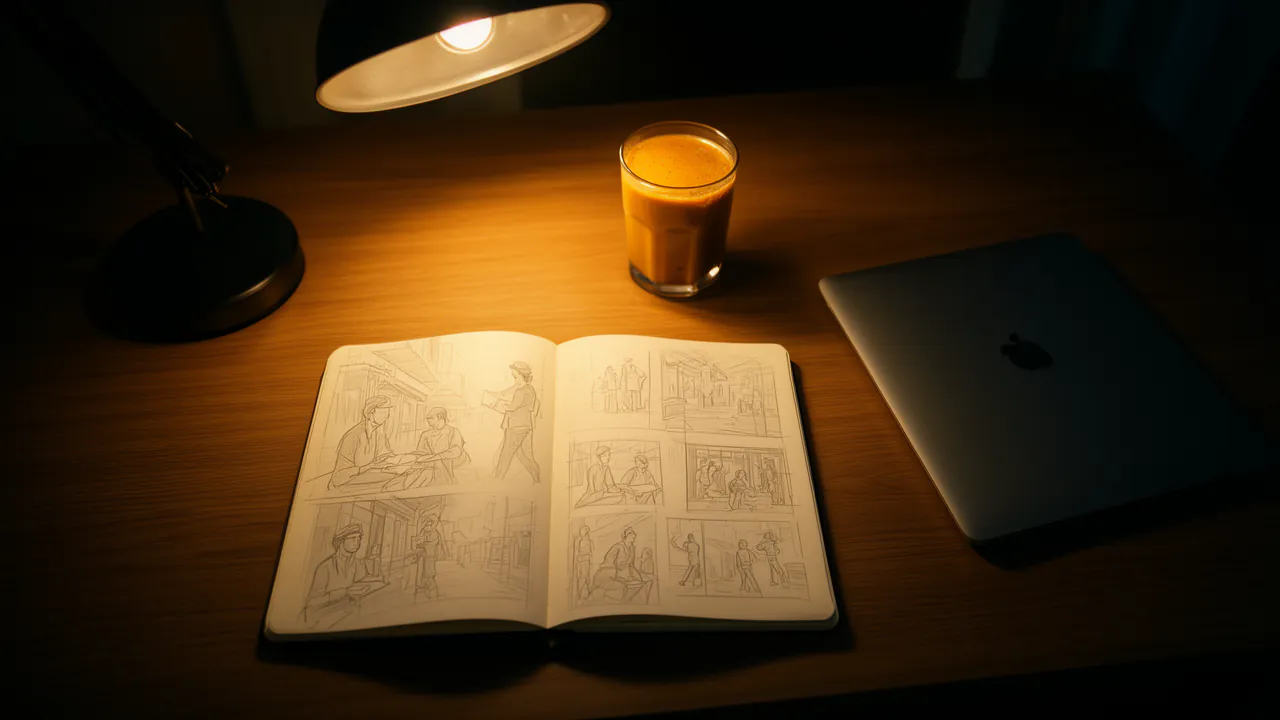
Describe the film
Tell Flo, FloStudio’s assistant, what happens — in Hindi, Hinglish or English. It plans the shots and the cast. Flo writes its own lines in English, so for Hindi narration paste the lines you want spoken: FloStudio keeps them word for word, in the language you wrote them.
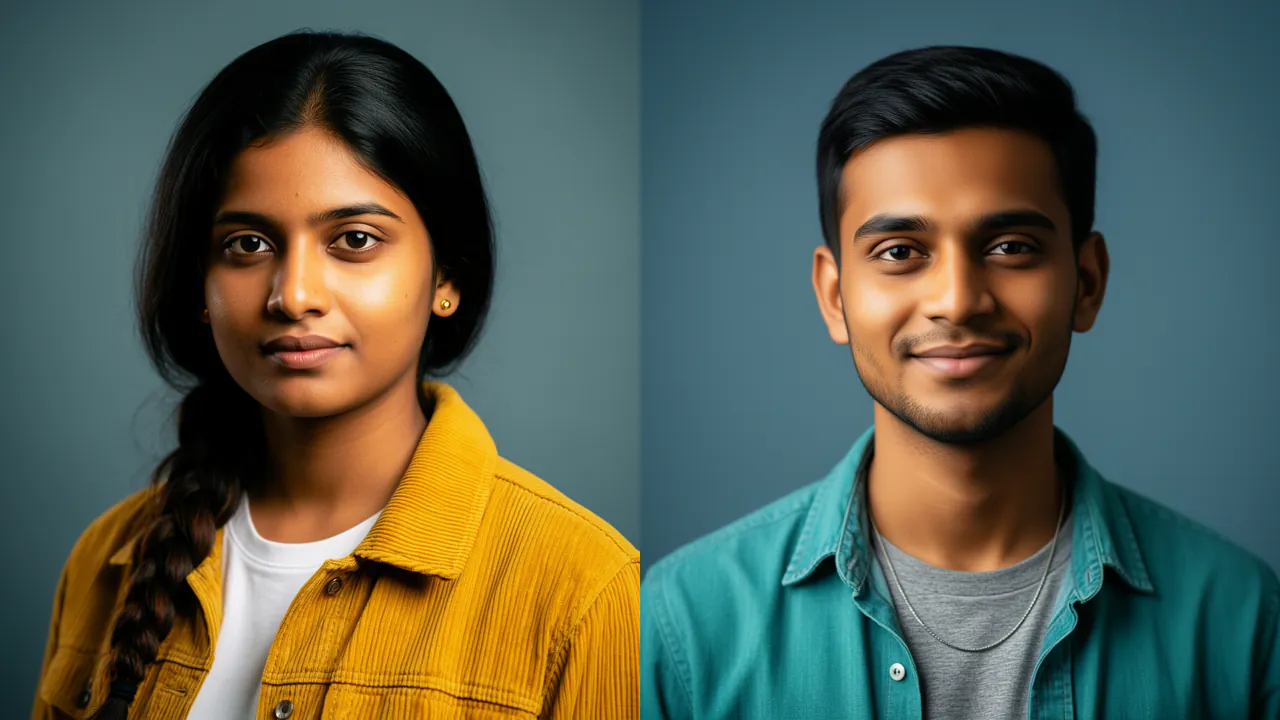
Set the cast and the look
Give each character a character sheet and lock it, so the same face and clothes appear in every shot, and set the film’s look once. Sheets and keyframes are stills, at 1 credit each.

Render the shots
Each shot is generated and kept as a take, so a retake never throws away the one you liked. Standard is 2 credits a delivered second at 480p; HD is 3 at 720p.
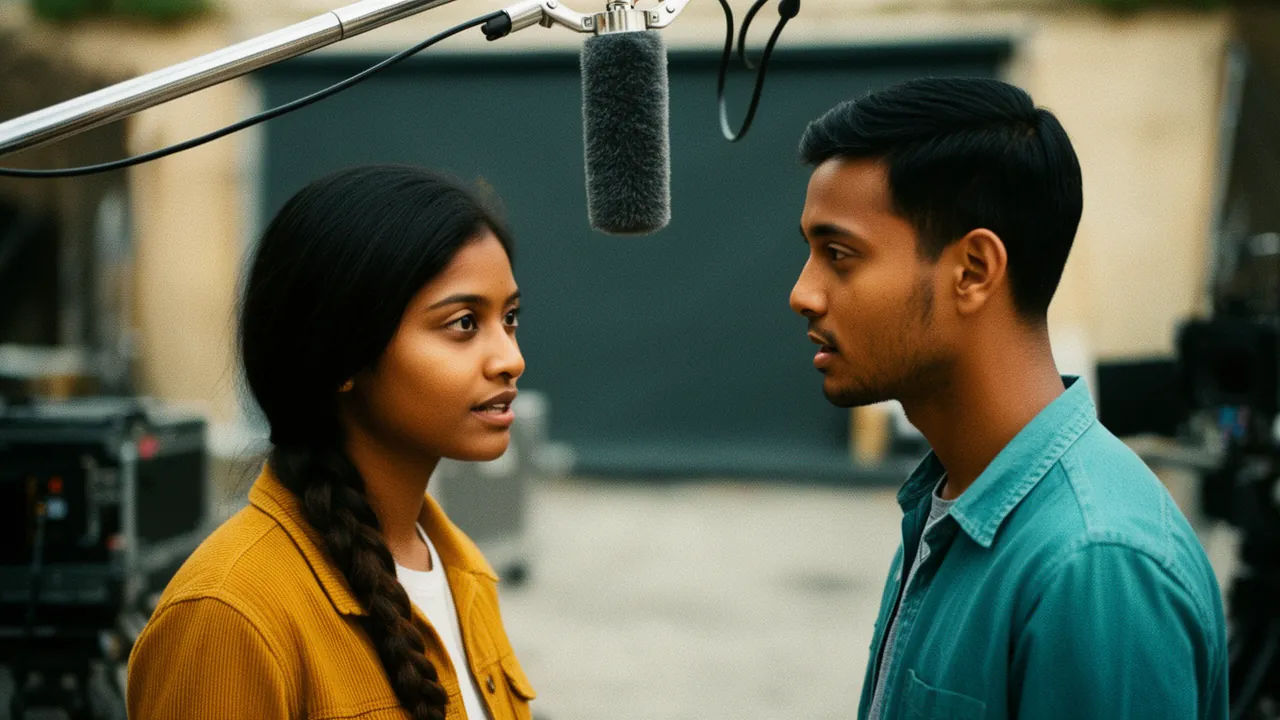
Add the Hindi voice-over
In the Voice-over tab, type or paste the lines, set the language to Hindi and choose a voice. Every voice plays a short sample first, with its price shown before you press play.
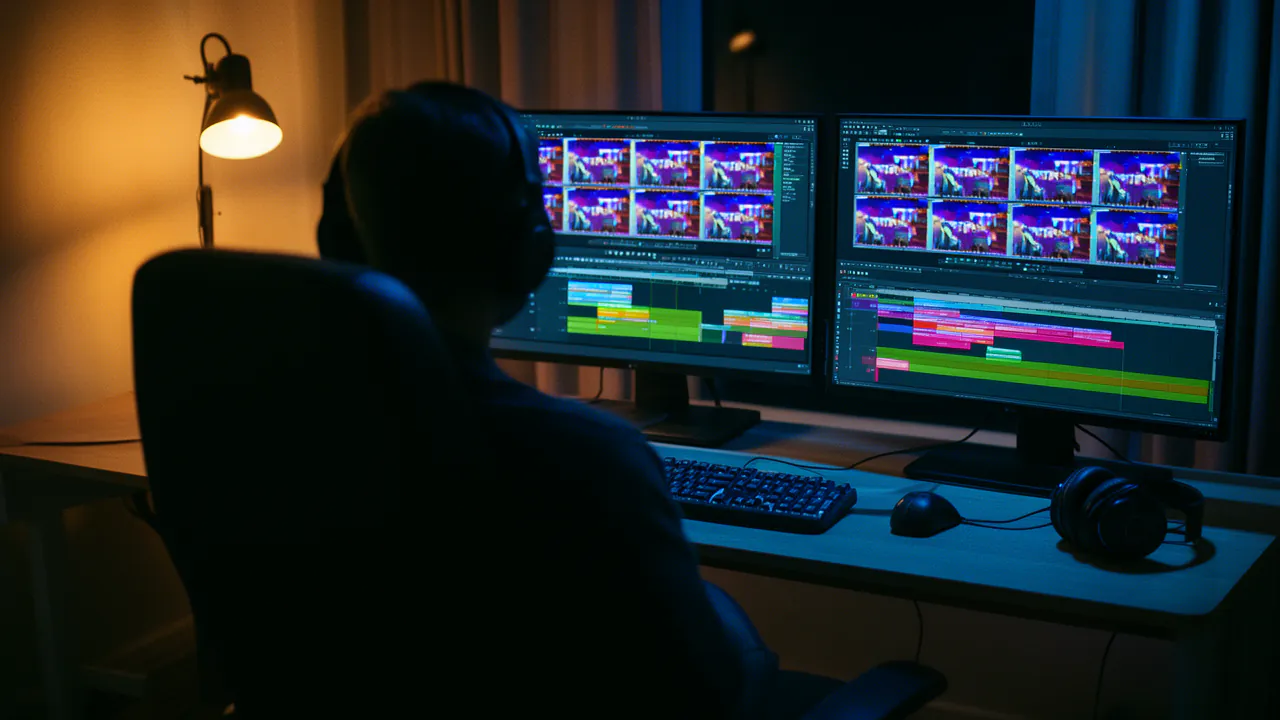
Music, cut and export
Lay an AI score or your own music under the film, trim and reorder on the timeline, and export an MP4 in 9:16, 16:9 or 1:1.
Voices that sound Indian, in Indian languages
FloStudio’s Indian-language voices sit in every voice picker: the narrator, a cast member, a voice-over line, a dub. Each has a name, a line on how it sounds and the languages it was trained in.
10 Indian languages
Voices trained in Hindi, Bengali, Tamil, Telugu, Marathi, Gujarati, Kannada, Malayalam, Punjabi and Odia, plus Indian English. A voice can read the other languages too; the picker marks those “works, less natural”.
Hear it before you choose
A sample plays in the language you picked. It is metered like any speech, the price is shown before the first press, and a sample you have already heard replays free.
A voice for each character
Give the narrator one voice and each character another, so a family story or an explainer with two presenters sounds like two people.
Your words, exactly
Lines you give FloStudio are never translated or rewritten. They keep the language you wrote them in, and are tagged with it so the right voice reads them.
Or make it in English, then dub it into Hindi
Already have a film in English, or a video you shot yourself? FloStudio’s Dub tab translates its lines and speaks them again in up to 6 languages at once — Hindi, Tamil, Telugu, Bengali, Marathi, Gujarati, Kannada, Malayalam, Punjabi, Urdu, Odia, and world languages such as Spanish, French and Arabic. The original stays untouched; each language is a track you put on the timeline or take off again.
Every translated line can be read beside the original, edited and spoken again on its own, so a word that sounds wrong in Hindi is a one-line fix rather than a new dub.
Who makes Hindi AI videos with FloStudio
The same tools, four very different videos.
Story and kahani channels
Moral stories, folk tales and family dramas with a narrator, and the same characters in every episode.
Small businesses
A 30-second ad for a shop, a coaching class or a new menu, voiced in the language your customers speak.
Teachers and explainers
A lesson or a how-to in Hindi, Tamil or Bengali, with the pictures generated for it instead of hunted for.
Creators going regional
One film, dubbed into the languages of the states you want to reach, without making it again.
What a Hindi AI video costs
Picture: generated shots are 2 credits a delivered second on Standard (3 on HD). Voice: speech is 0.2 credits a second in a voice that is charged, such as the Indian-language voices; the free stock voices cost nothing. Captions, packaging, the timeline and export are free.
So a one-minute film on Standard with a minute of Hindi narration is about 132 credits if every shot works first time — ₹131–₹440 or $1.7–$4.4, depending on the pack. Plan for a second take on some shots; the editor shows the estimate before anything renders.
Packs start at ₹200 or $2. There is no subscription, purchased credits never expire, and a render that fails costs nothing.
What it will not do (yet)
Worth knowing before you plan a Hindi film.
Characters do not speak Hindi on screen
Speech generated inside a shot is not in Hindi, and there is no lip-sync. Hindi in FloStudio is a voice-over: a narrator, or a character’s voice over the picture.
No Hindi text on screen yet
Captions and titles in Devanagari do not render correctly in exports yet. Keep on-screen text in English or romanised Hinglish for now.
Flo writes in English
The assistant writes its own lines in English. Paste the Hindi lines you want, or dub the finished film into Hindi.
Modest resolution
AI shots render at 480p or 720p. There is no 1080p or 4K render, and the editor’s interface is in English.
Im direkten Vergleich
| A Hindi AI video | FloStudio | A text-to-speech video tool |
|---|---|---|
| The pictures | Generated shots made for your story | Mostly stock clips or slides |
| Same characters across scenes | Locked character sheets in every shot | Rarely offered |
| Hindi voice | Indian-language voices, one per character | One voice reading the script |
| More languages | Dub the film into up to 6 languages at once | Make the video again per language |
| Billing | Per delivered second, no subscription | Often a monthly plan |
Was kostet dein Film?
Verschieb die Regler. Die Preise richten sich nach dem Credit-Paket, das du kaufst: Größere Pakete machen jeden Credit günstiger.
Flash Video · Standard · 480p
240
Credits
etwa 2,6 €–8 €
- Planen mit dem Assistenten: abgerechnet nach verbrauchten Tokens, 55 Credits pro Million gelesen und 165 pro Million geschrieben
- Fehlgeschlagene oder abgebrochene Renderings: automatisch erstattet
- Kein Abo · Credits verfallen nie
Eine Schätzung. Der Editor zeigt vor jedem Rendering den genauen Wert.
Credit-Pakete ansehenHäufige Fragen
Fang mit einer Geschichte an. FloStudio plant die Einstellungen.
Sign in to start. No subscription; you pay per delivered second and per second of speech.