

Learn languages with music
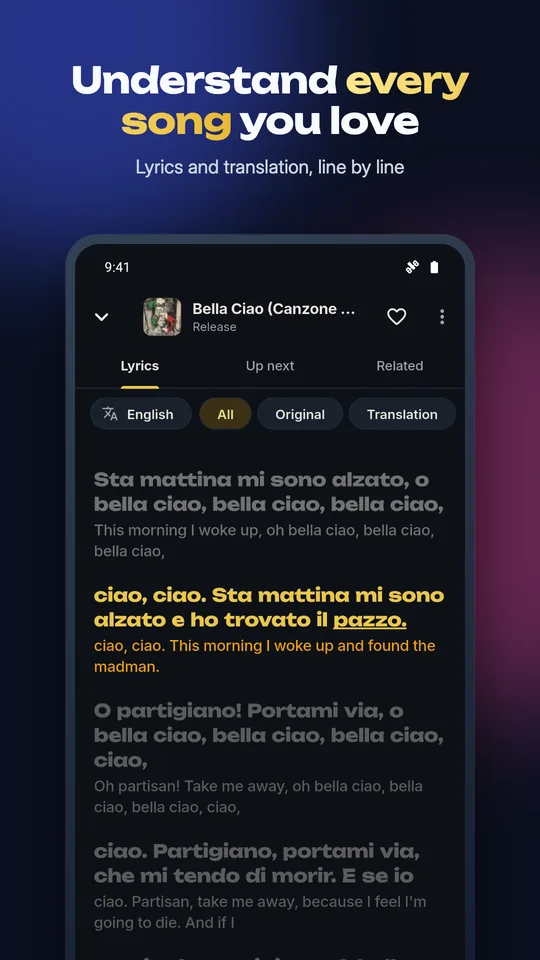
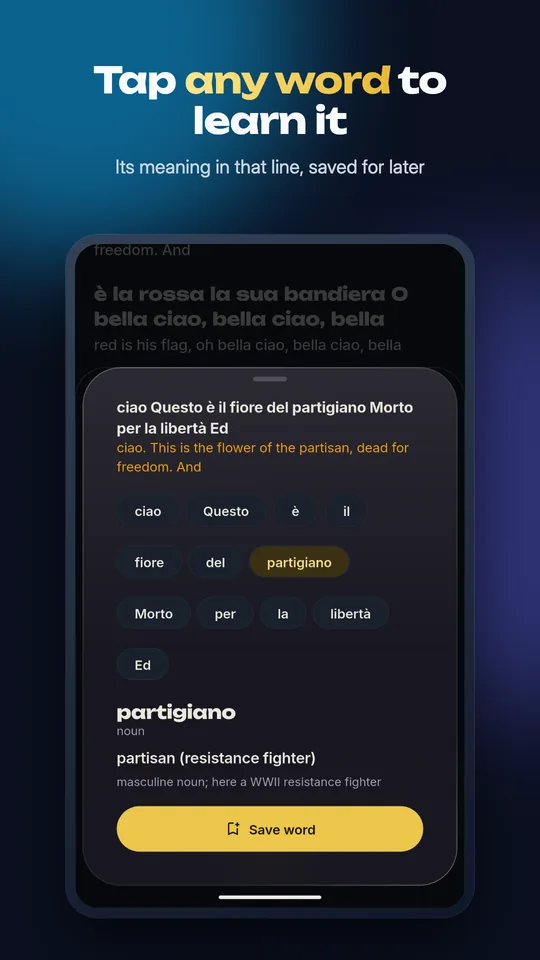
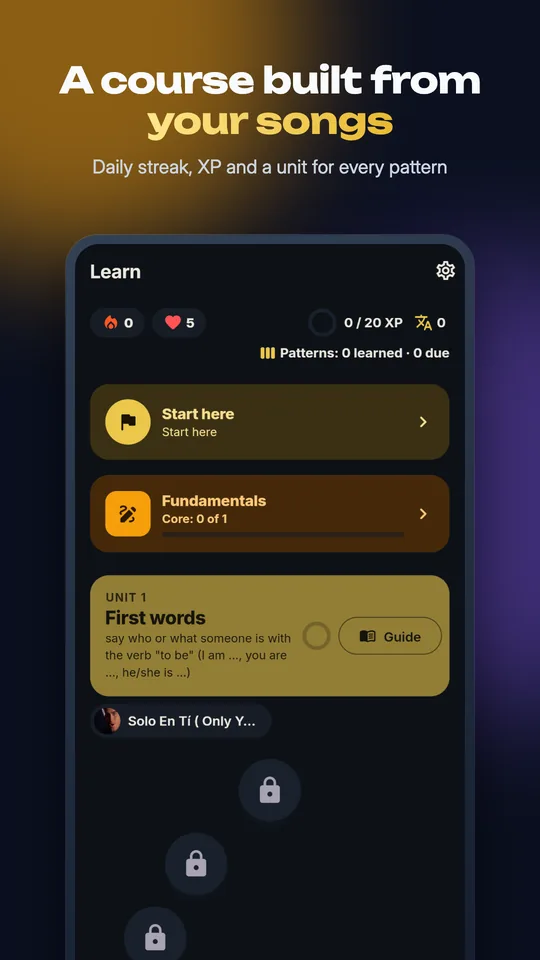
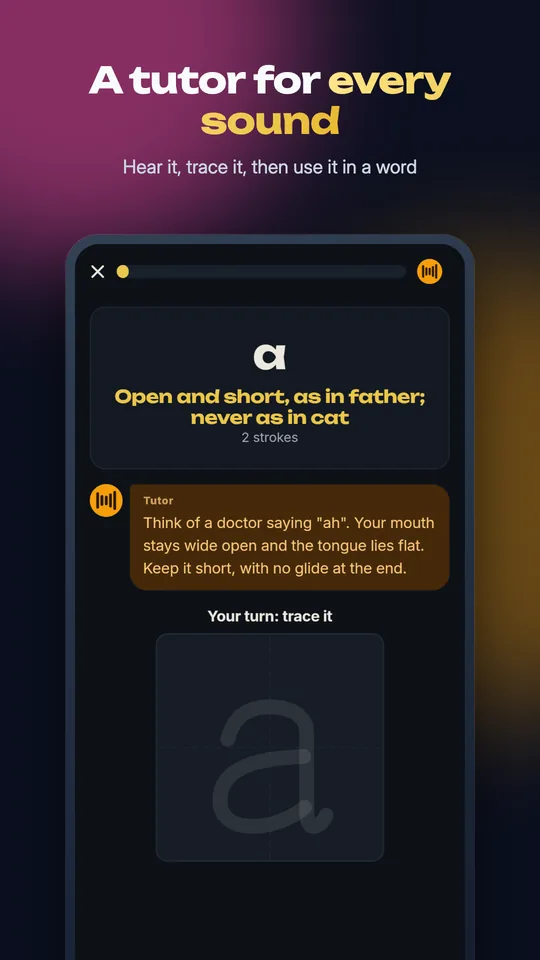
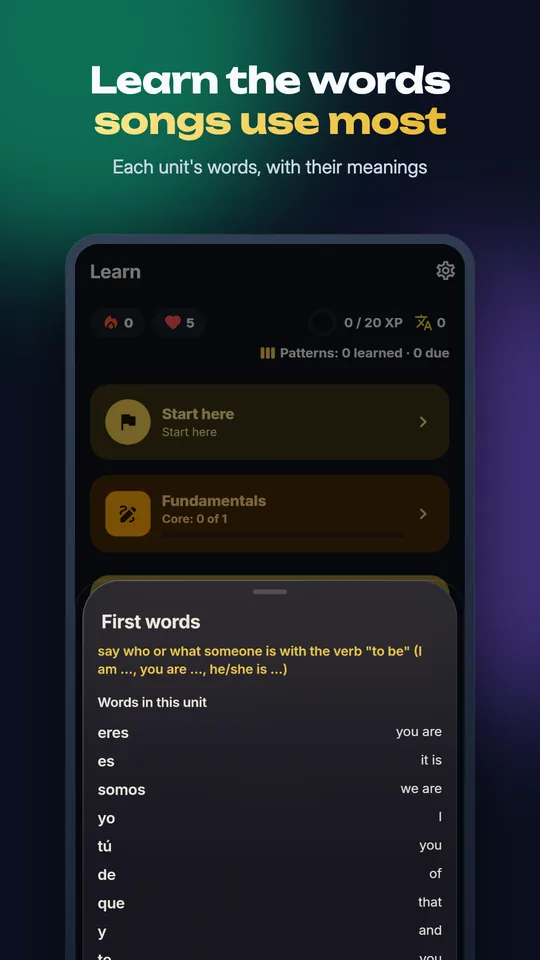
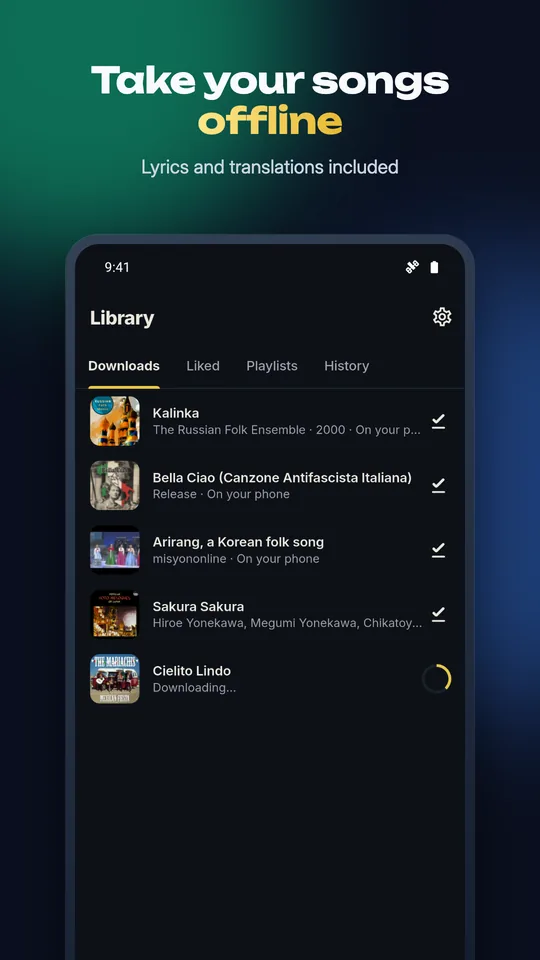
Lyringo is a music player and a language course in one. Every song plays with synced lyrics and a translation under each line, any word explains itself when you tap it, and short daily lessons built from real songs turn what you hear into what you know.
Why songs teach a language so well
A song repeats the same lines to the same melody, so you hear real phrases dozens of times without trying. The rhythm fixes them in memory, and you learn the language people actually speak, not textbook dialogue.
What songs lack is meaning. Lyringo adds it: the translation sits under each line as it is sung, and every word opens to show what it means right there.
What you get in Lyringo
Everything happens inside the music player, so you learn while you listen.
How it works
Four steps, and the first song takes under a minute.
Languages you can learn
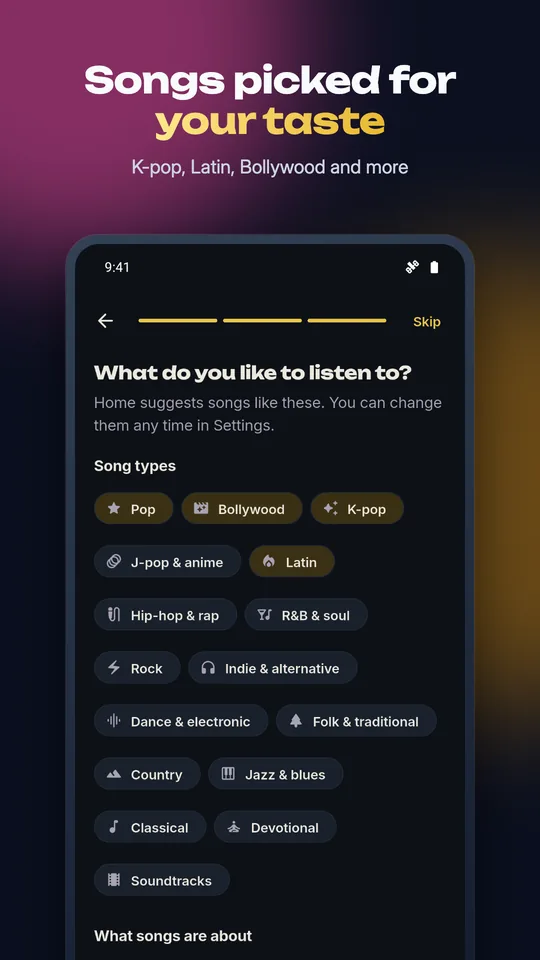
Spanish, Korean, Japanese, Hindi, Chinese, French, German, Italian, Portuguese, Russian, Arabic, Turkish and more: any language with songs in the catalogue. Translations come in your own language, from English and Hindi to Spanish, Indonesian or Bengali.
K-pop, J-pop, Latin, Bollywood and anime fans finally get to know what the lyrics mean.
Install it on your phone or computer
Lyringo is a web app you install from the browser, with no app store in between. On an iPhone or iPad, open it in Safari, tap Share, then Add to Home Screen. On Android, Windows or a Mac, open it in Chrome or Edge and choose Install app.
It then opens from your home screen like any other app. Versions for Google Play and the App Store are coming soon.
Install it in ten seconds
No app store and no download to wait for: Lyringo installs straight from your browser and opens like any other app.
iPhone and iPad
Open Lyringo in Safari, tap Share, then Add to Home Screen. It opens full screen, like any app.
Android, Windows and Mac
Open Lyringo in Chrome or Edge and choose Install app, on your phone or your computer. It opens in its own window, like any app.
Google Play and App Store versions are coming soon.
Free · installs from your browser · uses your Voxmin account